Guake
Guake
Wrong window position under Wayland with HiDPI
Guake window opens to full desktop when triggered via shortcut. Then, after resizing the window with Ctrl+↑, it jumps to the right (effectively leaving a part of the window outside of the screen) but resizes to the correct height. Closing and reopening the window triggers the issue again.
Please see the following screencast, where I press, in sequence:
Toggle (x3)
Ctrl+↑ (x3)
Ctrl+↓ (x2)
Toggle (x2)
Ctrl+↑
Ctrl+↓
Toggle
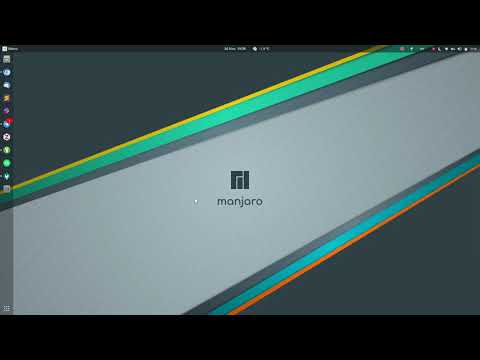
Note that in my configuration, Toggle is configured as guake-toggle in GNOME settings.
Expected behavior
Behaviour should be identical to when the one from an X session. Note that I have not experienced the same issues when running under X with HiDPI.
Actual behavior
Window position and size change in unintended ways.
To Reproduce
Launch Guake under Wayland on a HiDPI laptop monitor.
$ guake --support
Guake Version: 3.6.3
Vte Version: 0.58.2
Vte Runtime Version: 0.58.2
GTK+ Version: 3.24.12
GDK Backend: gi.GdkWaylandDisplay
Desktop Session: gnome
Display: wayland-0
RGBA visual: True
Composited: True
- Monitor: 0 - SDC 0x414a
- Geometry: 3840 x 2160 % 2 at 0, 0
- Size: 340 x 190 mm²
- Primary: False
- Refresh rate: 60.00 Hz
- Subpixel layout: unknown