

 GrognardsFromHell
temple+ game executable
I've got an appcrash after I'm running the game, ntdll.dll but I have directx, and I can use only the first version the temple+ when the other version have a crush all the time.

What version? Does it produce a log file? What system are you using? I need more details to be able to help you...

Thanks for the answer. I have a Windows 7 64b. I can use exactly 1.0.13 version(an older version of Temple+ in Temple+ Support to download) anyway the game have got issue could not check for updates. In any case if I try to start more higher version than 1.0.13, all of them gave me the particular system error.
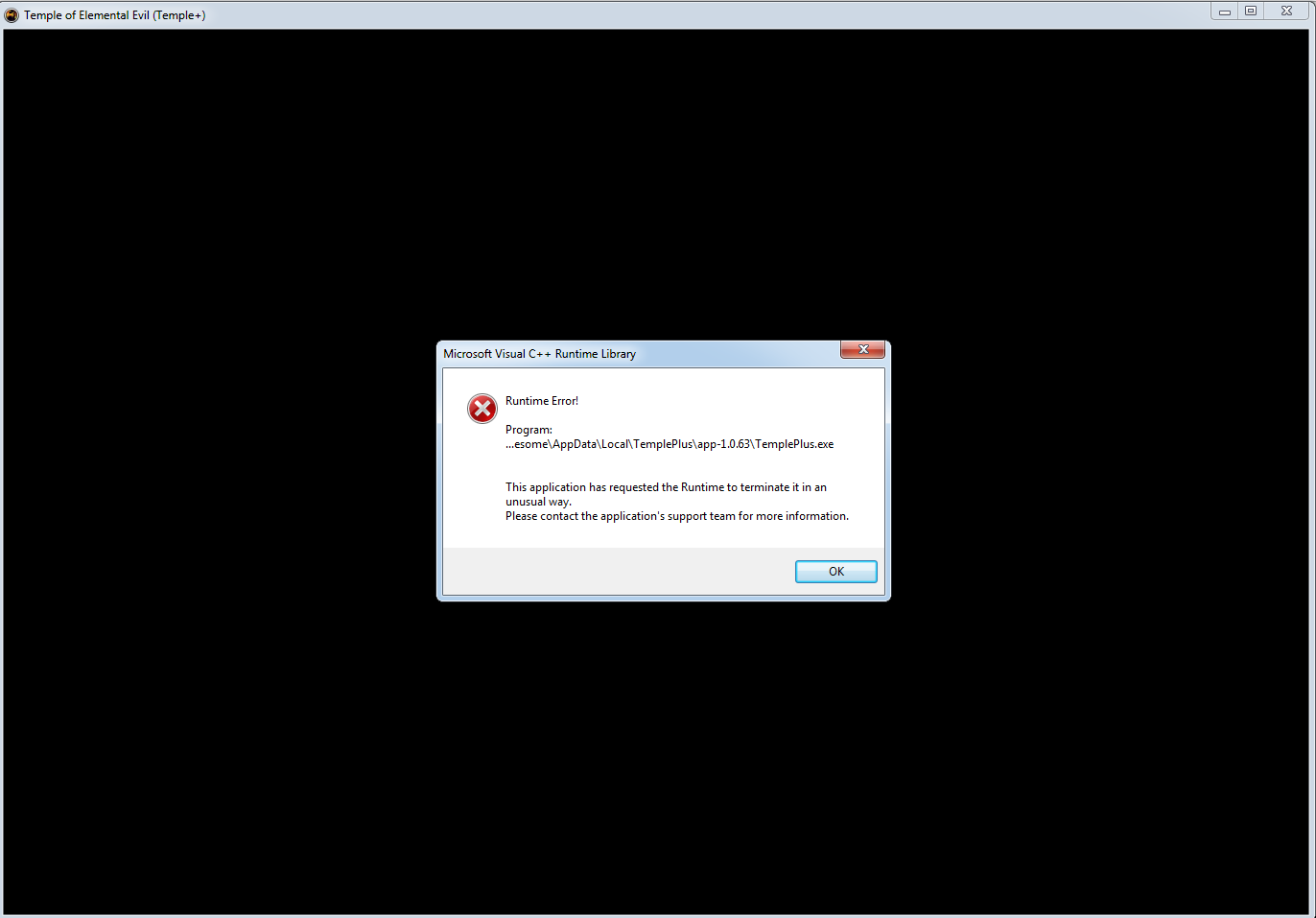

@fasager maybe post the end of your TemplePlus.log. It should be in "Saved Games/TemplePlus" somewhere in your user directory.
For example, in my case on version 64, it is encountering an error when trying to get text layout metrics,
[2018-05-03 13:28:18.127] [core] [info] Reloading font collection...
[2018-05-03 13:28:18.127] [core] [info]  Loaded Font Family: Junicode
[2018-05-03 13:28:18.128] [core] [info]  Loaded Font Family: Scurlock
[2018-05-03 13:28:18.148] [core] [warning] Direct3D Error 0x-7fffbffb @ textLayout->GetMetrics(&dWriteMetrics):
I see a new font family, "Priority-12", was added recently, https://github.com/GrognardsFromHell/TemplePlus/blob/master/tpdata/templeplus/text_styles.json#L41 , but I don't see that font in https://github.com/GrognardsFromHell/TemplePlus/tree/master/tpdata/fonts . Is it missing?

Version 1.0.13 was the last one before the DX11 upgrade, it it's probably related to that. Usually people with older gfx cards had this issue. You should make sure your drivers are up to date, other than that I'm not sure how to help you.
@lucianposton I'm not sure what's causing your error. Priory-12 is a vanilla ToEE font at any rate.
Sorry for the long delay, just got married and changed jobs :)
Congrats, Dude :)
"Priory-12 is a vanilla ToEE font at any rate." You sure? Wasn't it a Co8 addition? Or maybe I am totally lost here.

I don't see any file named priory in my toee/co8 install folder nor windows folder. Are the toee fonts bundled inside a resource file or exe?
If I'm indeed missing the priory font, that might explain the error in my log.
I do have the following folder in my Co8 installation dir:
art\interface\FONTS\PRIORY\priory-12
Edit: I think the same folder is present in vanilla too though.
@lucianposton Going back to your original problem though. Can you create a different issue for it? I can look into it in more detail then.