GoogleChrome
'Uncaught (in promise) bad-precaching-response' - error triggered by nuxt build module
Library Affected: workbox-precaching
Browser & Platform: All browsers
Issue Description:
Project builds and runs free of errors with npm run dev and npm run build / npm run start.
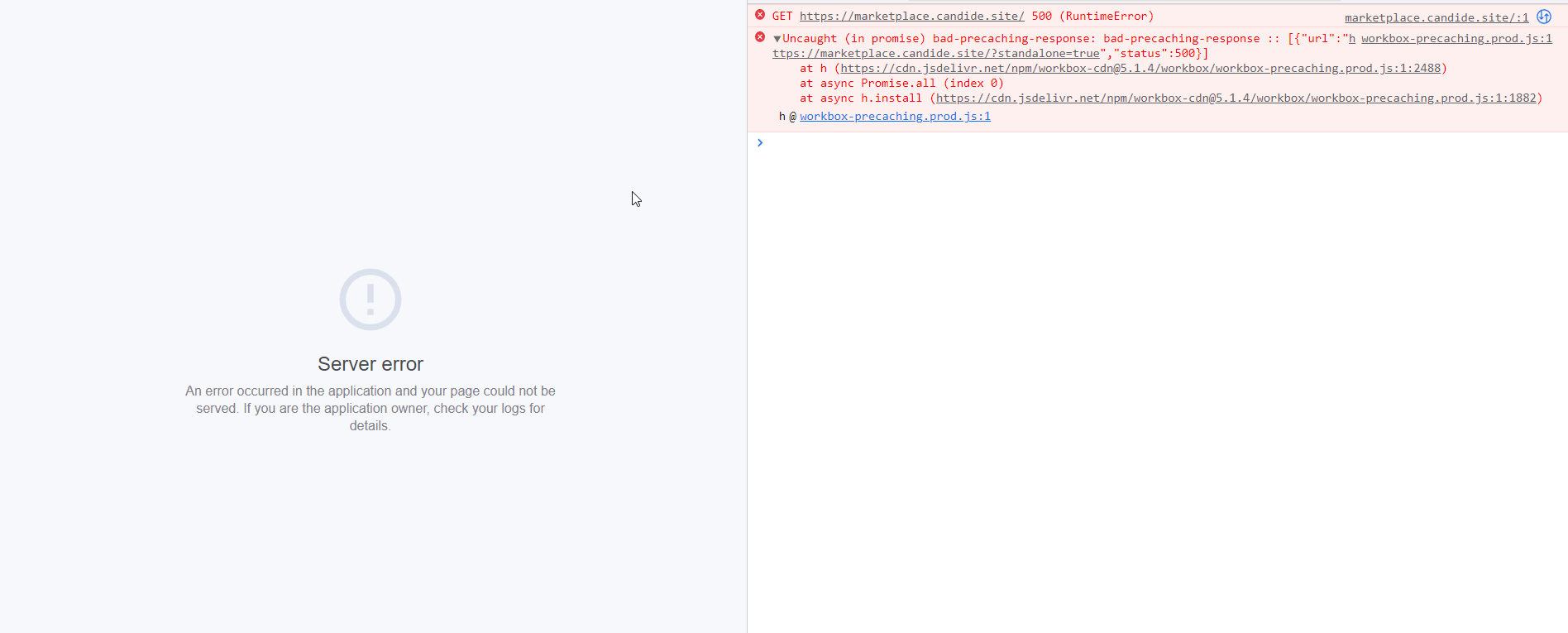
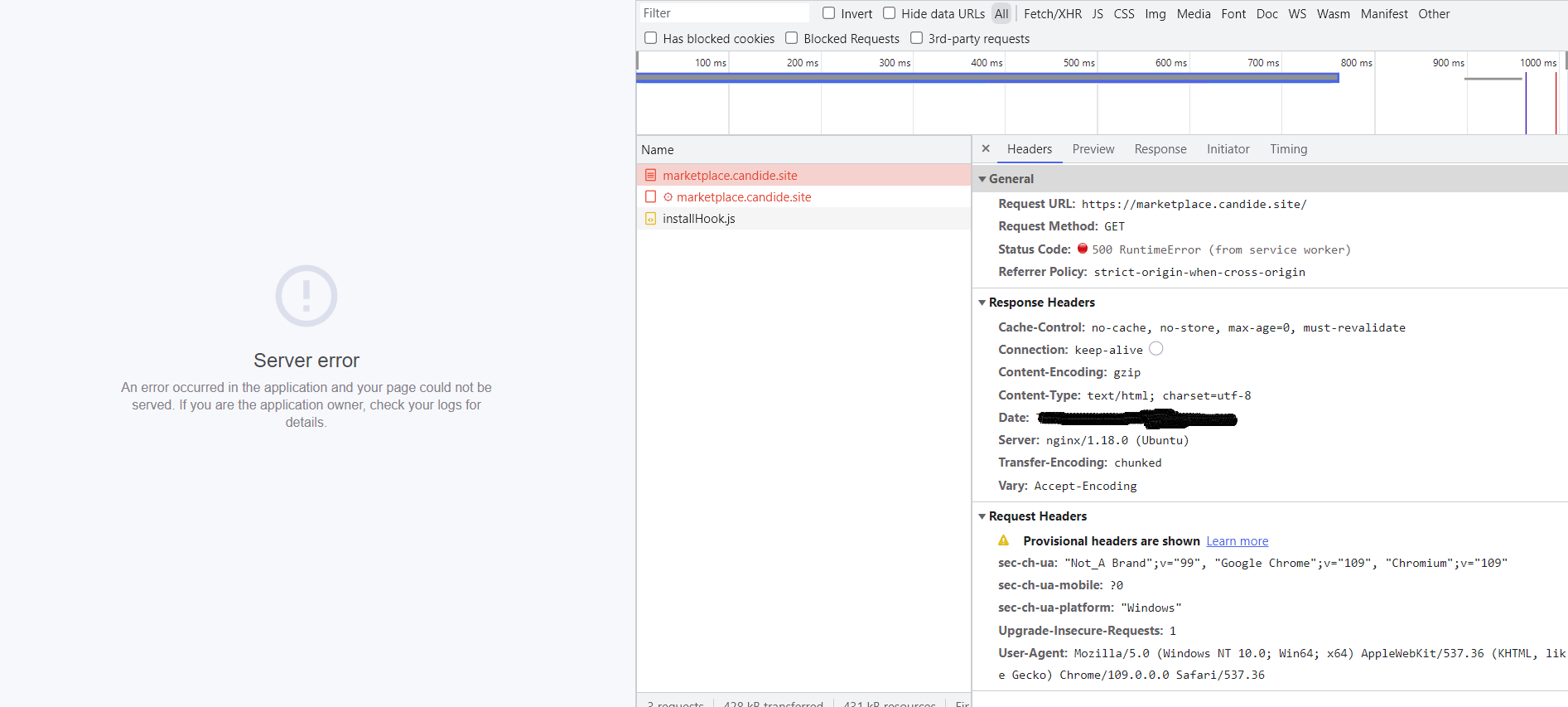
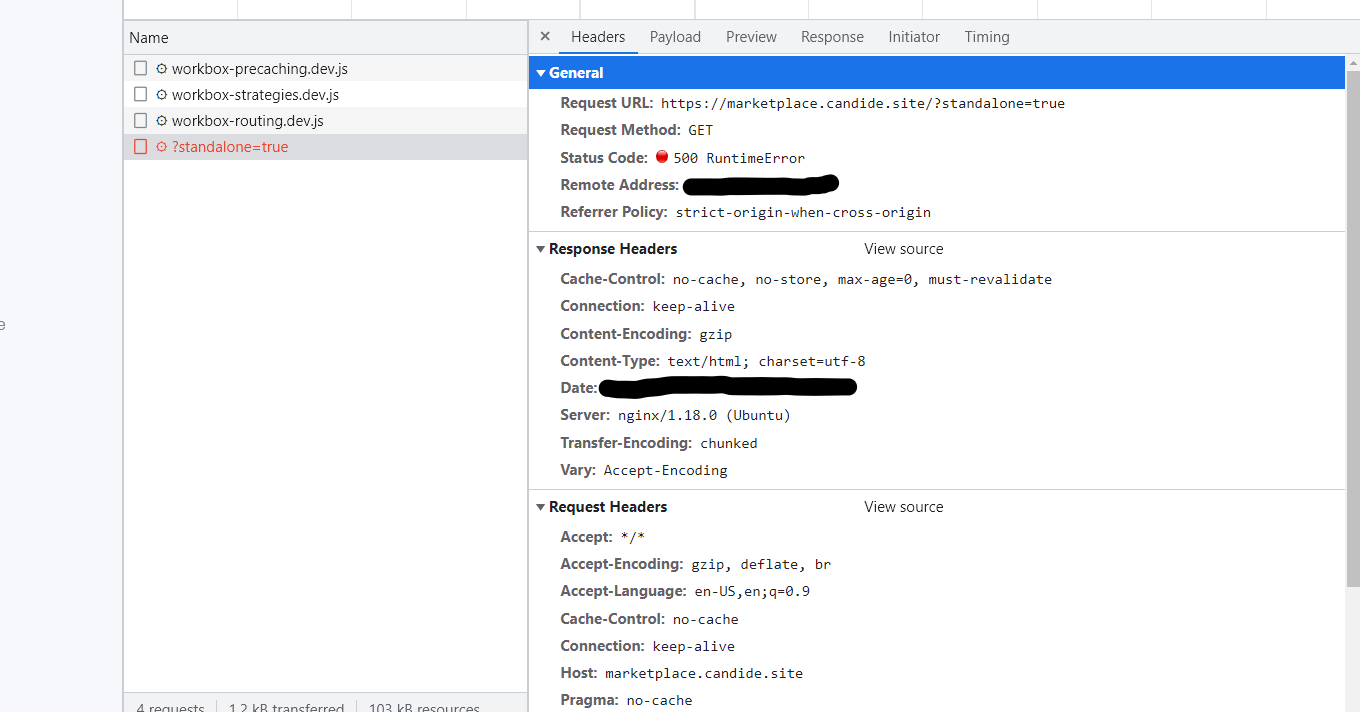
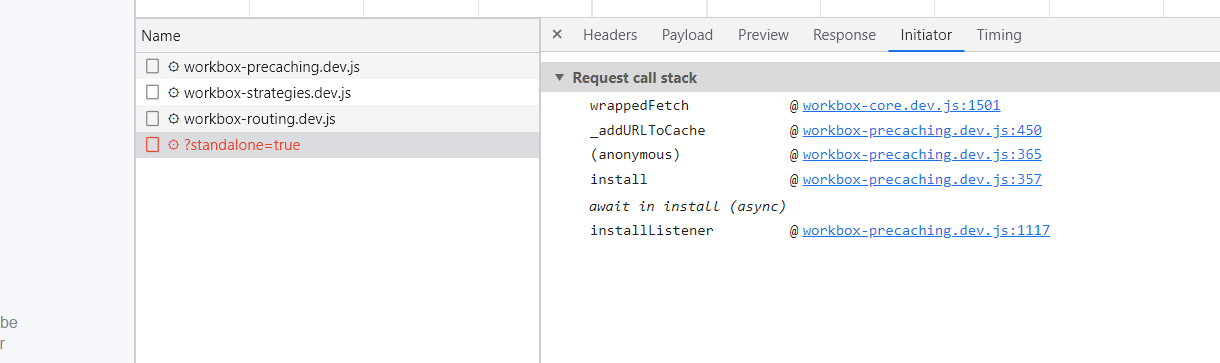
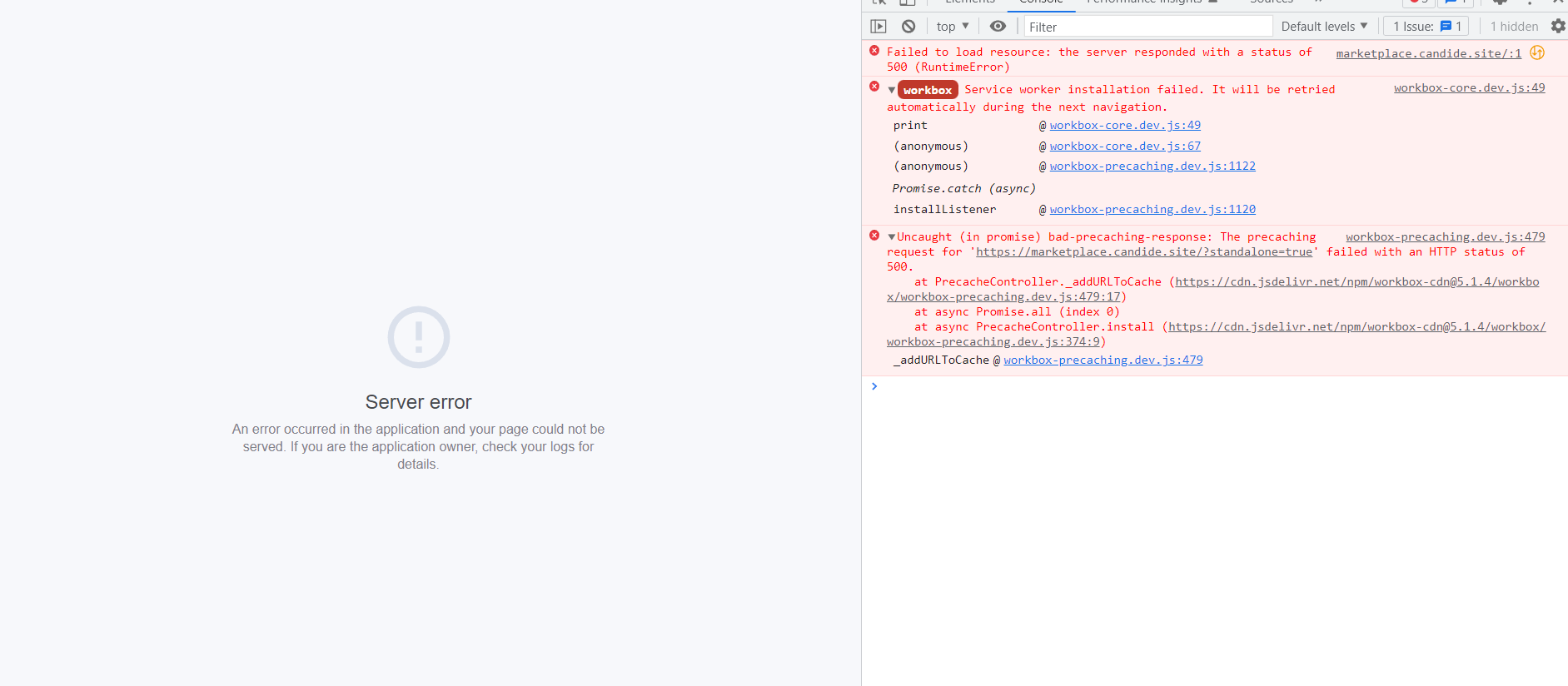
When pushed live I get: (see screen shots for details)
- "Runtime Error" status code 500
- "Uncaught (in promise) bad-precaching-response" status code 500
- A status code 500 error linked to "?standalone=true" initiated by workbox-core.prod.js
- Sometimes I get "Not Found" status code 404 linked to "favicon.ico" initiated by workbox-core.prod.js
If I remove '@braid/vue-formulate/nuxt' from the buildModules array in nuxt.config.js and push live the site works without error.
I tried a different form library (Vueform) after uninstalling vue-formulate from the project. I got the exact same errors and, again, the issue would be resolved if I removed the reference to the library from the buildModules array.
I turned on workbox debug mode through the @nuxtjs/pwa options in nuxt.config.js pwa.workbox.config.debug = true
Now workbox debug is giving me "Service worker installation failed. It will be retried automatically during the next navigation." (see screen shots)
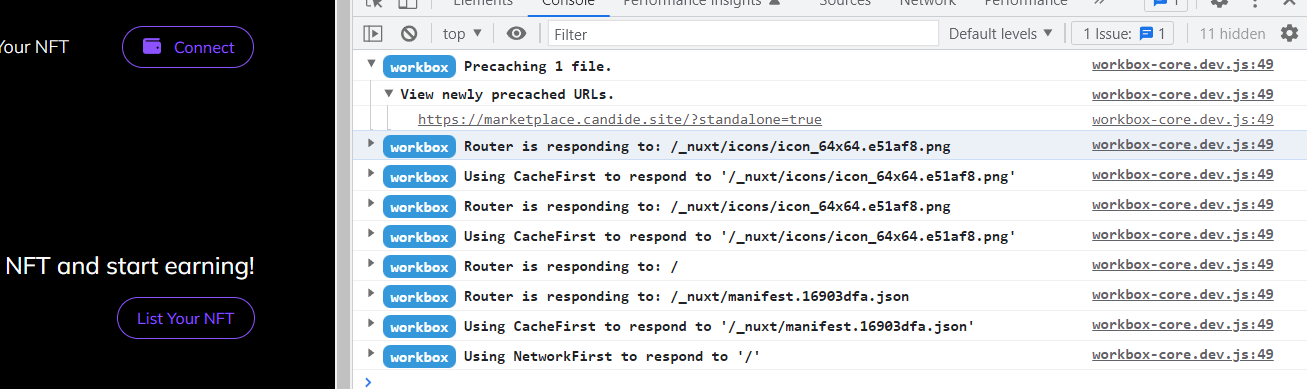
With workbox debug on and pushing a version of the site I know works I get a successful precache for "site-url/?standalone=true" (see screen shots)
Any help toward a solution would be welcome; I am at a loss. I'm happy to provide any additional info if necessary.
Attempted solutions:
Delete package-lock.json and node_modules folder and run npm install.
In nuxt.config set pwa.manifest.start_url = ''
Project Details:
package.json

"dependencies": {
   "nuxt": "^2.15.8",
   "vue": "^2.7.10",
   "@nuxtjs/pwa": "^3.3.5",
   "@braid/vue-formulate": "^2.5.3",
   // ...
}
// ...
nuxt.config.js

buildModules: [
   '@braid/vue-formulate/nuxt',
   // ...
]
// ...



Hi Spencer!
Did you find a solution? I have the same issue... :(
workbox-precaching.prod.js:1 Uncaught (in promise) bad-precaching-response: bad-precaching-response :: [{"url":"https://nougats-silvain.fr/","status":404}]

Hi Spencer!
Did you find a solution? I have the same issue... :(
workbox-precaching.prod.js:1 Uncaught (in promise) bad-precaching-response: bad-precaching-response :: [{"url":"https://nougats-silvain.fr/","status":404}]
No. I ended up building my own component library for the project because I kept running into issues with 3rd party libraries.
If I did it again today I would either try DaisyUI (if that works in Nuxt) or I just learned about NuxtUI that looks promising.
Hi there,
Workbox is moving to a new engineering team within Google. As part of this move, we're declaring a partial bug bankruptcy to allow the new team to start fresh. We realize this isn't optimal, but realistically, this is the only way we see it working. For transparency, here're the criteria we applied:
- For PRs, we closed everything that doesn't target the current
v7branch. - For Issues, we closed everything that was created before 2024.
Thanks, and we hope for your understanding! The Workbox team