

 Giveth
Allow user to click next to see the other pages of the verification page
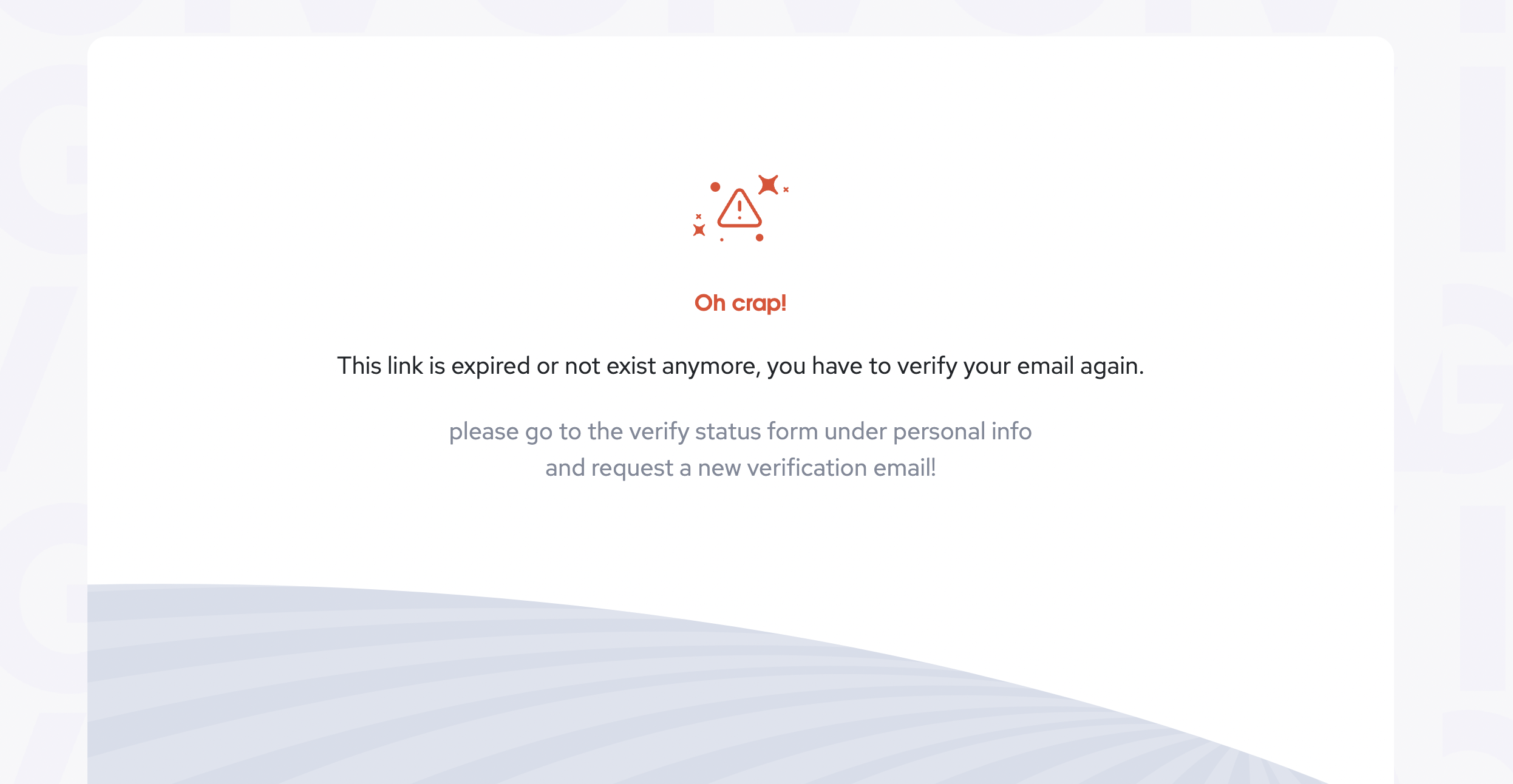
I was trying to demo the project verification to the World Food program and I couldn't get passed the verify the email step... I should be able to hit next and see what other requirements are needed without filling out every page of the form.

Updates with design!
We need a new status for verification tabs!
Users should be able to go to all other tabs, but when there is an issue or an empty field, the tab name on the left sidebar should change to the new Has issue status.
When user goes to the last tab Terms & Conditions, if there are still some issues or missing fields, the Finish button should change to "Please make sure you didn’t miss anything" @divine-comedian We need a better copy for this button.
Design resources

We validate the form and send input data to the backend on each step, and if we wanna let the user go next steps without filling them, we should validate all steps errors in the final step. so I need a new design for the final step. Besides that, I need some changes on the backend side to allow saving form progress without filling all requirements for each step and doing the final evaluation on the final step.
cc @MoeNick

If we let users go to the next step without validating, they may forget to fill out part of the form and then we will have another issue with informing users about the empty fields and the overall UX would be more difficult. But as you mentioned we can actually show all of the required data before going through the validation form so the user can know what they need to validate the project
Also if it helps, we can also have a video presenting the whole validation flow so users can also watch that and also used it as a demo for presentations.
@GriffGreen

That is not as organic, and i would prefer to be able to click thru. It seems simple to create a "Submit" button at the end that validates whether they filled in all the required data. No?
Maybe on the side bar have check marks next to the pages that are correctly filled out and the ones that aren't filled out all the way they are greyed out?
Then there is still validation on each page, but they can skip ahead and edit the next sections without being blocked.
The UX this way will be 10x better.
Sometimes the person filling out a form has a lot of the info, but not all of it. They may need support from someone else...
Please reconsider the video approach.
Please do
This is actually no biting me in that ass again... delaying verifying a project to raise funds for turkey by 24 hours :-(
I can't get past the verify email page... At least while i'm waiting for the email to show up i could be filling out the rest of the form... but instead i'm making this issue... as i sit on a plane waiting to take off for a 14 hour journey :-/
Verification team can bypass all this flow and make projects verified with an offline method if they want to be fast or in any special cases- jfyi

Need to inform the user that they are missing important fields, they can't submit
red warning icon on the left for sections they are missing required info
add something to Done section informing they their application is incomplete

We need a new status for verification tabs!
Users should be able to go to all other tabs, but when there is an issue or an empty field, the tab name on the left sidebar should change to the new Has issue status.
When user goes to the last tab Terms & Conditions, if there are still some issues or missing fields, the Finish button should change to "Please make sure you didn’t miss anything" @divine-comedian We need a better copy for this button.
Design resources
@mosaeedi left some comments on the designs, let's follow up there.
Hey @divine-comedian just a friendly reminder to take a look at the Figma.

@MohammadPCh added skipping steps, but first step you can't skip, after that you can skip and check all steps. Stuck on last step, asked Ramin how to add additional step on BE. I will update you.

to test:
- create or have an existing unverified project
- click through to verification flow from project actions
- verification form should load
- you should be able to click through to all pages of the verification form without needing to fill in information
- UI elements such as warning icon for pages in left overview component with missing information should show correct to pages with missing info
- green check box should show next to pages that have been completely filled and have no error messages
- warning message shows on page if form is incomplete
- no warning message is shown if form is totally completed
- form cannot be submitted if there is missing required information
- from can be submitted successfully if all information fields are filled correctly
@kkatusic - is this issue ready to QA? I can see it is in the QA column but I see a mentioned unmerged PR
@kkatusic - is this issue ready to QA? I can see it is in the QA column but I see a mentioned unmerged PR
It is not on staging, it needs to be synchronized with BE pull request. And PR needs verification.
@kkatusic - is this issue ready to QA? I can see it is in the QA column but I see a mentioned unmerged PR
It is not on staging, it needs to be synchronized with BE pull request. And PR needs verification.
Okay! Please make sure you move your issues into the correct pipeline to prevent further confusion
@kkatusic - is this issue ready to QA? I can see it is in the QA column but I see a mentioned unmerged PR
It is not on staging, it needs to be synchronized with BE pull request. And PR needs verification.
Okay! Please make sure you move your issues into the correct pipeline to prevent further confusion
Sorry I will pay more attention next time
