
geotiff.io

geotiff.io copied to clipboard
 GeoTIFF
Validate File Input
Describe the bug If a user tries to upload something that isn't a GeoTIFF, we should automatically check that the extension is .tif or .tiff and alert that user if it is not.
To Reproduce Steps to reproduce the behavior:
- Go to app.geotiff.io
- Click on choose file
- Select a zip file
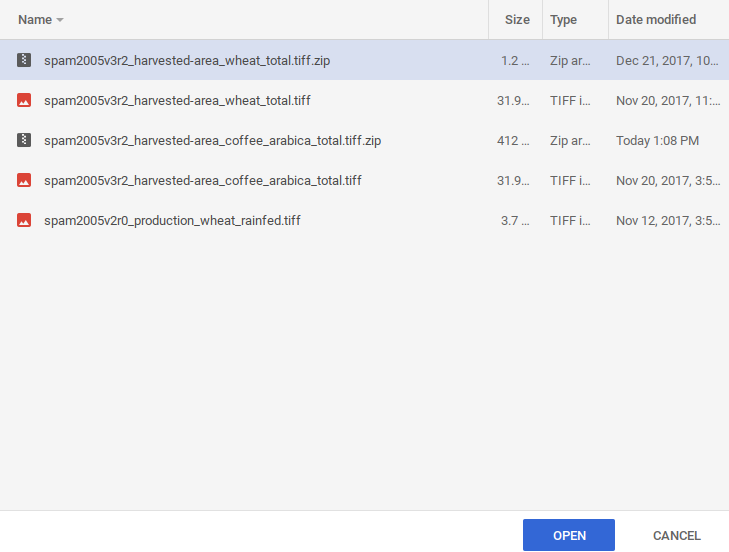
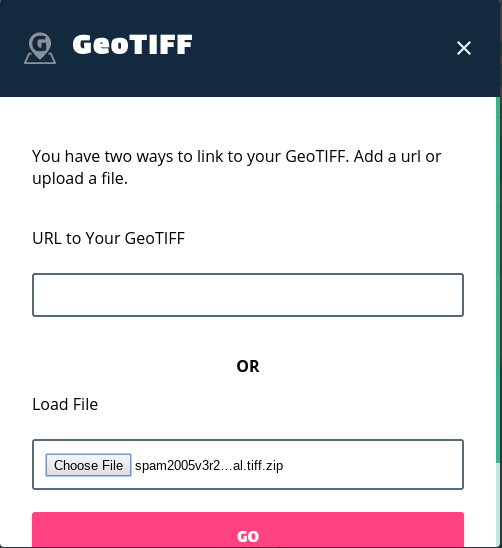
- Click
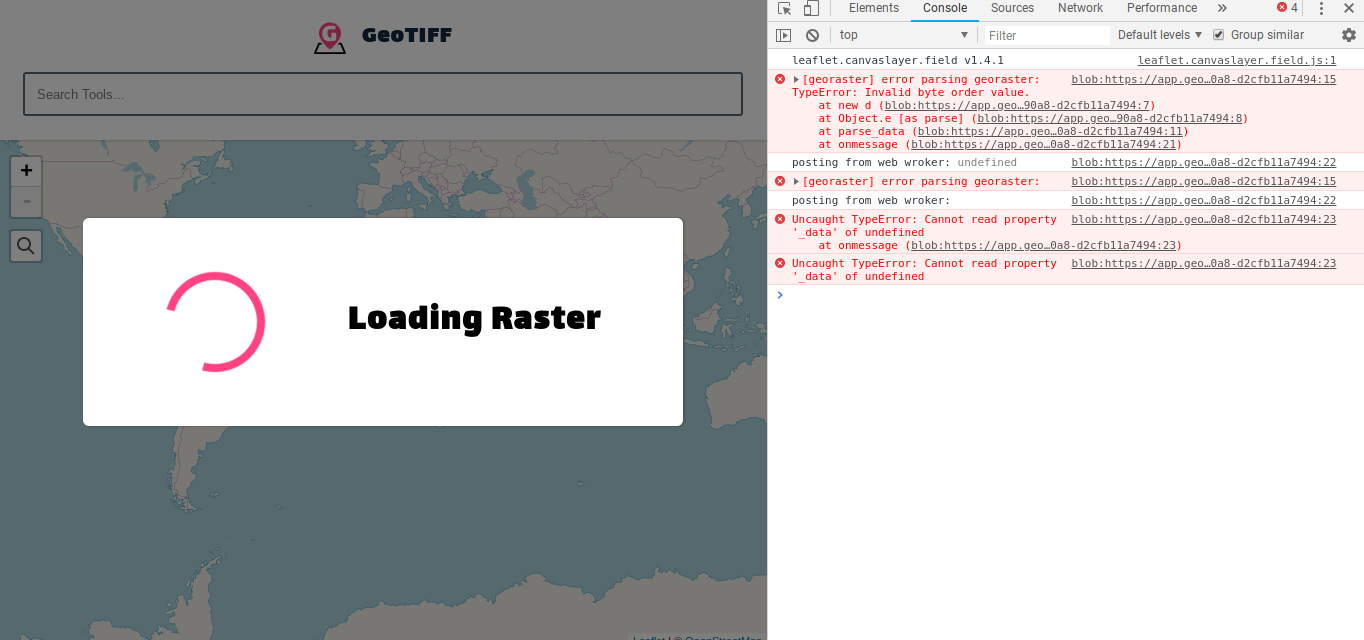
GO - Pretends to start loading, but never finishes
Expected behavior
An alert should pop up on the screen saying only .tif and .tiff files are supported. If you have a zipped GeoTIFF file, please unzip first.
Screenshots See above
Desktop (please complete the following information):
- OS: [e.g. iOS] ChromeOS
- Browser [e.g. chrome, safari] Chrome
- Version [e.g. 22] N/A
Additional context
Part of the problem is when computers hid the file extensions of files. For example, when a user tries to load a zipped tif file on Windows, Windows will hide the .zip file extension, so the file will look like a .tif file.
