

 Genymobile
Change to project home page : Suggest "clean viewfinder app"
Hello, A really good use for this application is a wireless camera with viewfinder.
However the android stock app will have many weirdness and UI elements overlaid on top of the image !
So, please include a suggestion for software that will turn on the camera and display the viewfinder with no UI elements.
And that also will not auto-shutoff when left in viewfinder mode !
(I will post back here for suggestions as I am now doing a review of the available software)

I was suggested proprietary software droidcam
Unfortunately, it is not open source and therefore slaps watermark on top of the video, unusable for my purpose.
I have tried the app
LibreCamera
https://github.com/iakmds/librecamera
Unfortunately it lacks a clean viewerfinder
There is a permanent green border and several UI elements that I could not find how to remove.

Several other missing features, only modes for exposure and focus are auto and locked, no adjustment There is no bitrate or codec selection, and it seems that image quality enhancements are disabled with it, so the image looks more washed out and easily over exposes
Not suitable f ro this
I tried opencamera google camera
And lastly hedgecam 2, and finally this one works
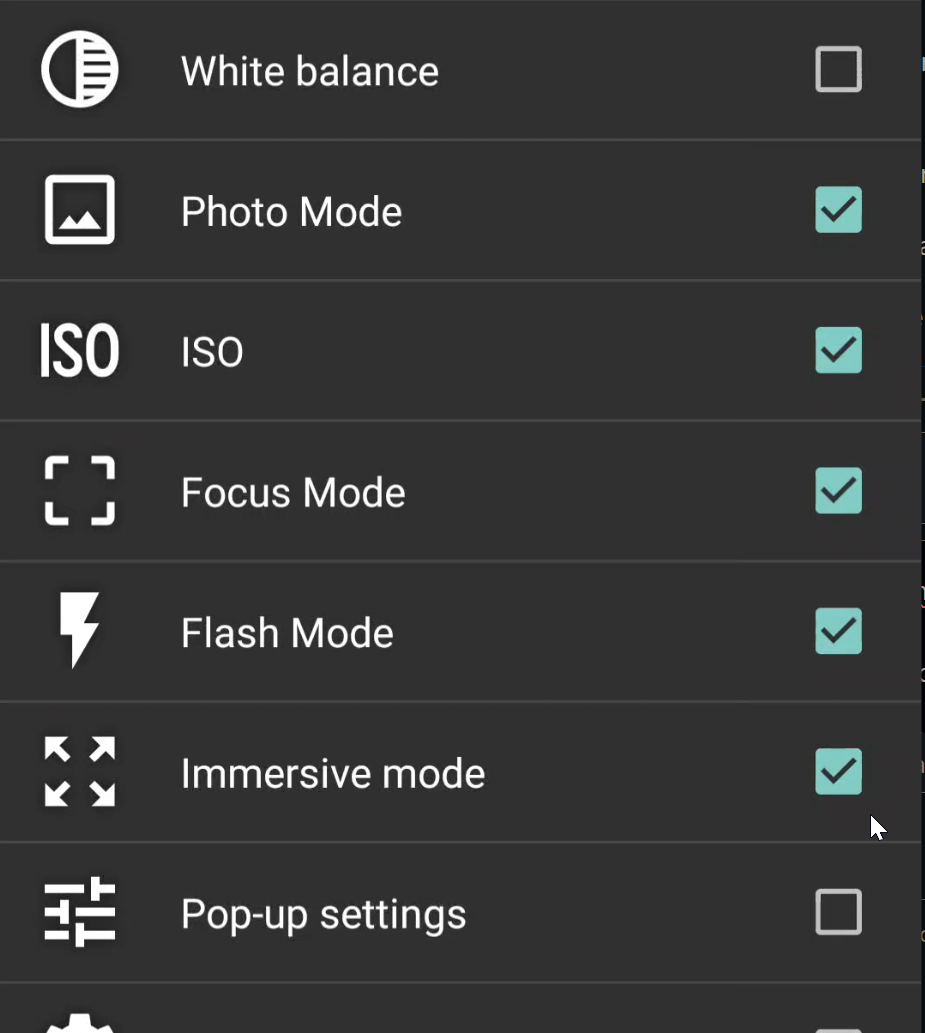
Go to settings -> on screen gui - > control panel -> scroll down and check immersive mode
You now have a button
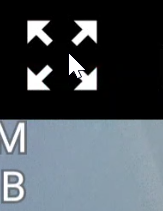
That will give you a clean viewfinder suitable for screencapture, yay !

Still haven't figured out how to make it fill the screen, but black bands is better than a bunch of UI components clogging up the screen !
This apps is the best so far, in that it is the first one that is applicable to this purpose.
But I would love to hear from other users about alternatives.
I tried recording with this app, unfortunately, the mode I use the most 720p 240fps, crashed to homescreen without explanation !
So, this is the optimal resolution and setup from my device
After messing around a lot, I went into preference control and did a full settings reset
Now I enable the mode panel and add immersive mode
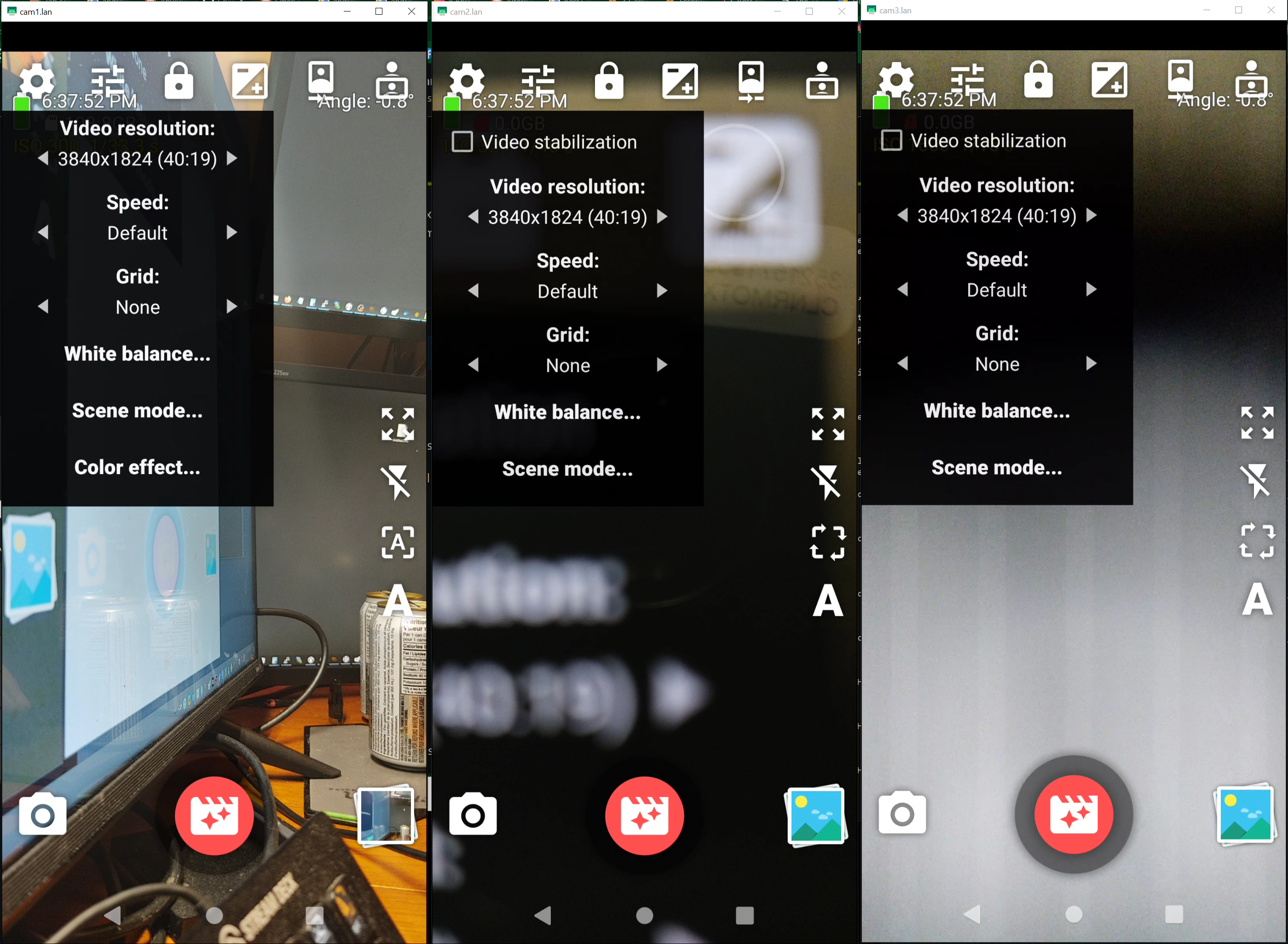
If you're on android 12 or above you can output your camera directly. Check the camera.rd readme file for info..

If you're on android 12 or above you can output your camera directly. Check the camera.rd readme file for info..
Unfortunately, I will remain on android 9 forever