
GVladislavG
GVladislavG
Yes I initialized it. There is structure in file. But no geometry shown... [test.zip](https://github.com/xBimTeam/XbimGeometry/files/6271309/test.zip)
Thank you! Its's Great!!!) But how can I add colors and colors with transparency to my model? To IfcTriangulatedFaceSet? 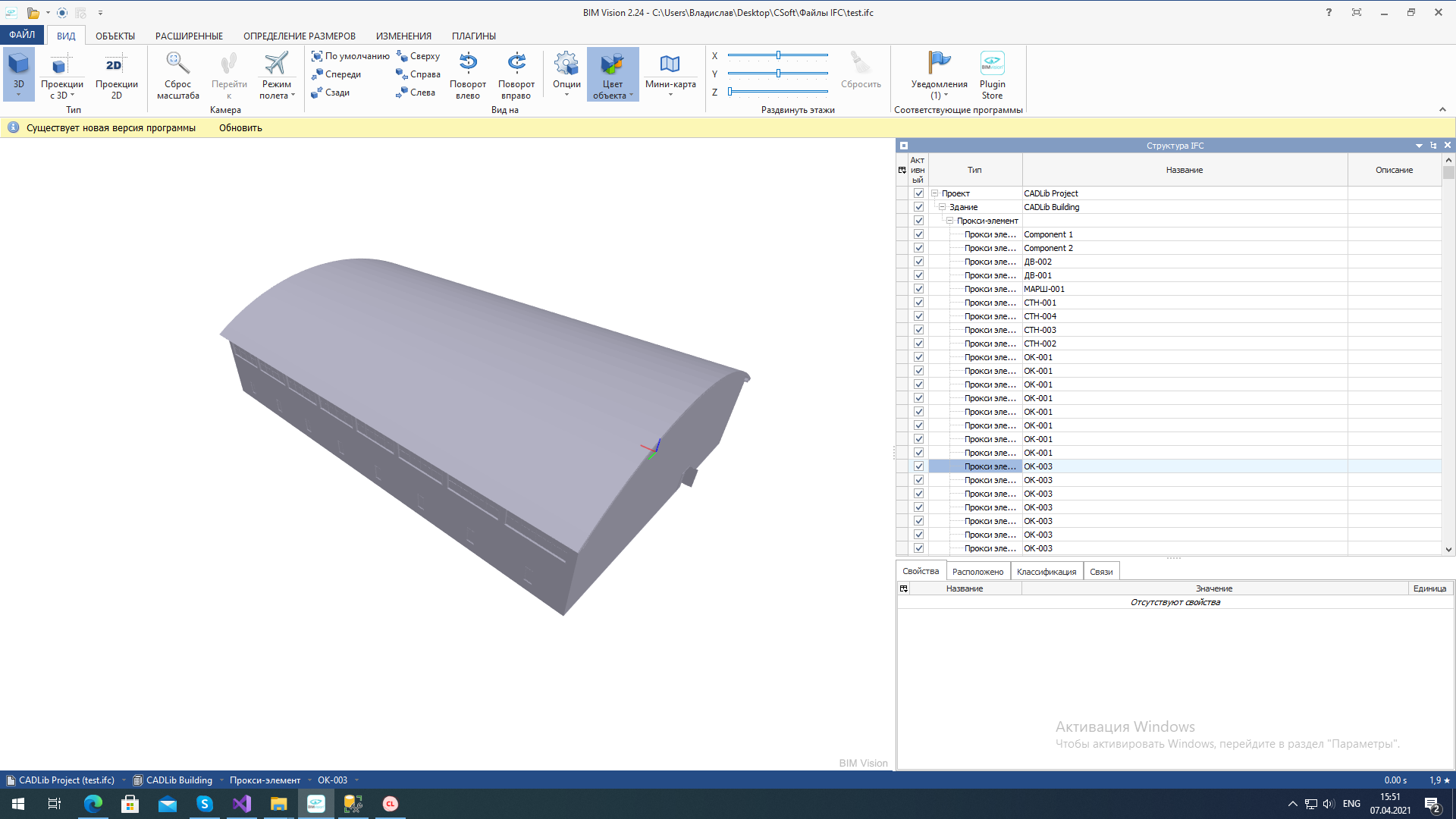 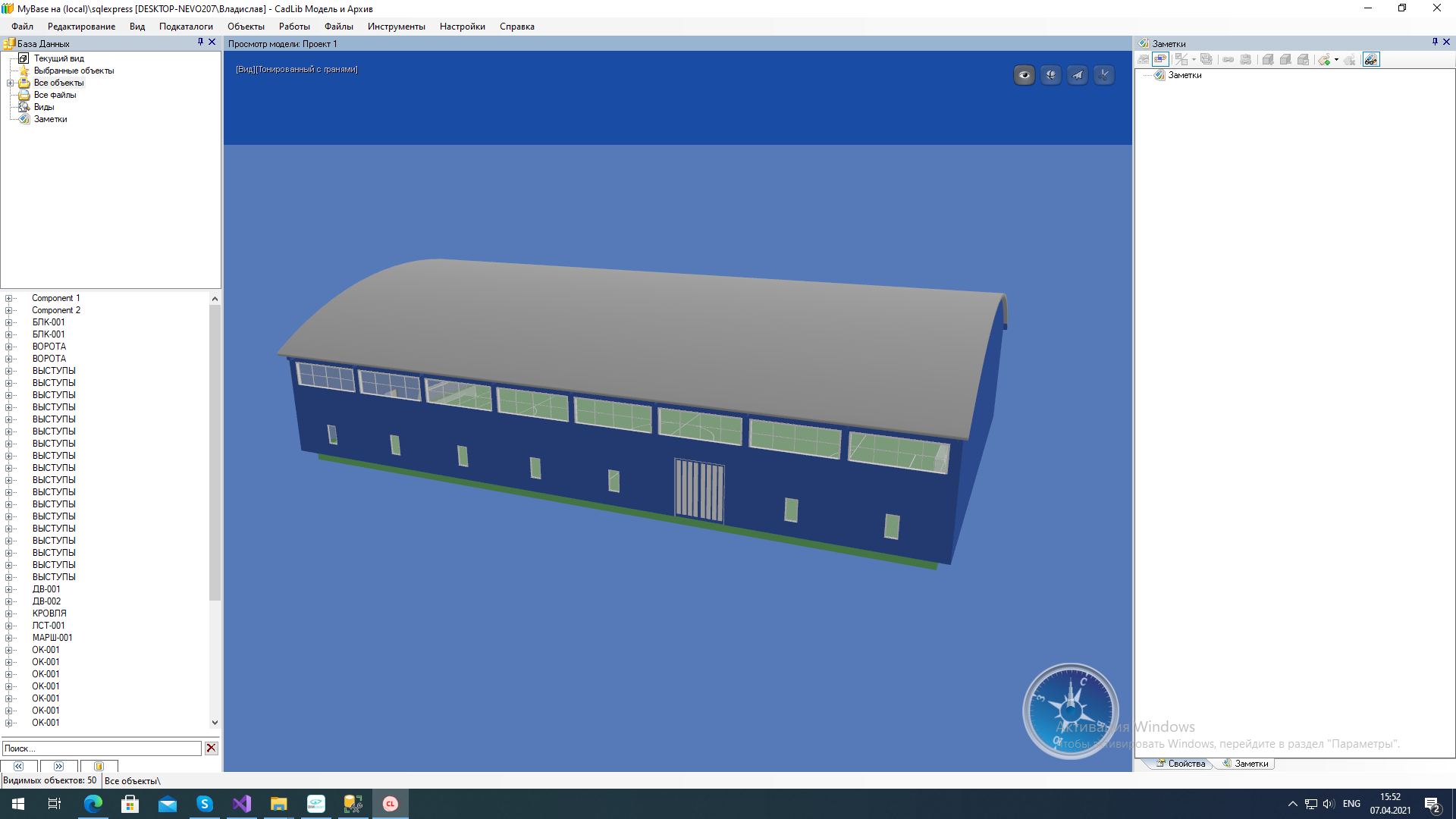
Thank you! I understood, how to add a color. Is there any way to set transparency to windows? 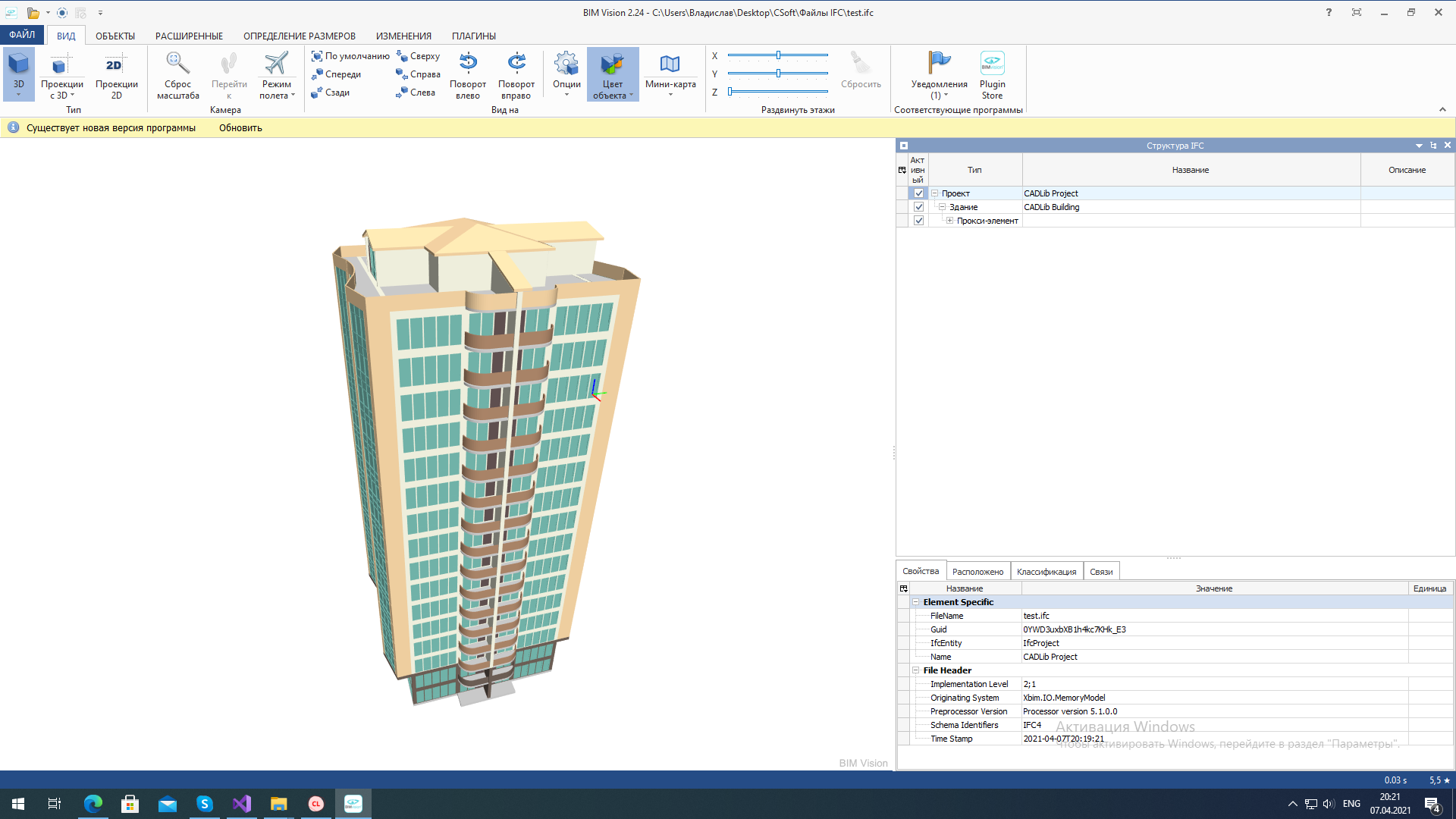
Thanks! And is there any way to attach several colors to IfcTriangulatedFaceSet? I mean that some of triangles will have one color, some - second, some of them - third...
There is a question about this code fragment ``` // now place the object into the model c.ObjectPlacement = i.New(p => p.RelativePlacement = i.New(a => { a.Location = i.New(cp =>...
And is there no way to set coordinate system in IfcAxis2Placement3D by origin location and coordinates of three axises (x,y,z)? Not by Location, RefDirection and Axis.
As I could understand from docs this code must be correct. ``` bldElProxy.ObjectPlacement = model.Instances.New(p => p.RelativePlacement = model.Instances.New(a => { a.Location = model.Instances.New(c => c.SetXYZ(ptOrigin.x, ptOrigin.y, ptOrigin.z)); var locX...
Hello! I have the same question. Can you give some code example of creating and filling IfcTriangulatedFaceSet with my custom verticies, indicies, normals and face colors. And also it's interesting,...
So is there no way to write triangulated mesh in IFC2x3? I just looked in IfcClosedShell and there are no vericies, indicies, etc.
Is there any code example like for IfcTriangulatedFaceSet? Thanks!