
gnome-shell-extension-gsconnect

gnome-shell-extension-gsconnect copied to clipboard
 GSConnect
cannot detect devices + error notification
Describe the bug
cannot start gsconnect correctly
Steps to reproduce
- enable the extension (open your session, from the extension manager)
- get the error notification
Expected behavior
work and detect devices on the same network with kdeconnect app
GSConnect version
54
Installed from
OS package manager
GNOME Shell version
43.0
Linux distribution/release
Nobara project
Paired device(s)
cannot pair
KDE Connect app version
1.22.2
Plugin(s)
No response
Support log
/(?:cn|CN) ?= ?([^,\n]*)/.exec(...) is null

get@/usr/share/gnome-shell/extensions/[email protected]/service/__init__.js:393:64
_initCertificate@/usr/share/gnome-shell/extensions/[email protected]/service/backends/lan.js:182:13
start@/usr/share/gnome-shell/extensions/[email protected]/service/backends/lan.js:440:18
_loadBackends@/usr/share/gnome-shell/extensions/[email protected]/service/manager.js:255:25
start@/usr/share/gnome-shell/extensions/[email protected]/service/manager.js:458:14
vfunc_startup@/usr/share/gnome-shell/extensions/[email protected]/service/daemon.js:258:22
vfunc_handle_local_options@/usr/share/gnome-shell/extensions/[email protected]/service/daemon.js:664:18
@/usr/share/gnome-shell/extensions/[email protected]/service/daemon.js:727:17
Screenshots
No response
Notes
the version from gnome extension's website just shows waiting for service

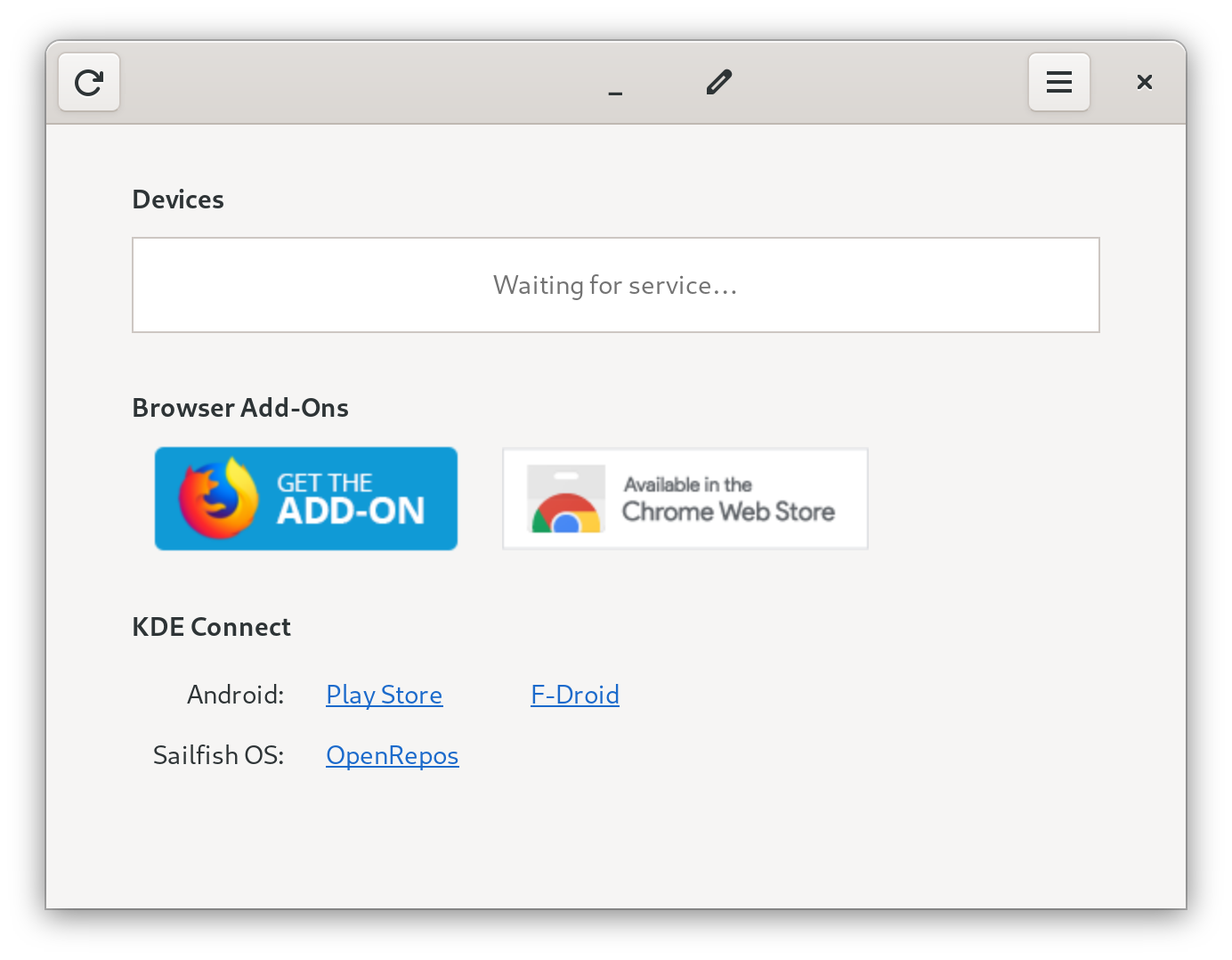

This issue seems to be specifically with first-time installation. I ran into this as well, but after a reboot (I didn't check just a logout/login), things worked fine.
That said, it's confusing installation UX.

