
Scripts
 Scripts copied to clipboard
 FredTungsten
Storage for all finished scripts for the ScriptPlayer
Scripts
Storage for all finished scripts for ScriptPlayer.
How to download scripts
Cloning the repository
If you don't have a git client already, the simplest one to use might be GitHub's Desktop Client.
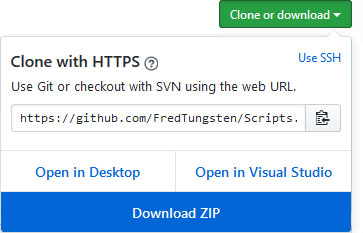
The checkout-url is https://github.com/FredTungsten/Scripts.git
(File - Clone Repository - URL)
All at once
Simply click the green "Clone or download" button and select "Download ZIP"
Single Scripts
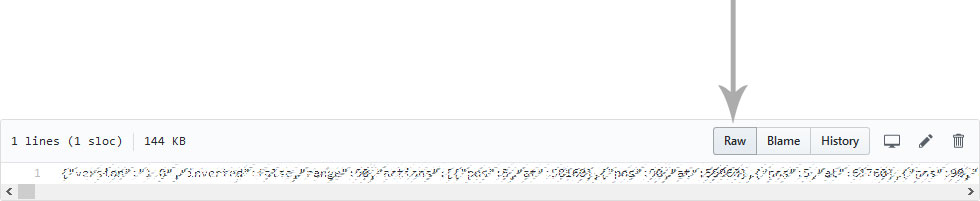
Click on the file you want to download, switch to RAW mode and save the file on your computer by pressing Ctrl + S or selecting File->Save Page as in your browser's menu (might be different in some browsers).
Metadata
62
Stars
120
Forks
Watchers
Owner
 FredTungsten
Metadata
Storage for all finished scripts for the ScriptPlayer