
image-to-scan
 image-to-scan copied to clipboard
 FrancescElies
command line tool that transforms a photo of a document to a scanned document
image-to-scan
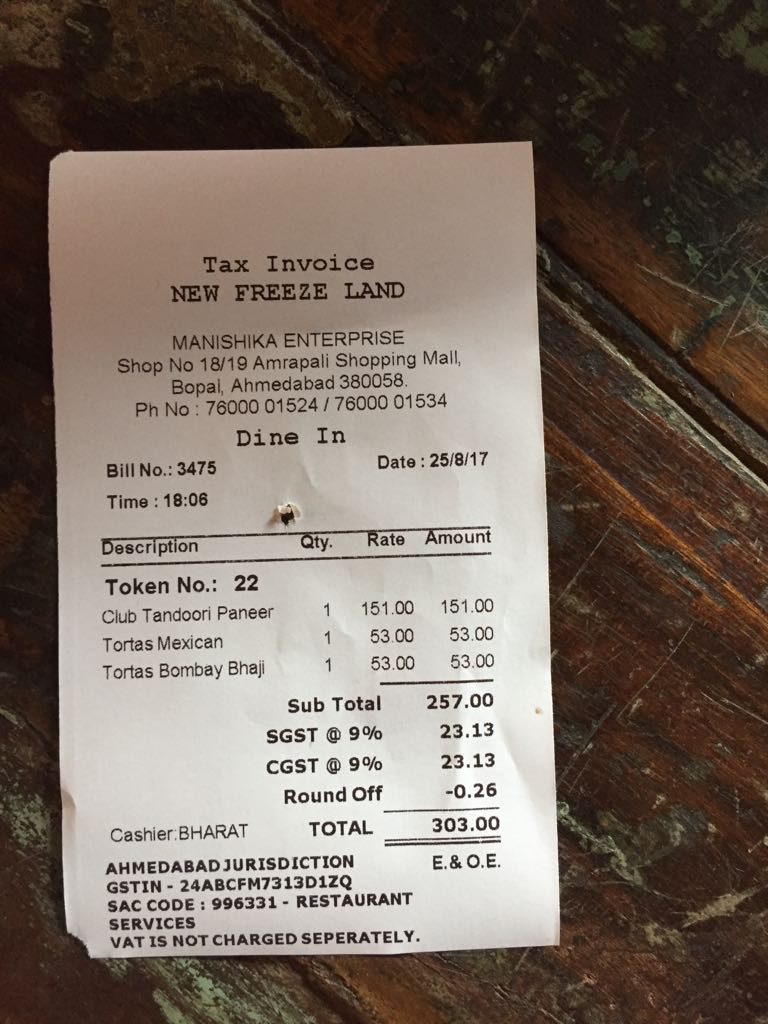
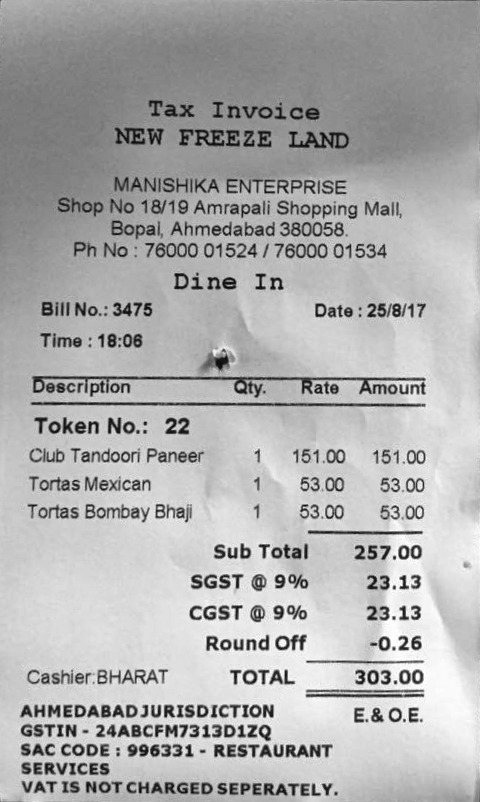
If you have an image of a document and you would like to crop everything outside the document and correct the angle from which the photo was taken, in that case this command line tool might be for you.
Notes
Originally forked from KMKnation/Four-Point-Invoice-Transform-with-OpenCVThis code is inspired from 4 Point OpenCV getPerspective Transform Example
Installation
- Via pipx
pipx install image_to_scanif you want to install inside an isolated environment. - Via pip
pip install image_to_scanto an enviroment of your choice. - Download an executable for windows, linux or macos from the release page
image-to-scan depends on opencv and numpy which together will take around 200MiB
If installed with pip or pipx you should be able to call image-to-scan from the command line.
Run it
Run image-to-scan tests/samples/02/original.jpg
| Original Image | Output Image |
|---|---|
 |
 |
tests/samples/02/original.jpg |
tests/samples/02/original-scanned.jpg |
Metadata
22
Stars
1
Forks
Watchers
Owner
 FrancescElies
Metadata
command line tool that transforms a photo of a document to a scanned document