

 FortuneN
Script error
Installed product versions
- Visual Studio: 2022 x64 17.1.6
- This extension: 1.1.173 (fcc-f339fe606-9d51-4fca-895c-d50375137b62)
Description
Replace this text with a short description
Steps to recreate
- Open Project
- Open Test-Explorer
- Open FCC window undocked
- Run Tests
- Internet Explorer script error occures and click on coverage file fails
Current behavior
FCC window isn't working after running all tests.
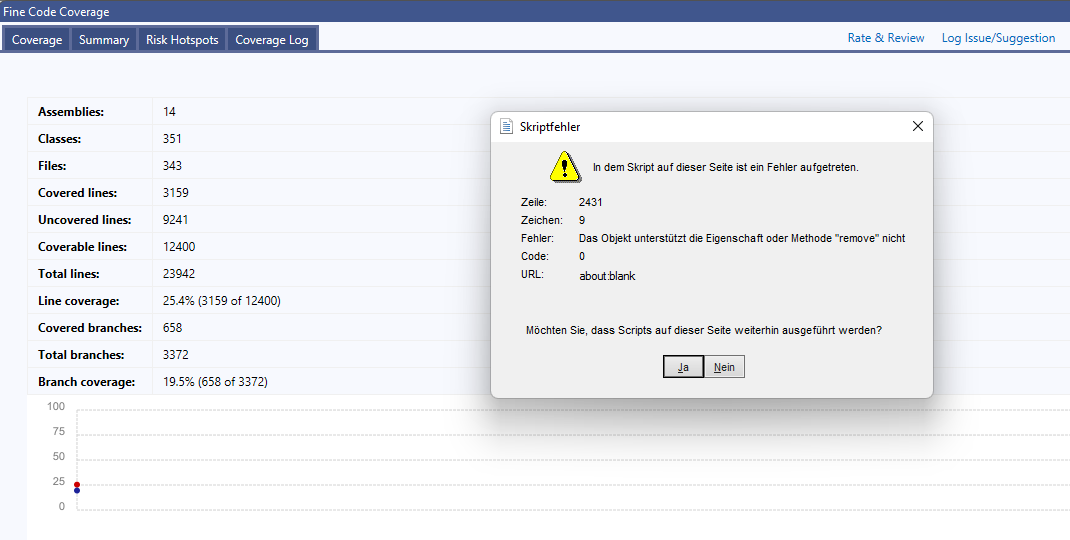
When continue and then clicking on a file to see coverage it shows the following page.

Expected behavior
It should simply work.
Side Notes
It shouln't use the old internet explorer webview. Instead it should use the new Edge webview or an alternate Chromium / Gecko based webview.
https://docs.microsoft.com/en-us/microsoft-edge/webview2/get-started/wpf

Please can you send the index.html and index-processed.html files from the fine-code-coverage / coverage-tool-output directory so that the error can be investigated.
Perhaps you can open index.html in internet explorer. If the error is present then it is a ReportGenerator error otherwise it is an error that FCC has introduced.
As per WebView2 - currently being worked on with custom report generation.
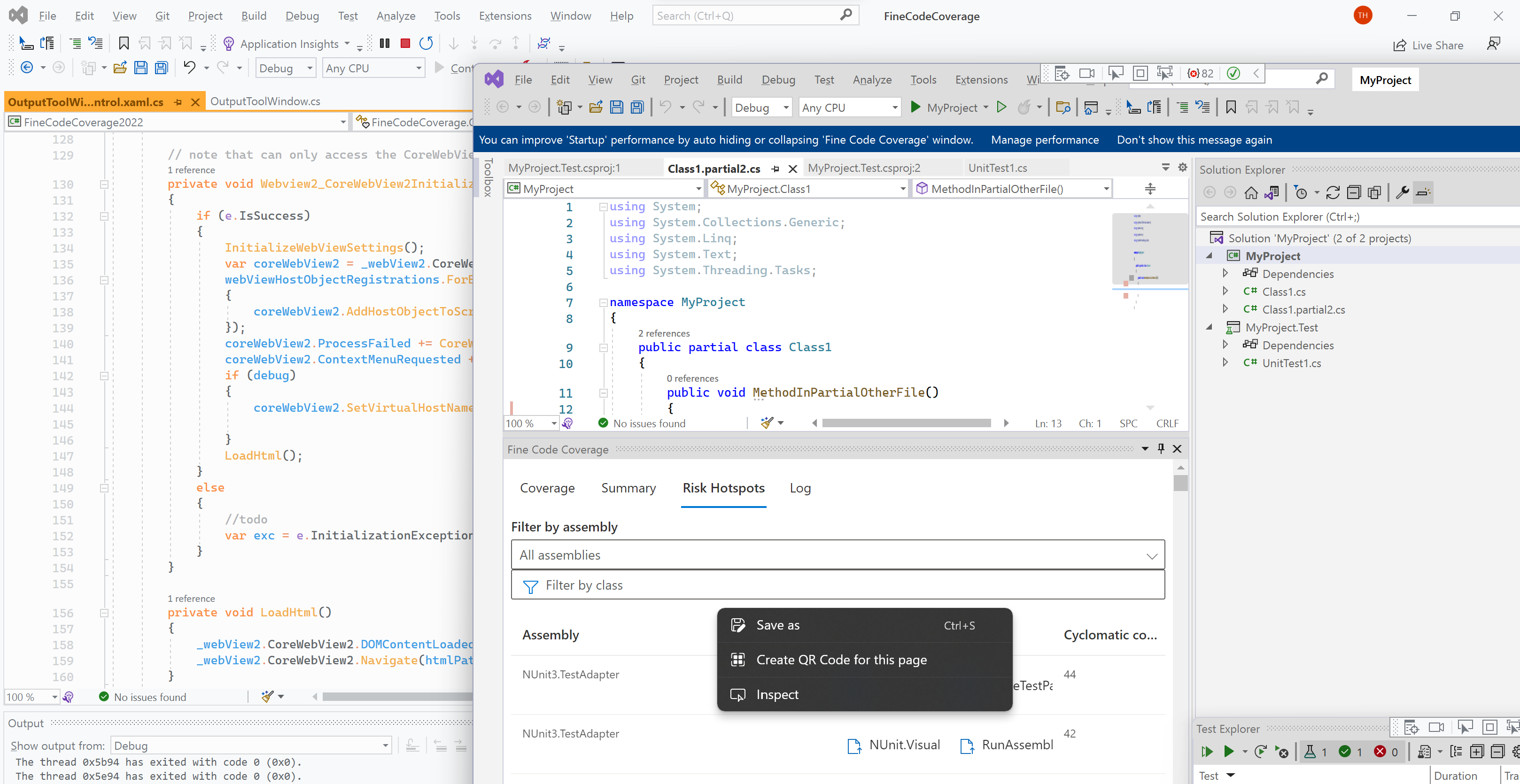

Probably related to my .netconfig for reportgenerator
[ReportGenerator]
	reports = "**/TestResults/*/*.cobertura.xml;coverage/**/cobertura-coverage.xml"
	targetdir = ".coverage/"
	reporttypes = "TextSummary;Cobertura;Html"
        historydir  = ".coverage/history/"
Will send html files soon
Created a simple reproduction repo
https://github.com/viceice-tests/263-fcc-repro https://gist.github.com/viceice/48115722779abf0c0c8665b385dcc239
The .netconfig is resulting in historic coverage.
The problem is this code
var charts = document.getElementsByClassName('historychart');
for (i = 0, l = charts.length; i < l; i++) {
  renderChart(charts[i]);
}
var renderChart = function (chart) {
    // Remove current children (e.g. PNG placeholder)
    while (chart.firstChild) {
        chart.firstChild.remove(); ********************************************************
    }
Possible solutions are
a) You remove historydir from .netconfig using the cli b) FCC passes the historydir command line argument to a directory that does not exist Prevents .netconfig https://github.com/danielpalme/ReportGenerator/blob/dc395da3825e07700c1a16defd89e0c00434d2fd/src/ReportGenerator.Core/ReportConfigurationBuilder.cs#L14
This is in try/catch so would proceed https://github.com/danielpalme/ReportGenerator/blob/dc395da3825e07700c1a16defd89e0c00434d2fd/src/ReportGenerator.Core/Reporting/History/HistoryParser.cs#L77
No historic coverages https://github.com/danielpalme/ReportGenerator/blob/dc395da3825e07700c1a16defd89e0c00434d2fd/src/ReportGenerator.Core/Generator.cs#L244
and probably the offending js is not added....!
c) Polyfill the remove method - but then the history chart is showed which fcc would then need to remove / account for d) remove all elements with class name historychart
Given that the custom report I am working on does not use report generator html building and will not suffer from this issue I would prefer a) over d/b).
Remove the code that threw and removed any historychart elements. Should suffice.