

 Flow-Launcher
App signing/certificate on Windows
After downloading Flow I always get:
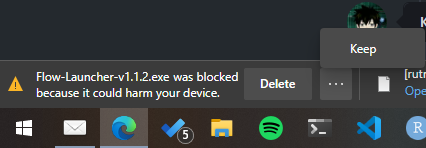
In the downloads page of my browser (Edge) I need to confirm (show more) that this app is really safe:
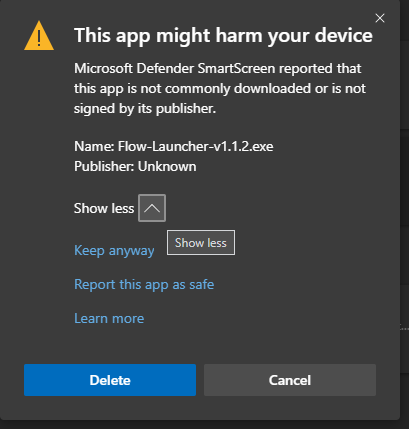
This is probably some certificate stuff? Do you have any experience how to "solve" this behavior?

This might be Microsoft Edge related to their SmartScreen Filter. You can click on Report this app as safe and enter some information:
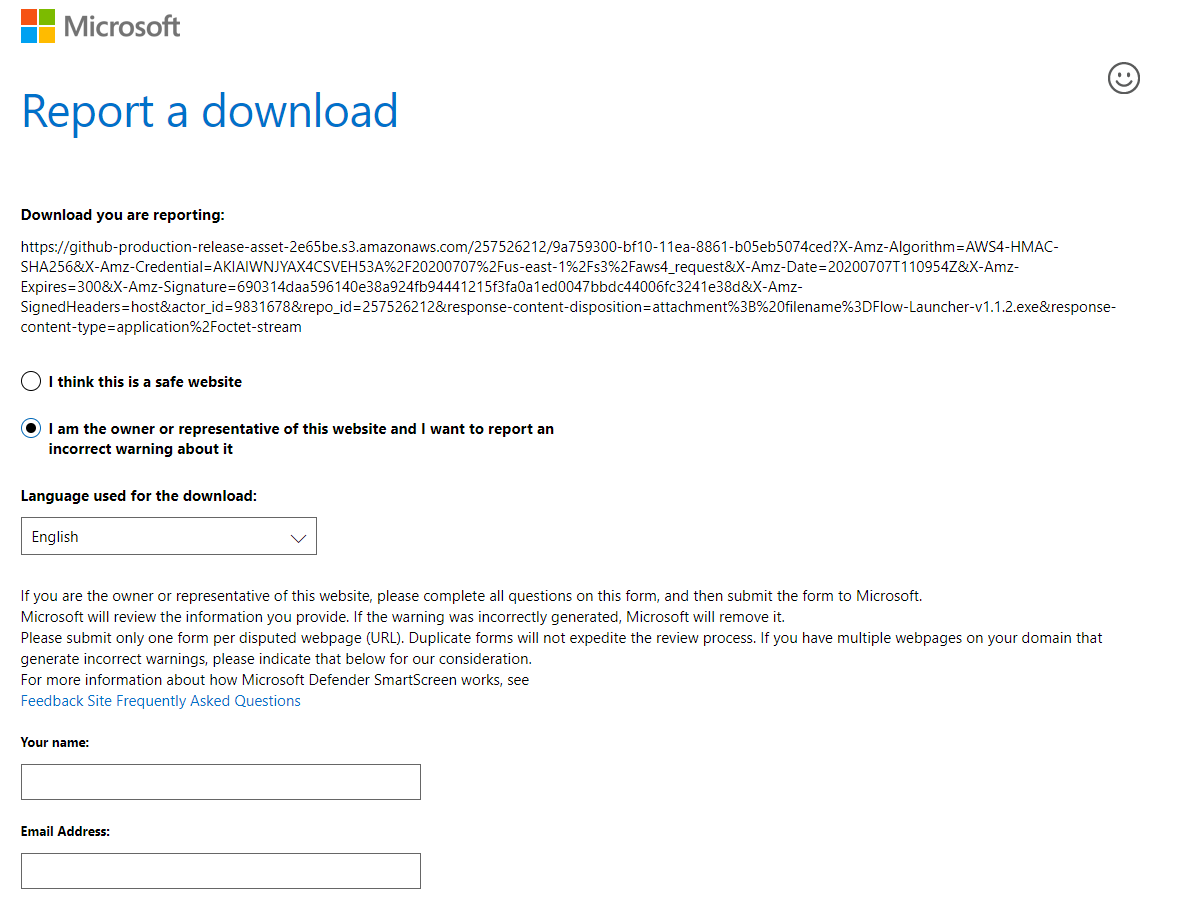
Something @jjw24 you want to consider to do?

rel: https://stackoverflow.com/questions/48946680/how-to-avoid-the-windows-defender-smartscreen-prevented-an-unrecognized-app-fro
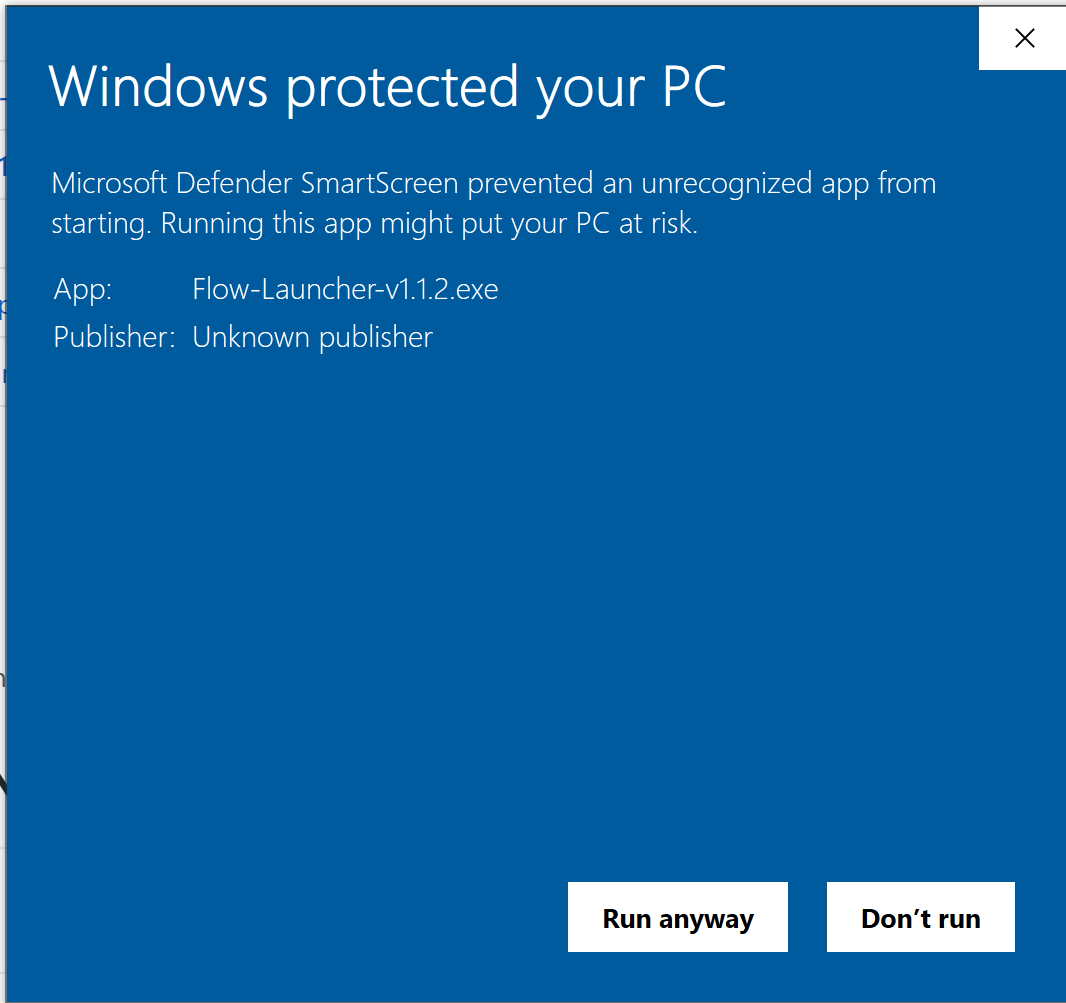
I just red:
If you have a standard code signing certificate, some time will be needed for your application to build trust. Microsoft affirms that an Extended Validation (EV) Code Signing Certificate allows us to skip this period of trust-building. According to Microsoft, extended validation certificates allow the developer to immediately establish a reputation with SmartScreen. Otherwise, the users will see a warning like "Windows Defender SmartScreen prevented an unrecognized app from starting. Running this app might put your PC at risk.", with the two buttons: "Run anyway" and "Don't run". https://stackoverflow.com/a/51113771/2258480
Basically (without paying $400 or something), SmartScreen just need some time to see that this app was used by a number of people to built trust, if I understand it correctly.
Yeah that's what my understanding was at previously when I was researching on this. Will take another look sometime later. But if we have to pay that fee, probably not ideal.
This issue is stale because it has been open 45 days with no activity. Remove stale label or comment or this will be closed in 5 days.
![github-actions[bot] avatar](https://avatars.githubusercontent.com/in/15368?v=4 "Published by a pub.dev verified publisher")