

 FirebaseExtended
Open local host: fail to connect
LS,
When i made the angular app and give the command ng serve, i can open http://localhost:4200/
When i open this i get this message in my screen "Cannot GET /" > see image
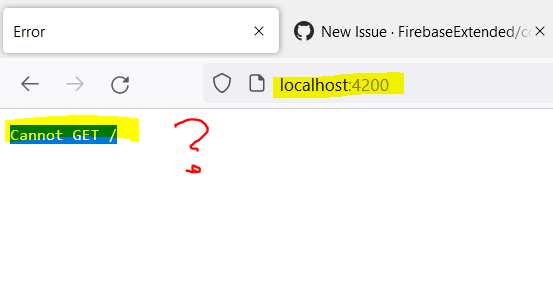
I do not understand this When i use https://www.yougetsignal.com/tools/open-ports/ en check port 4200, it reads that it is closed. Also - when checking port 443 - this port is also closed Is that causing the problem? > see: https://stackoverflow.com/questions/50811695/which-ports-have-to-be-open-to-communicate-with-firebase-database-not-fcm-messa

Problem solved. I had to close Visual Studio Code.
Then opened Visual Studio Code again: again same fault.
Then i restarted my PC : that did work.
My conclusion: somehow on the background the application still used localhost, i think because i did not close the terminal correctly. ( Ctrl + C ).