Financial-Times
New Component: Multi select with autocomplete
What
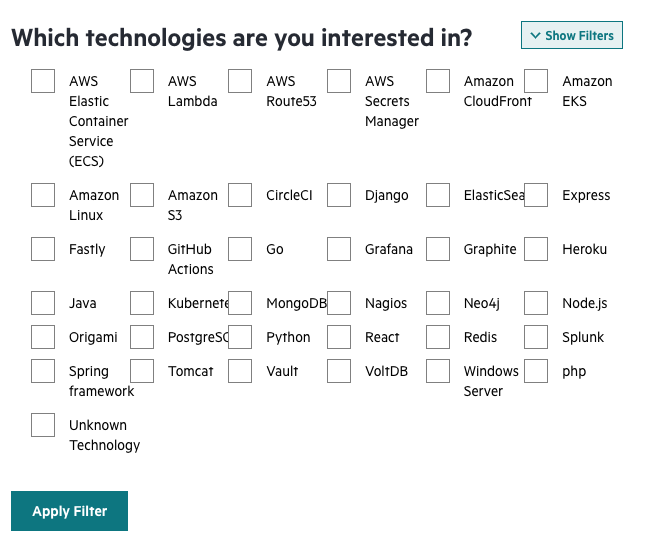
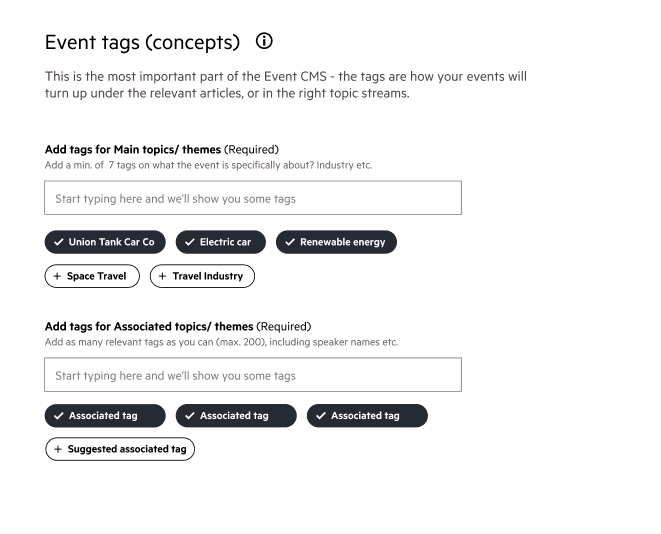
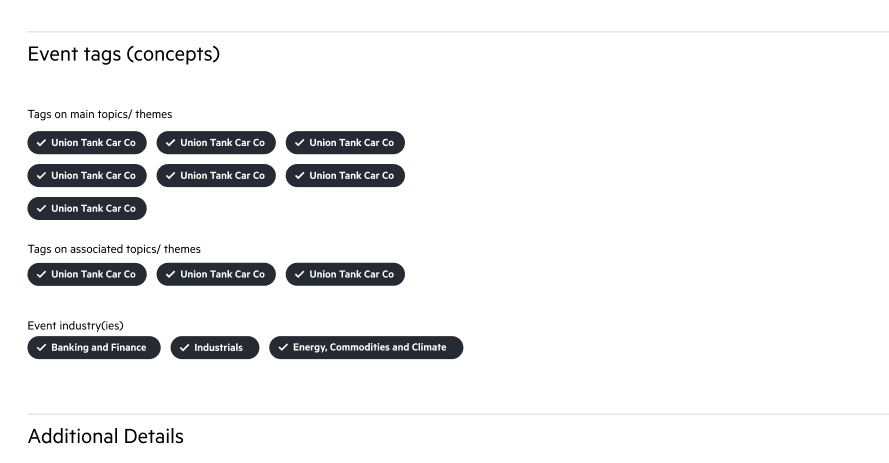
Tag Input is a working title, but lots of people have a similar interface for selecting multiple things, whether they're tags or topics or something else. It's really difficult to describe this component in words, but you'll know what I mean when you see it:

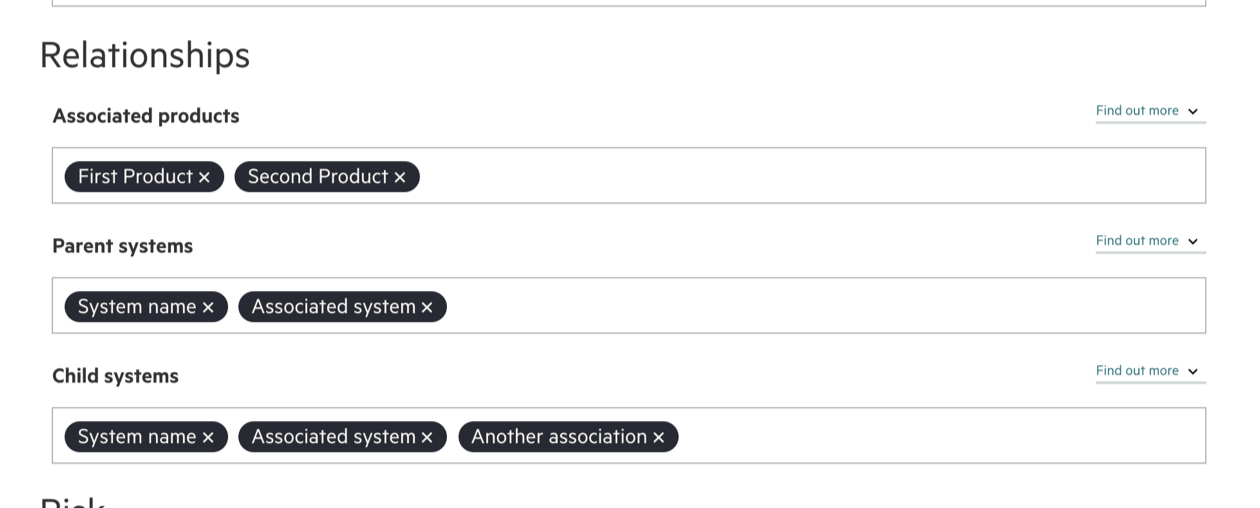
The whole component is styled to look a bit like a text input or textarea. There's an actual text input at the end (often an autocomplete) which is styled to look like part of the background. When the return key is pressed after entering text, or an autocomplete option is selected, then a new visual representation of the text or item is added in front of the text input. Each item also has a button which removes it from the list.
Why
These are used a lot around the FT, there's a definite user need. Often these are custom-built or use a third-party, the experience is inconsistent across FT products and we have no idea if they're accessible or resilient.
I think this is separate from an autocomplete, because an autocomplete can exist without this tag adding behaviour. By building a separate component we don't enforce tags being autocompleted, but you could add autocomplete functionality to the input if you need it.
Supporting Examples
These are mostly taken from the separate autocomplete proposal.
Graphics hub
I think we shouldn't implement the "suggestions" area below, but we should offer a JavaScript API which would allow people to implement this. (e.g. tagInput.add('thing'))
BizOps
Enterprise tools
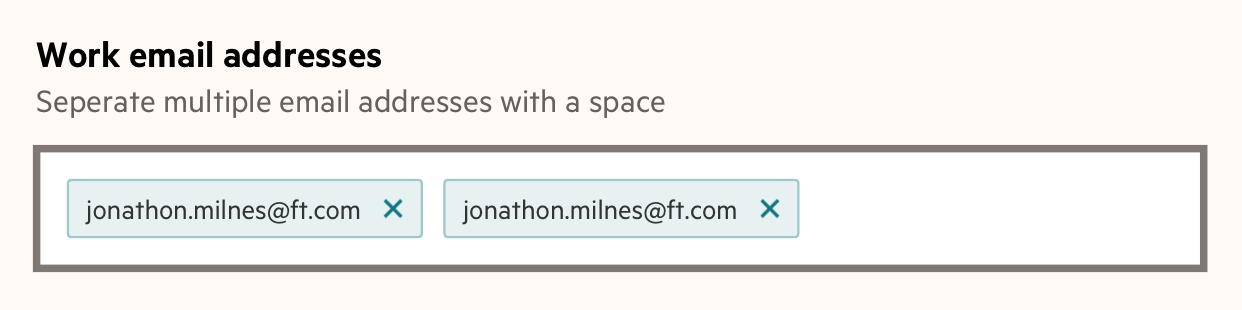
We might need the character splitting to be configurable. For emails it makes sense for space to create a new tag, but not necessarily for other things. E.g. topics might be allowed to contain spaces.
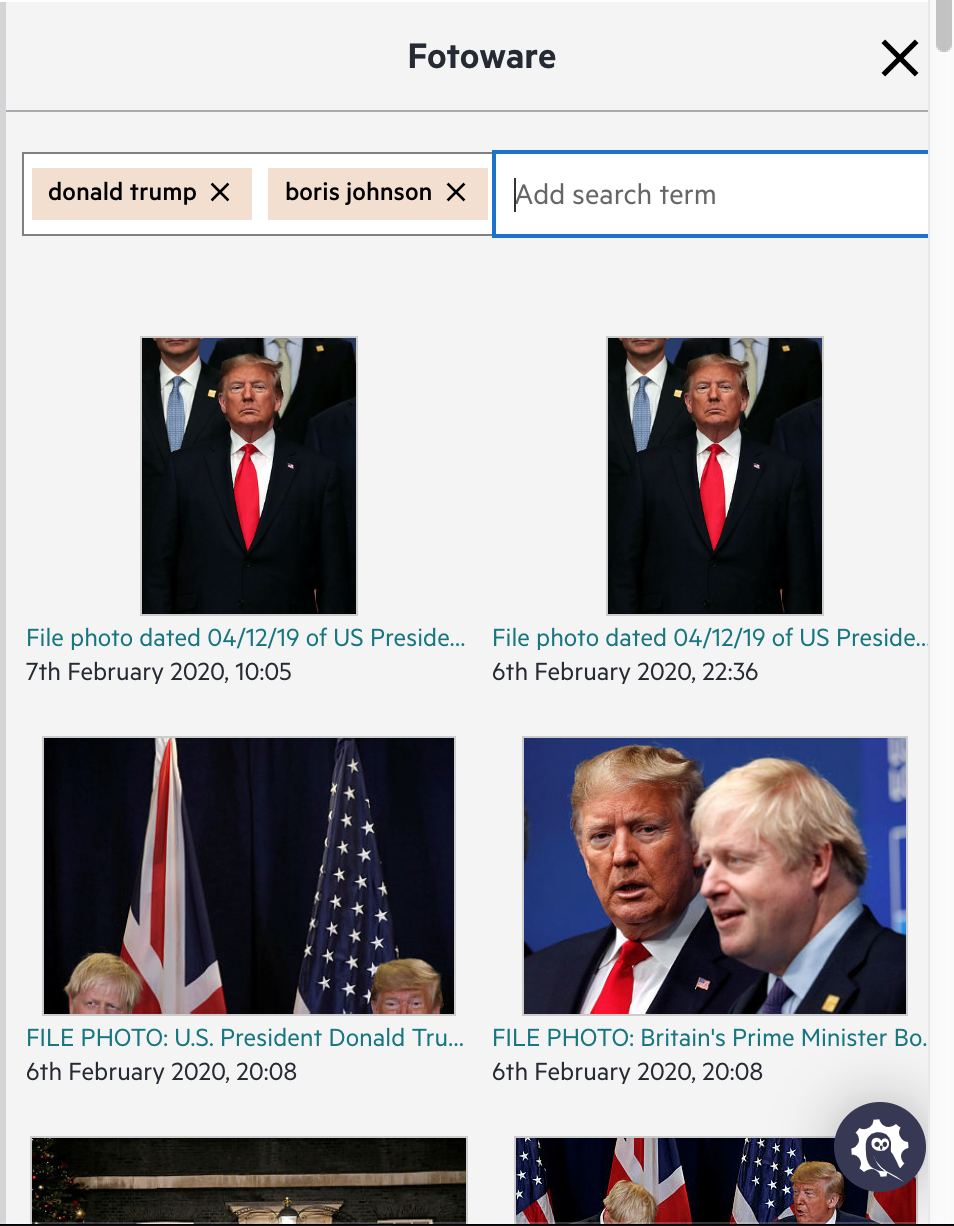
Fotoware
Originally mentioned by @adgad in the autocomplete proposal:
We have a use case for something similar in Spark. When search Fotoware for images, our users want to easily search for multiple combined search terms (like "Donald Trump" "Boris Johnson"), without having to use quotes or fancy syntax. In Fotoware, this is done by adding search terms as tag-like things by pressing enter. We've replicated something like that in Spark. In our case, it's not from a known set of terms, so there's no autocomplete required.
TagMe
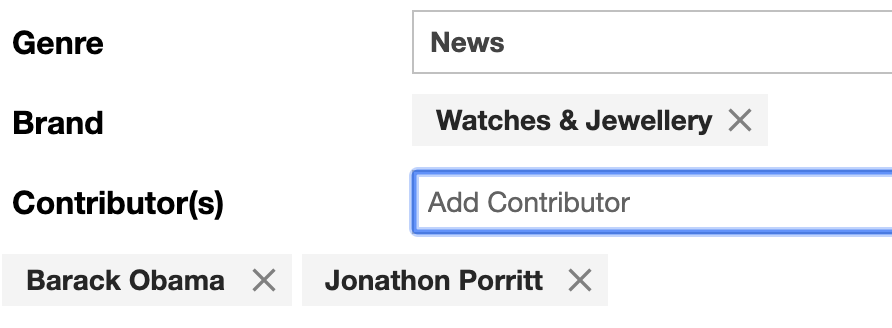
This doesn't behave in exactly the same way, but it almost certainly should for consistency. The concept is the same: type in a box, select an option, little tag gets created.
Lodestar
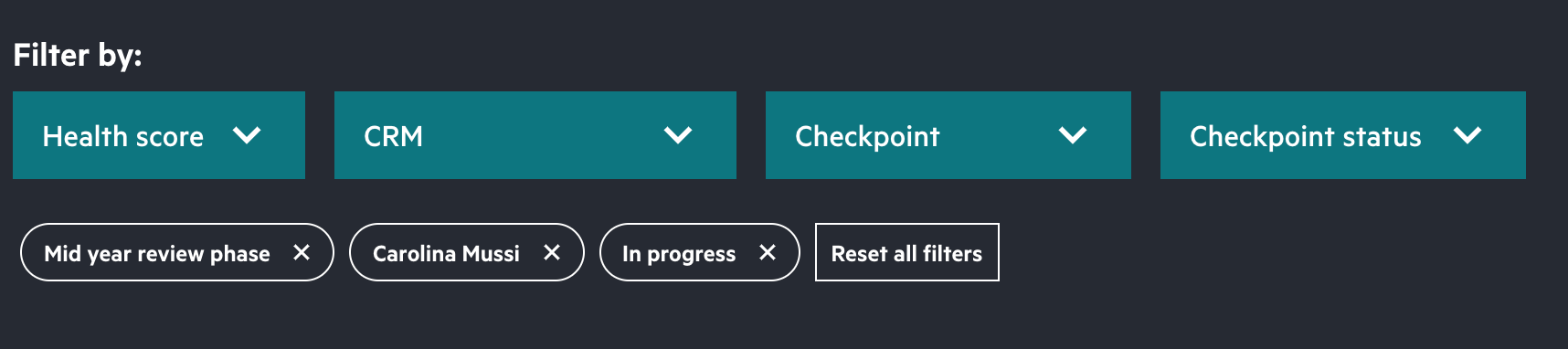
This feels different, I don't think this component should cater for selecting items in dropdowns and creating filters. Maybe the little lozenge/tag thing is another separate component though?

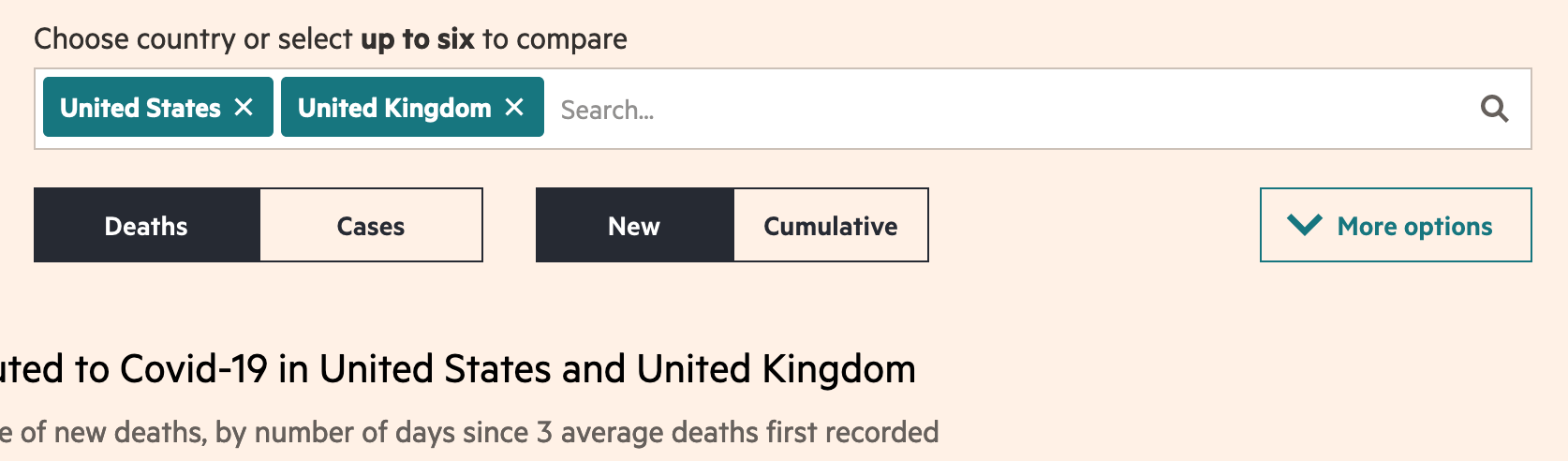
Similar pattern on the interactive graphics "coronavirus tracked" page
https://ig.ft.com/coronavirus-chart/?areas=usa&areas=gbr&areasRegional=usny&areasRegional=usnj&cumulative=0&logScale=1&perMillion=0&values=deaths

Keep this marked pending so we schedule this work in for our next quarter.