

 Financial-Times
o-layout's sidebar should indicate hierarchy of headings
Right now, it appears from looking at a sidebar that there is only 1 level of headings. the structure of long documentation gets hard to understand.
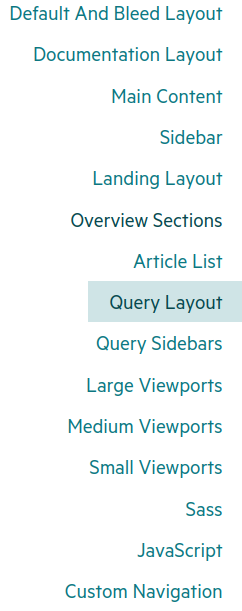
while reading the o-layout documentation, i was repeatedly alarmed to learn there was another layout style, and was confused by how the documentation was laid out. But then i realized that, as you can see in this screenshot, everything ending in "Layout" is an h2. and everything else (up to "Sass") are h3. It's not possible to see hierarchy in the sidebar. it should be.

2 levels of hierarchy are indicated by the change in the right boarder colour / width, but it's not obvious at all and should be improved
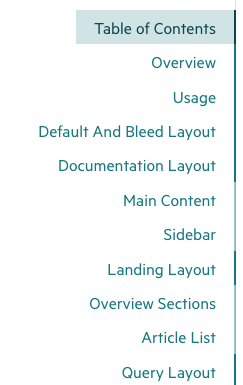

oh wow, i have never noticed that in my life. perhaps we could add a Bold and Regular font-width distinction to that?