
FGA

FGA copied to clipboard
 Fate-Grand-Automata
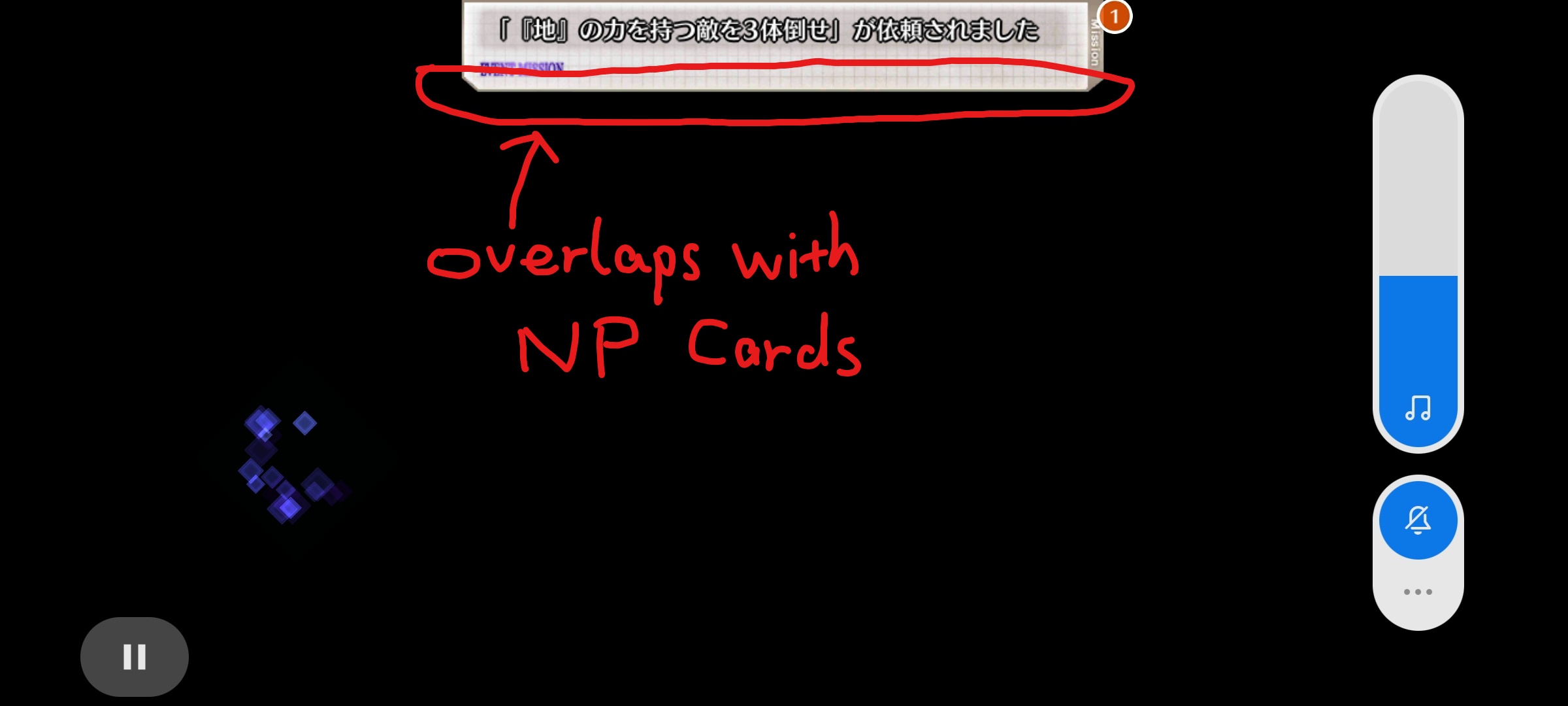
Failed to select NP card because of overlapping with event mission bar
Preparation
- [X] I tested the latest release
- [X] I looked at other issues (even the closed ones)
- [x] I read the Troubleshooting Guide
FGO server
JP
FGA build number
1558
Describe the bug
In the new event of JP server (ぐだぐだ龍馬危機一髪(消えたノッブヘッドの謎)), sometimes there are 20 or more new missions popped up and if taskbars popped up after a fight, the bars still exist even in the next fight. The mission bar is a bit large so that it overlaps with the NP card. I observed that FGA tends to click on the right top corner of the card to select it, and that place is just at the place of overlaps. This will cause the FGA unable to select the NP card and select three normal command cards. Is it possible to change the place to click?
Video
https://youtu.be/ww5oR6ZPBhU
Device model
Redmi Note 9S
Android version
10
Screen size
No response
RAM
No response
