FarGroup
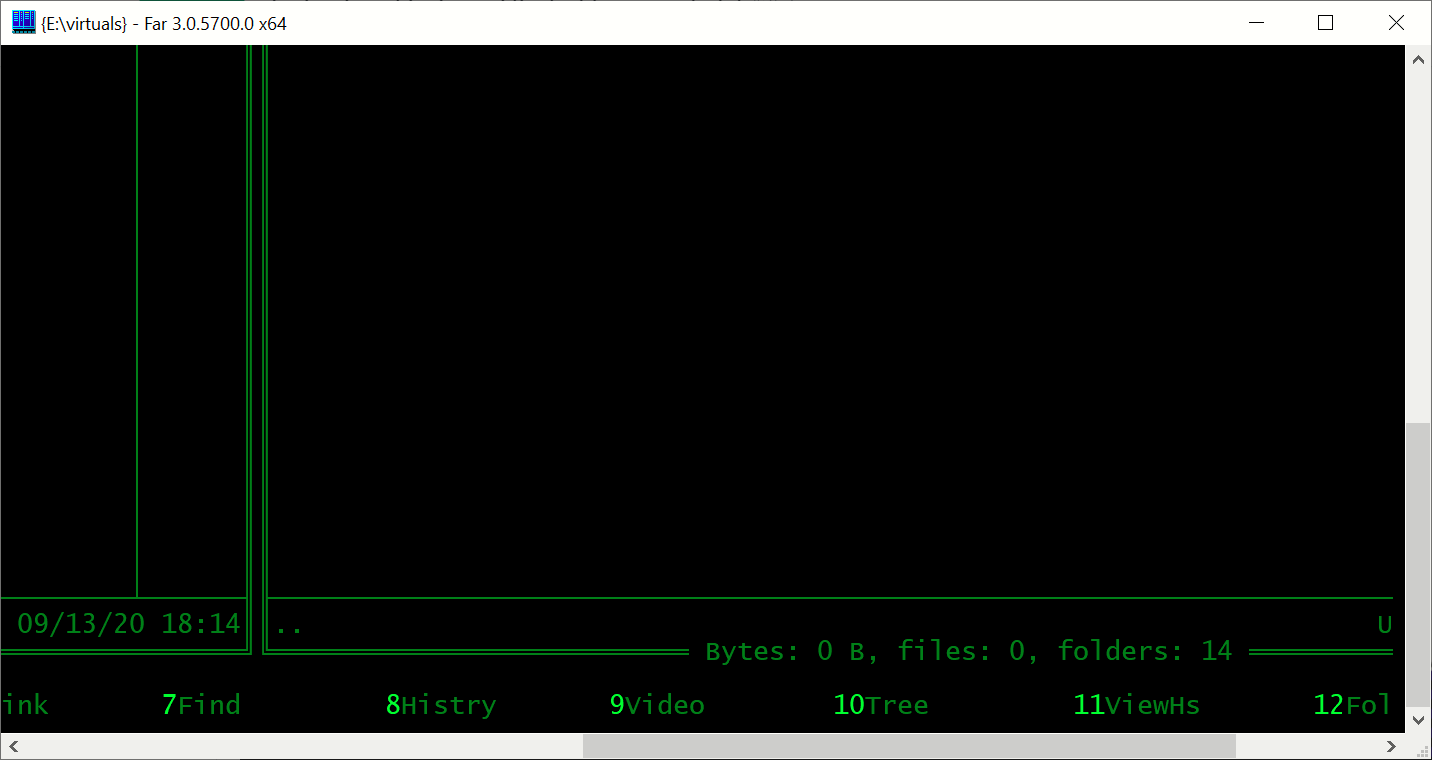
display doesnt look good the first time you start it
After one of the newer versions of far on windows 10, fullhd, 14 inch laptop with 150%scaling I receive this
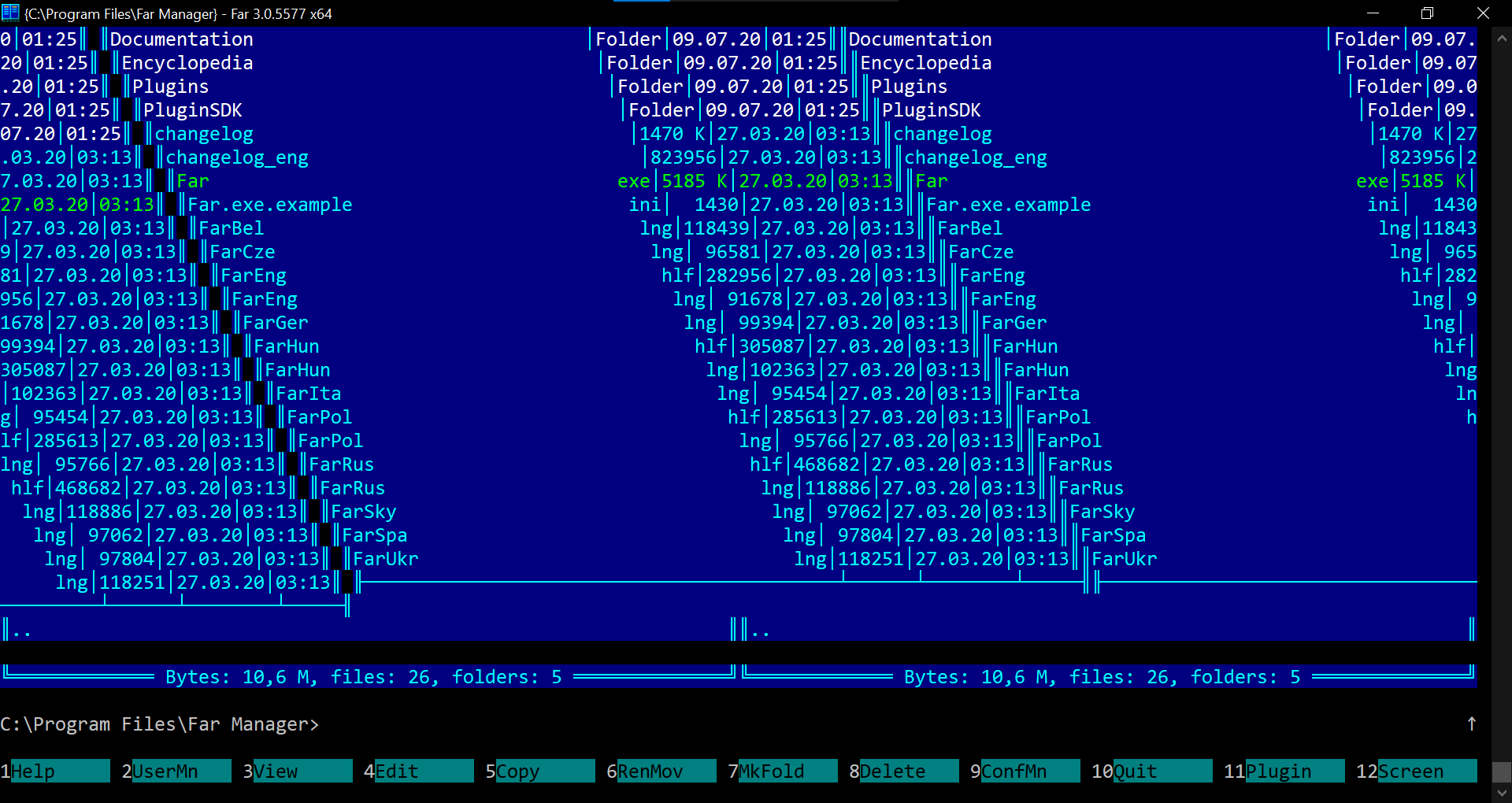
after i do a couple of ctrl-o and a couple of enters if fixes it self. But every time i start I get the same look

Please report it here, it's a host issue. I'll leave this one open in case someone finds a workaround.

This happens when you set Run: Maximized in Shortucut tab.
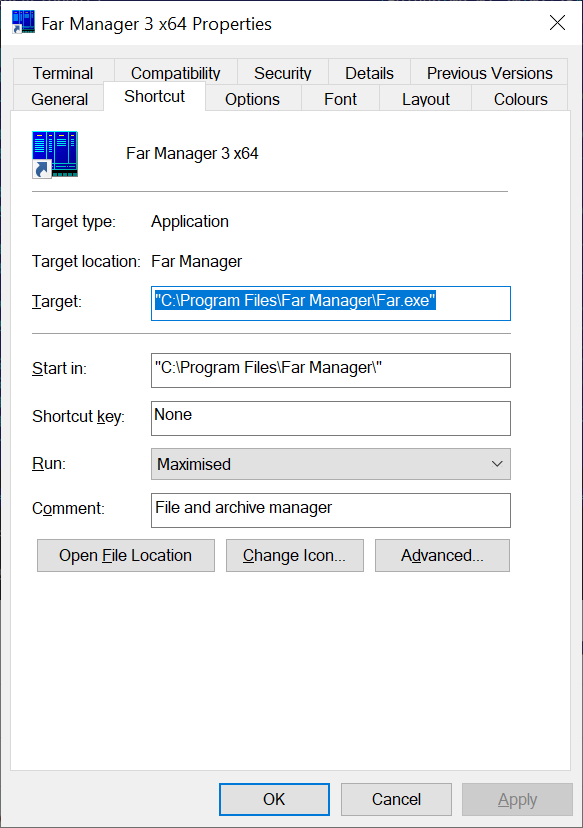
The issue has slightly changed in build 3.0.5700
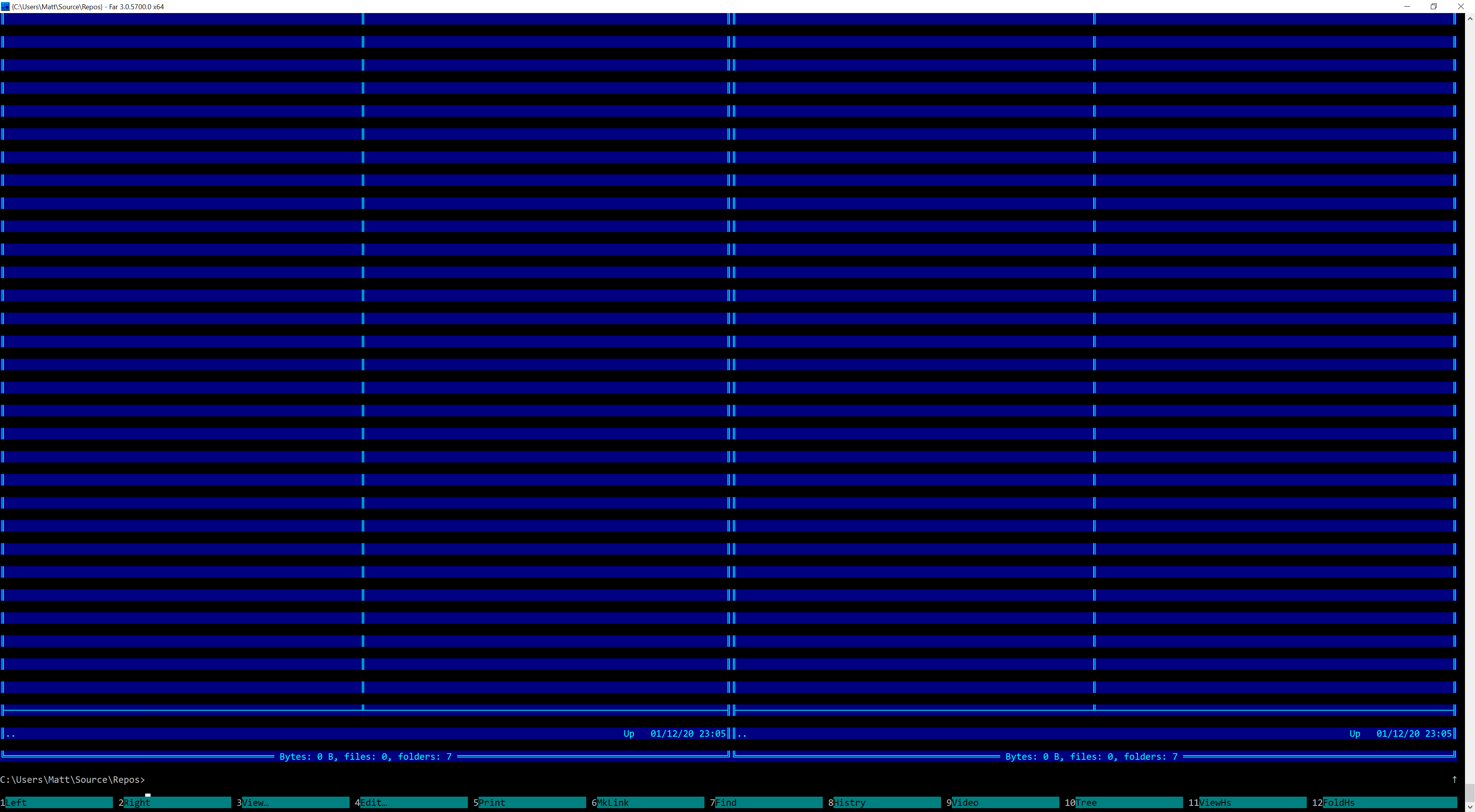
I would have to check but this started happening from certain version. I do not remember when, though.
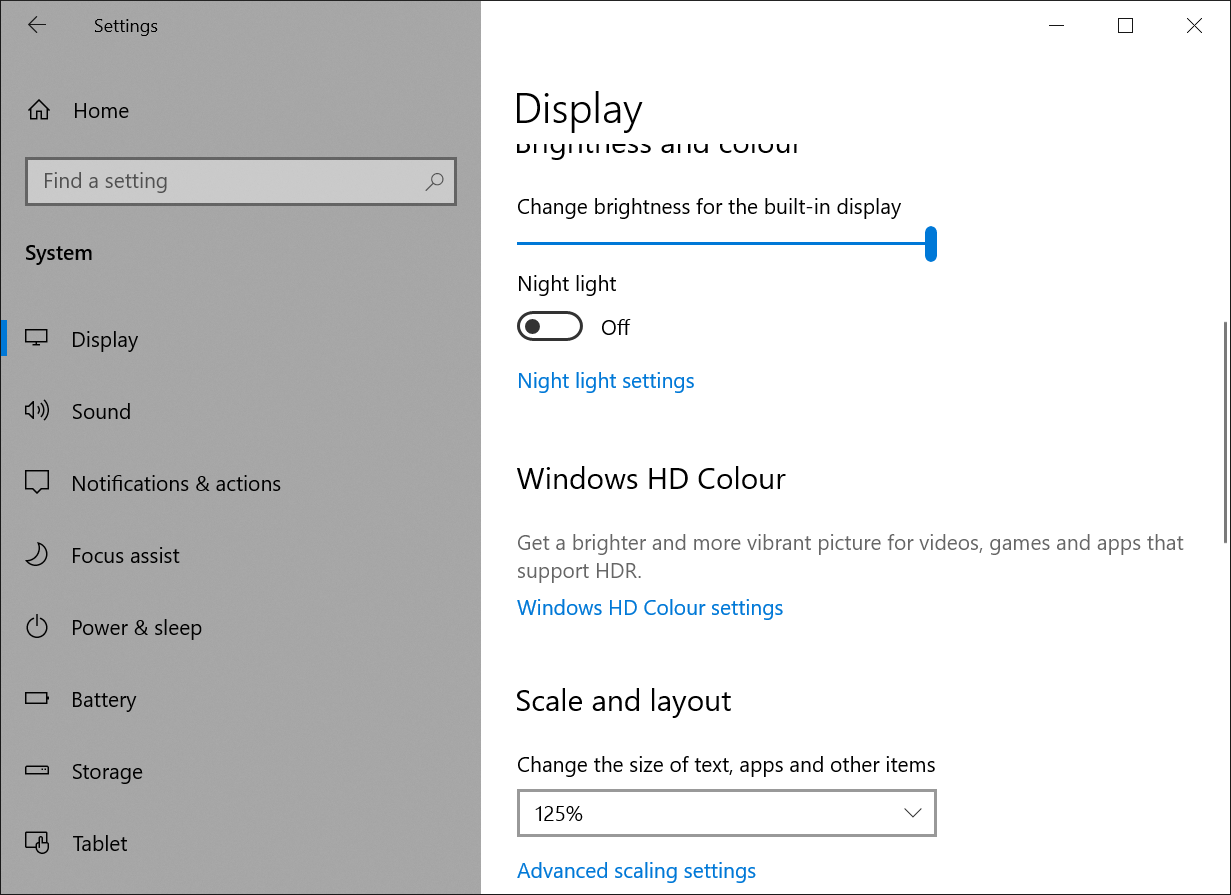
I have got scaling set to 125%.

Please report it here, it's a host issue.
It seems not to be related to Windows terminal. I tried running cmd.exe from a short cut with Run: Maximized and everything is all right. Also the scaling does not change anything in my case.
This happens when you set Run: Maximized in Shortucut tab.
Exactly. When running in normal mode it doesn't appear. But then again i like to run my far in maximized mode.
Is there a way to make this work in maximized mode? And I had the same experience -> it started happening after a certain version
@ikaman can you find out after which exactly version? There are quite a few of them available on the releases page here.
Every version for the last couple of months. I have many computers on this one its v3.0.0.5577
On Wed, Dec 2, 2020 at 11:53 PM Alex Alabuzhev [email protected] wrote:
@ikaman https://github.com/ikaman can you find out after which exactly version? There are quite a few of them available on the releases page here.
— You are receiving this because you were mentioned. Reply to this email directly, view it on GitHub https://github.com/FarGroup/FarManager/issues/257#issuecomment-737544630, or unsubscribe https://github.com/notifications/unsubscribe-auth/AAH5XME6AF5C5HHI2KOKWFLSS3AOLANCNFSM4PHPLMHA .
Please try to narrow the range. E.g. check the version that is exactly in the middle between the one that does work and the one that doesn't, then again and so on.
hi there
I have only the latest versions now and the problem started months ago. If I will have time I will go through a binary search of the releases and will post here
Hi. I have a same problem on win 10. I noticed that switching to «use legacy console» fixes the issue.
When legacy console mode is off far sometimes don't resize itself when window changes size