Facepunch
Everything gets clipped above zero on the world z axis in ortho view regardless of setting z?
Using render.RenderView to render an ortho view anything above vector zero is clipped, including the map, regardless of setting zfar. I am on x86-64 branch but I think the same issue exists on the main branch.
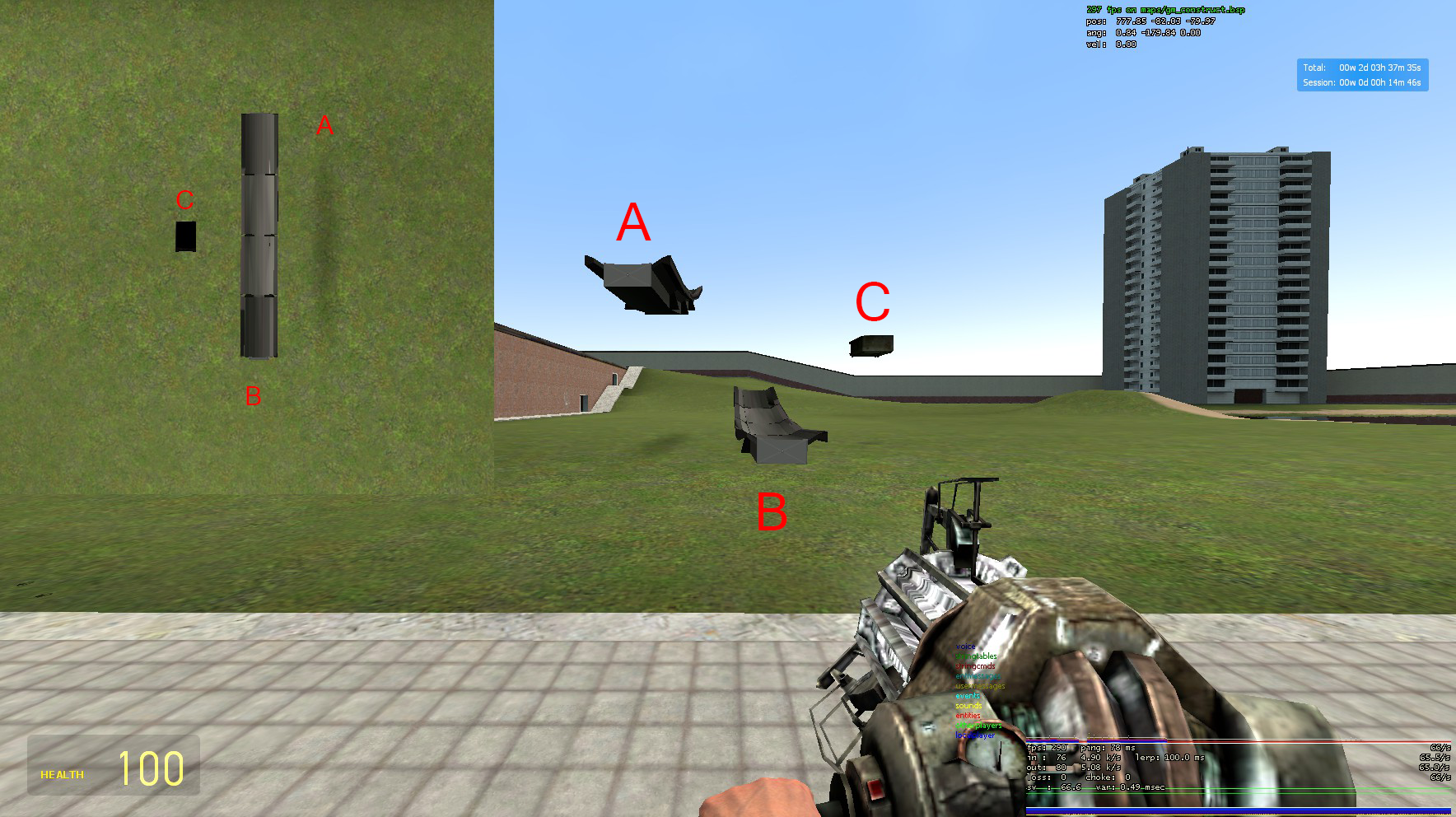 A is above z axis.
B is below z axis.
C is right around 0 on the z axis.
A is above z axis.
B is below z axis.
C is right around 0 on the z axis.
Part of the map near spawn reaching higher than the z axis.
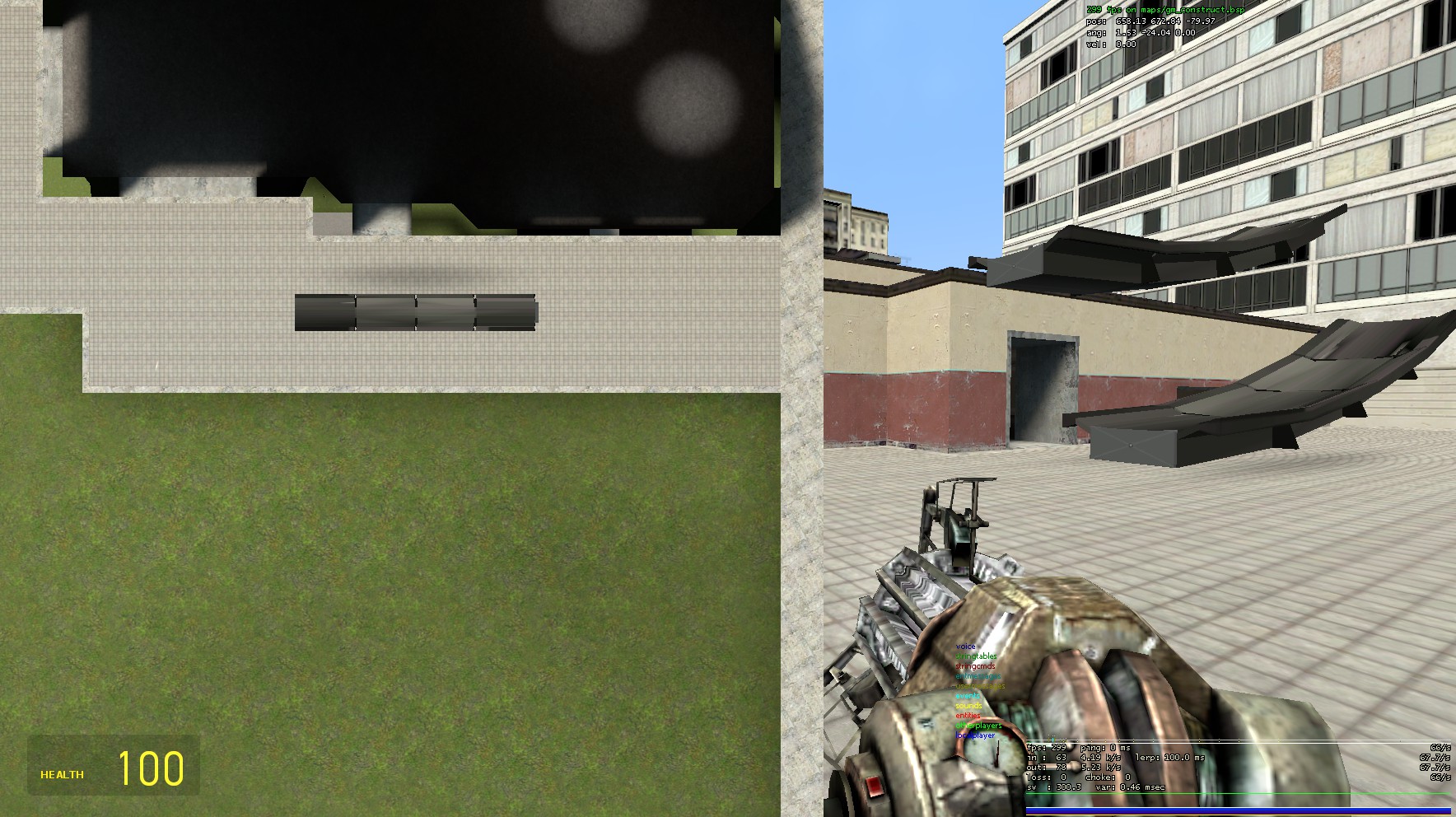

Is your camera positioned at 0 on the Z axis? Also ZFar wouldn't affect the near plane, that would be ZNear.

My camera z position is higher than 0, its set to 500. My ZFar is set to 100,000 and ZNear is just -ZFar. I spawned on a different map where the vector zero is below the spawn position and my view was just blank because it was all clipped.
It ssems this only happens on x86-64 branch.
I took screenshots below using this script:
-- x, y, w, h are the Panel's position and size
render.RenderView {
    drawviewmodel = false,
    origin = Vector(1200, 500, 4000),
    angles = Angle(90, 0, 0),
    x = x, y = y,
    w = w, h = h,
    ortho = {
        bottom =  4000,
        left   = -7000,
        right  =  7000,
        top    = -4000,
    },
    znear = 1,
    zfar  = 56756,
}
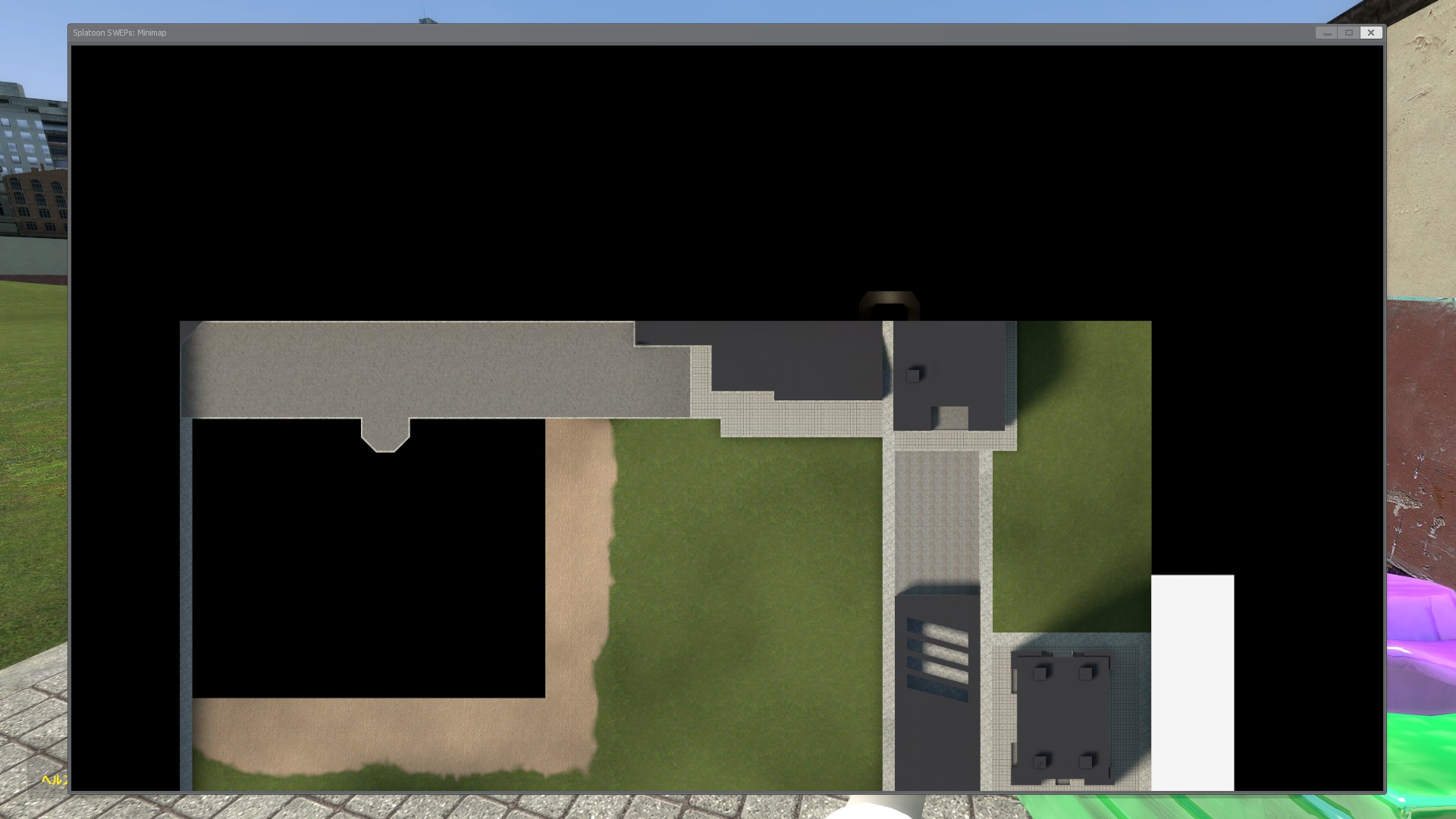
Default branch:
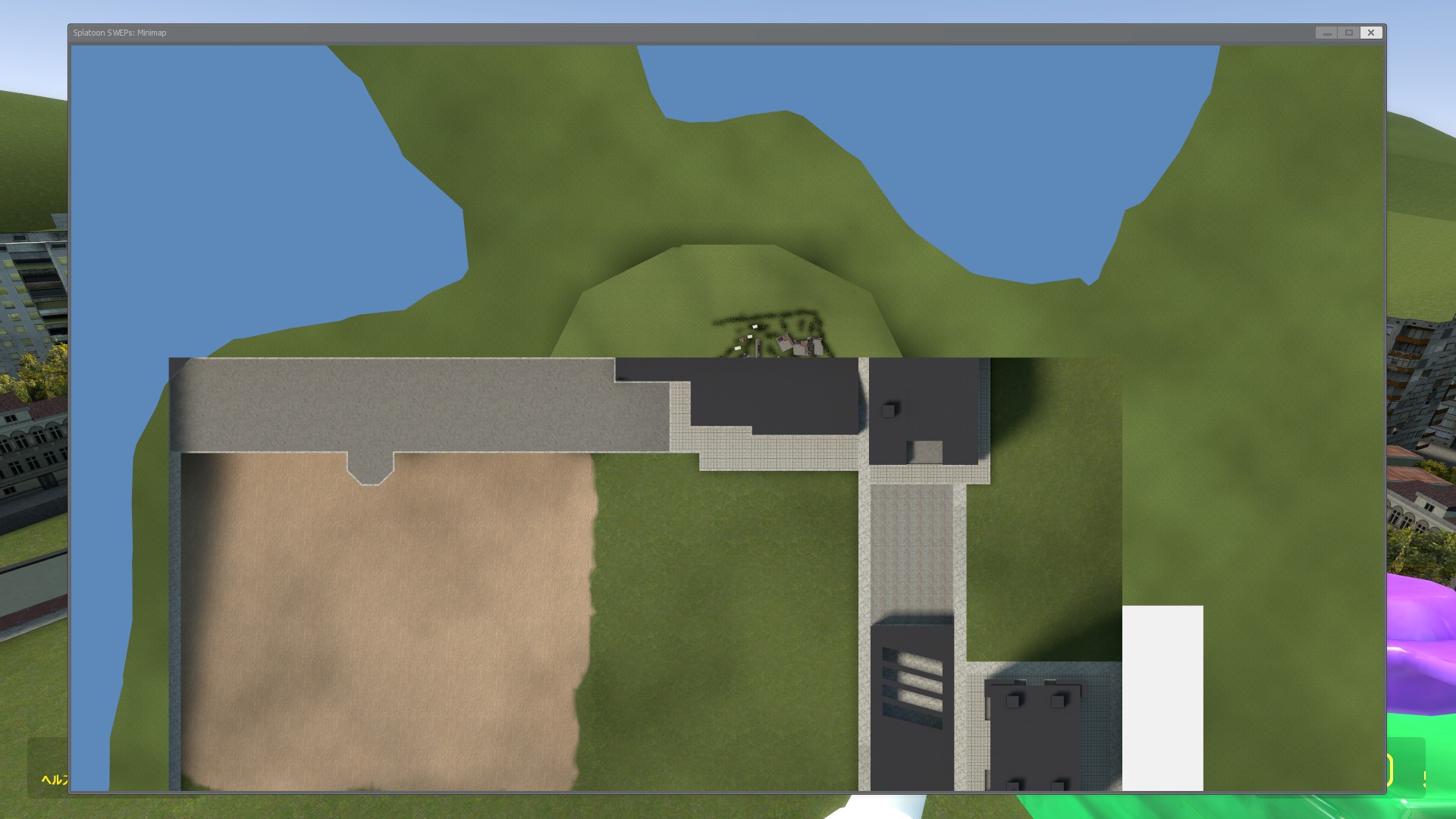
x86-64 branch:
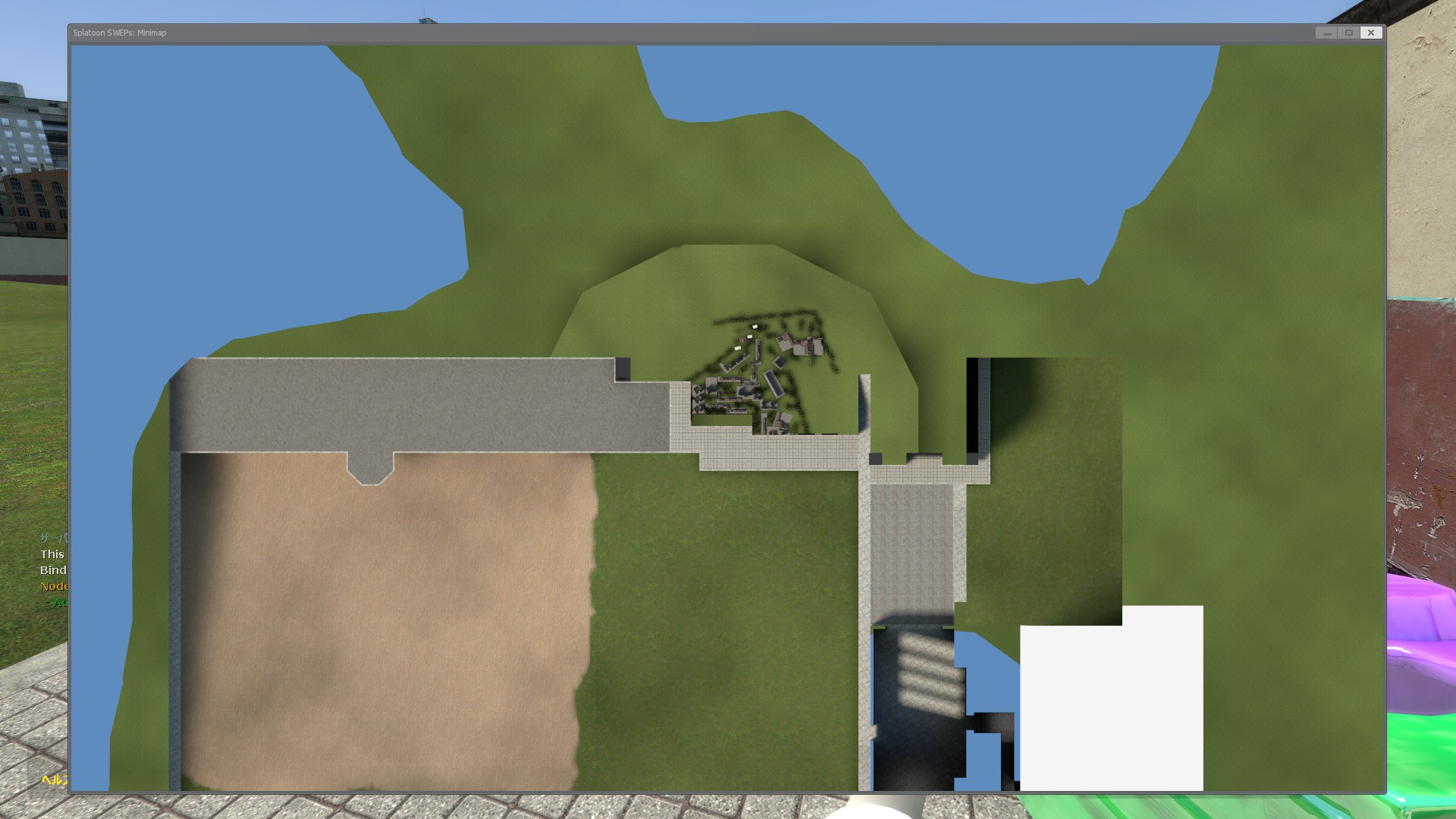
One more thing to note here is placing the camera to OoB partially fixes this issue on x86-64 branch, in exchange for bad underwater surface and lack of skybox.