

 FXMisc
Question: How to combine multiple CodeAreas like `HBox`?
I am developing a program which needs to display the contents of a binary file. For this purpose I currently do this using three TextAreas:

Because TextArea will cause the program to freeze or even crash when displaying large text, so I plan to use CodeArea instead of TextArea.
But now I have a problem: HBox doesn't seem to work very well with Virtualized. My requirement is to put two CodeAreas into an HBox, and then put the HBox into a VirtualizedScrollPane. But this doesn't seem to be possible, so are there any alternatives?

What you need to do is wrap all the CodeAreas in their own VirtualizedScrollPanes and then hide the scroll bars you don't want to see and bind them together. Something like this:
CodeArea addrArea, hexArea, asciArea;
addrArea = new CodeArea();  addrArea.setPrefWidth( 50 );
hexArea = new CodeArea();  hexArea.setPrefWidth( 200 );
asciArea = new CodeArea();  asciArea.setPrefWidth( 100 );

addrArea.appendText( "0001\n0002\n0003\n0004\n0005\n0006\n0007\n0008\n0009\n000A\n000B");
hexArea.appendText( "54 68 69 73\n0A 69 73\n61\n0A 74 65 73 74\n0A 74 6F\n0A 73 65 65\n0A 69 66\n0A 73 63 72 6F 6C 6C\n0A 62 69 6E 64 69 6E 67\n0A 77 6F 72 6B 73\n0A 6F 6B 61 79" );
asciArea.appendText( "This\nis\na\ntest\nto\nsee\nif\nscroll\nbinding\nworks\nokay" );

VirtualizedScrollPane s0 = new VirtualizedScrollPane( addrArea );
s0.setHbarPolicy( ScrollBarPolicy.NEVER );
s0.setVbarPolicy( ScrollBarPolicy.NEVER );

VirtualizedScrollPane s1 = new VirtualizedScrollPane( hexArea );
s1.setHbarPolicy( ScrollBarPolicy.NEVER );
s1.setVbarPolicy( ScrollBarPolicy.NEVER );

VirtualizedScrollPane s2 = new VirtualizedScrollPane( asciArea );
s2.setHbarPolicy( ScrollBarPolicy.NEVER );
s2.setVbarPolicy( ScrollBarPolicy.ALWAYS );

s0.estimatedScrollYProperty().bindBidirectional( s1.estimatedScrollYProperty() );
s1.estimatedScrollYProperty().bindBidirectional( s2.estimatedScrollYProperty() );

HBox box = new HBox( 2, s0, s1, s2 );

What you need to do is wrap all the
CodeAreas in their ownVirtualizedScrollPanes and then hide the scroll bars you don't want to see and bind them together. Something like this:CodeArea addrArea, hexArea, asciArea; addrArea = new CodeArea(); addrArea.setPrefWidth( 50 ); hexArea = new CodeArea(); hexArea.setPrefWidth( 200 ); asciArea = new CodeArea(); asciArea.setPrefWidth( 100 ); addrArea.appendText( "0001\n0002\n0003\n0004\n0005\n0006\n0007\n0008\n0009\n000A\n000B"); hexArea.appendText( "54 68 69 73\n0A 69 73\n61\n0A 74 65 73 74\n0A 74 6F\n0A 73 65 65\n0A 69 66\n0A 73 63 72 6F 6C 6C\n0A 62 69 6E 64 69 6E 67\n0A 77 6F 72 6B 73\n0A 6F 6B 61 79" ); asciArea.appendText( "This\nis\na\ntest\nto\nsee\nif\nscroll\nbinding\nworks\nokay" ); VirtualizedScrollPane s0 = new VirtualizedScrollPane( addrArea ); s0.setHbarPolicy( ScrollBarPolicy.NEVER ); s0.setVbarPolicy( ScrollBarPolicy.NEVER ); VirtualizedScrollPane s1 = new VirtualizedScrollPane( hexArea ); s1.setHbarPolicy( ScrollBarPolicy.NEVER ); s1.setVbarPolicy( ScrollBarPolicy.NEVER ); VirtualizedScrollPane s2 = new VirtualizedScrollPane( asciArea ); s2.setHbarPolicy( ScrollBarPolicy.NEVER ); s2.setVbarPolicy( ScrollBarPolicy.ALWAYS ); s0.estimatedScrollYProperty().bindBidirectional( s1.estimatedScrollYProperty() ); s1.estimatedScrollYProperty().bindBidirectional( s2.estimatedScrollYProperty() ); HBox box = new HBox( 2, s0, s1, s2 );
Thank you, I've tried something similar and it works, but not quite as expected.
One problem with this is the lack of a horizontal scrollbar, which of course can be solved by wrapping it in a ScrollPane.
Another more headache is that the scrollbar of the ScrollPane is at the far right of the window, and resize the window won't break its position. But, the VirtualizedScrollPane's scrollbar is close to the CodeArea, which may make the scrollbar appear in the middle of the window.
I tried to hide all the scrollbars of CodeAreas and provide the scrollbars myself to achieve ScrollPane-like behavior, but I'm not a skilled JavaFX developer, and I spent a lot of time on this and didn't implement it correctly.
But, the VirtualizedScrollPane's scrollbar is close to the CodeArea, which may make the scrollbar appear in the middle of the window.
Not sure what you mean by this ? So I'm guessing that this is what happens if you wrap the HBox in a Scrollpane .... ?
My opinion for what it's worth is ideally to scrap the horizontal scroll bar on the Hex viewer as it contains data of fixed width and should always have the space it needs to display all its content. The tree view on the left should have the horizontal scrollbar instead.
Yeah, JavaFX in some ways is great but can really be a pain in others. Each language has it's gripe points, so hang in there .....
Not sure what you mean by this ? So I'm guessing that this is what happens if you wrap the HBox in a Scrollpane .... ?
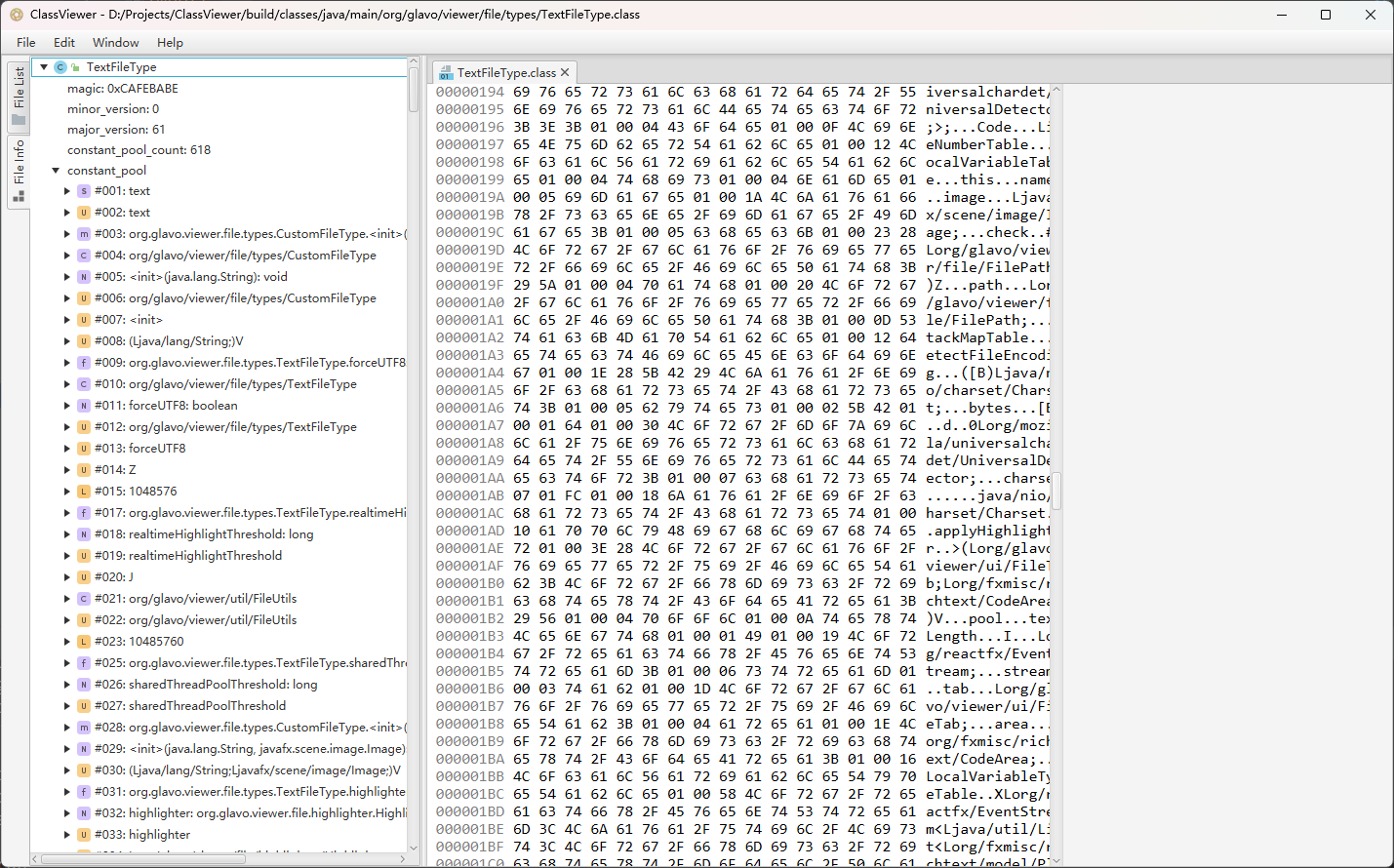
I'm saying this is the case and it's frustrating me.
My opinion for what it's worth is ideally to scrap the horizontal scroll bar on the Hex viewer as it contains data of fixed width and should always have the space it needs to display all its content. The tree view on the left should have the horizontal scrollbar instead.
Setting a hard minimum value for the window width is a frustrating thing to me. Also, I think dragging the splitter temporarily to show the full tree content is also a correct usage, sometimes showing the full binary content is not that important.
I think I should go ahead and try to implement another VirtualizedScrollPane myself for my purpose.
Also, I have an immature suggestion here: Is it possible to add nodes like VirtualizedHBox in flowless? Currently, there seems to be only the VirtualizedScrollPane node can hold a Virtualized node, which may not be very rich to meet all needs.
To get the scrollbar to hug the right hand side you need to tell the HBox to stretch one or more of its children. Using my example to stretch the last column/area (i.e. asciArea) do:
HBox.setHgrow( s2, Priority.ALWAYS );
After this when moving the split pane divider to the extreme right you'll notice that all the columns/areas start collapsing. If you want the addrArea and hexArea to not collapse but only the asciArea then just set a minimum width on their scroll panes:
s0.setMinWidth( addrArea.getPrefWidth() );
s1.setMinWidth( hexArea.getPrefWidth() );
To get the scrollbar to hug the right hand side you need to tell the HBox to stretch one or more of its children. Using my example to stretch the last column/area (i.e. asciArea) do:
HBox.setHgrow( s2, Priority.ALWAYS );After this when moving the split pane divider to the extreme right you'll notice that all the columns/areas start collapsing. If you want the addrArea and hexArea to not collapse but only the asciArea then just set a minimum width on their scroll panes:
s0.setMinWidth( addrArea.getPrefWidth() );
s1.setMinWidth( hexArea.getPrefWidth() );
I don't think setting the Hgrow priority is a good idea as it will cause the CodeArea to be stretched and make the selection function behave strangely.
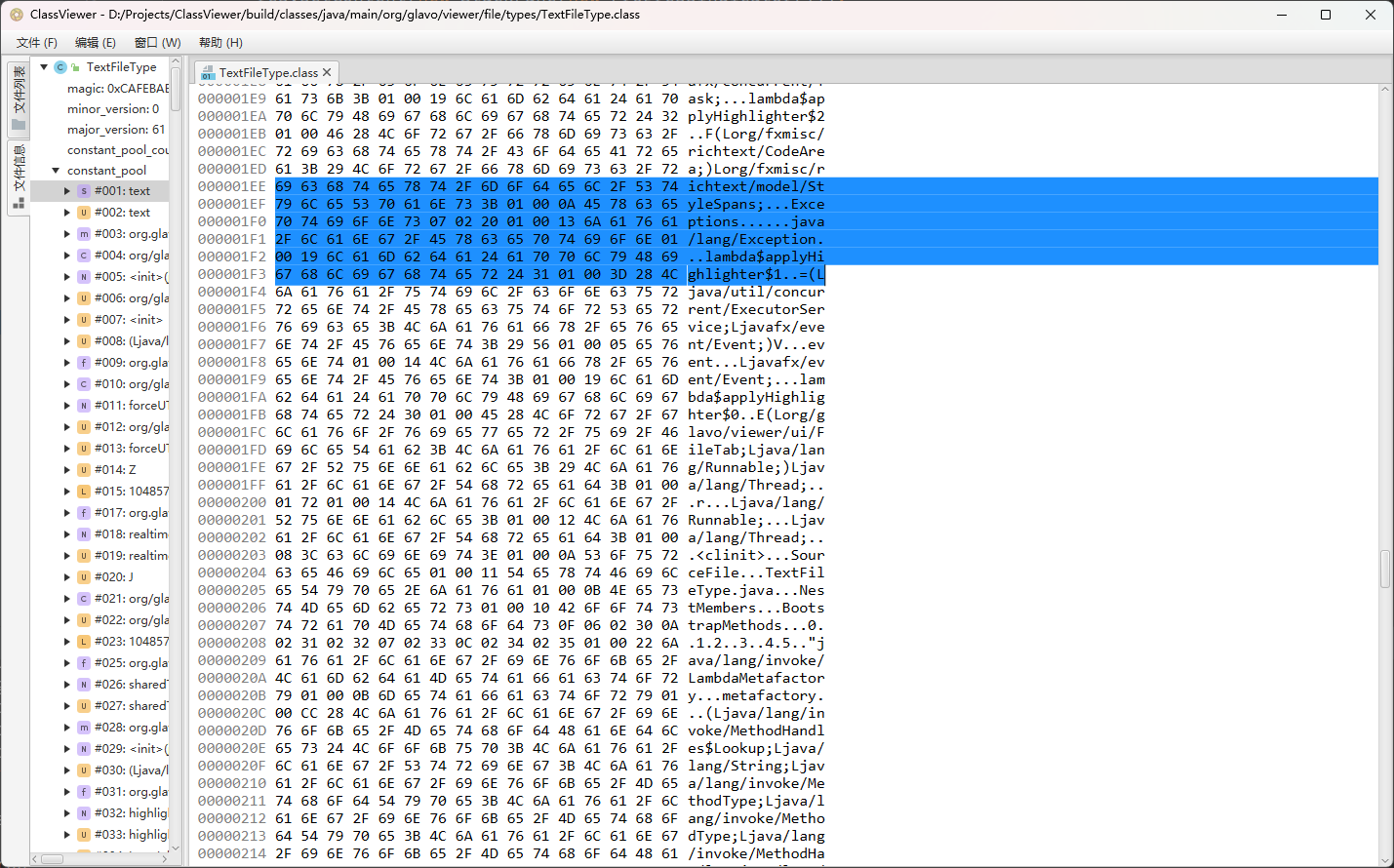
Hmm, so I've had a look and the selection behavior can't be changed easily. The simplest alternative then is to do the reverse of the above and limit the maximum width of the Hex viewer. Referencing my code above it would be something like:
box.setMaxWidth( 350 );
This will still allow the split pane to be adjusted but with a hard limit on how big the right side can grow to.
Hmm, so I've had a look and the selection behavior can't be changed easily. The simplest alternative then is to do the reverse of the above and limit the maximum width of the Hex viewer. Referencing my code above it would be something like:
box.setMaxWidth( 350 );This will still allow the split pane to be adjusted but with a hard limit on how big the right side can grow to.
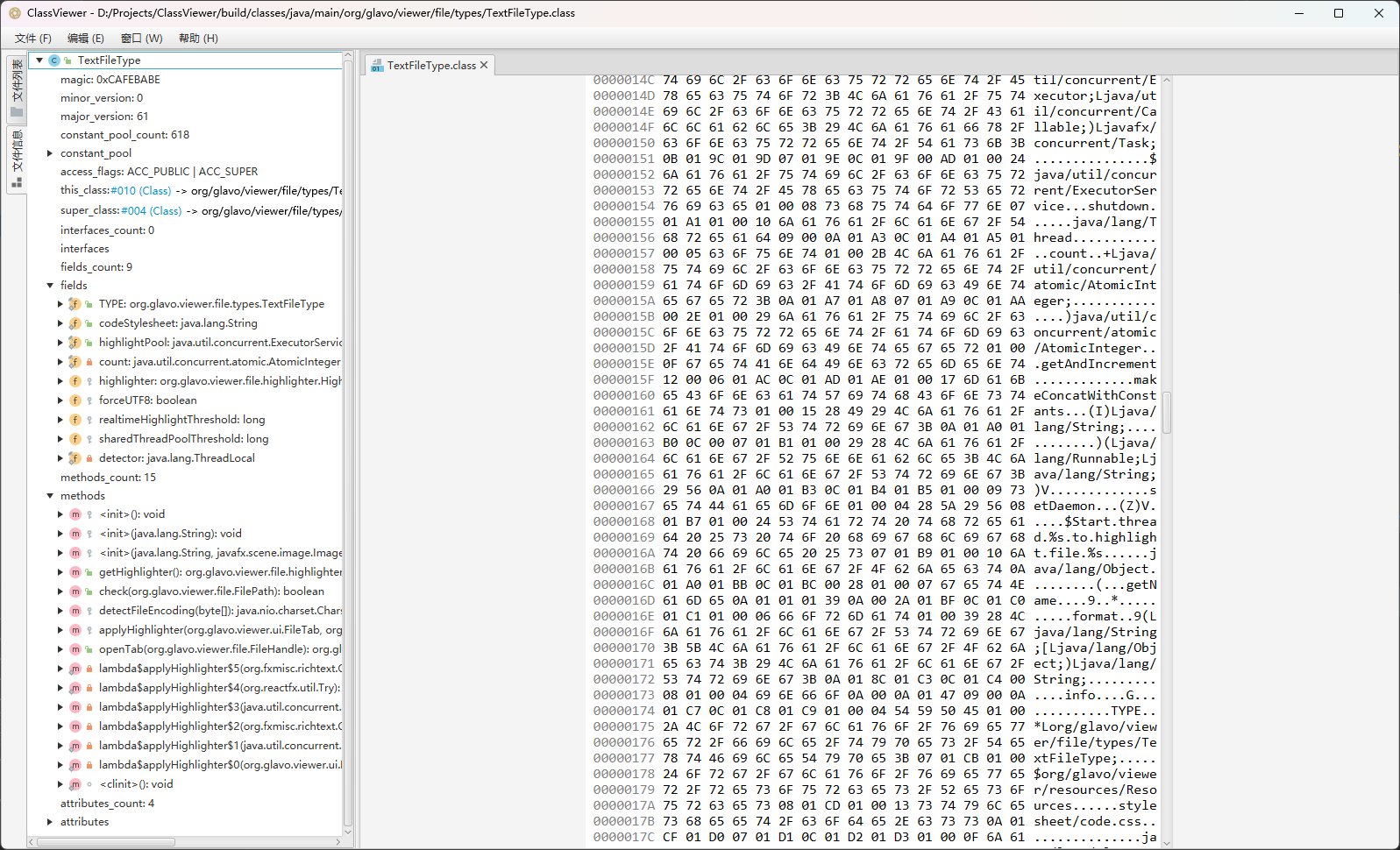
When the HBox's max-width is set, I'm back to my previous problem... well, worse than before.
Ahh, sorry my bad - I forgot about the TabPane you have.
Do setMaxWidth on the TabPane instead.
Ahh, sorry my bad - I forgot about the TabPane you have. Do
setMaxWidthon the TabPane instead.
Well, setting it's max size does fix that, but the limitations that come with doing so are not what I expected.
Thank you for your patience, but these workarounds don't work well. I think it might be possible to solve this perfectly only by implementing my own VirtualizedScrollPane.
Of course, as mentioned earlier, I hope that flowless can provide more kinds of containers (such as VirtualizedHBox), which can be used to combine multiple Virtualized and put them together into a VirtualizedScrollPane.