

 FNNDSC
Copy-pastable chrs download command
chrs is a command-line client for ChRIS. In some cases it is advantageous to use a CLI tool, one example would be for downloading a large number of files. The command chrs download is an efficient way to download a large number of files from ChRIS. This is a feature request for the "My LIbrary" screen of ChRIS_ui to have a "copy chrs download command" which copies into the clipboard a command to download the current path being shown in the UI.
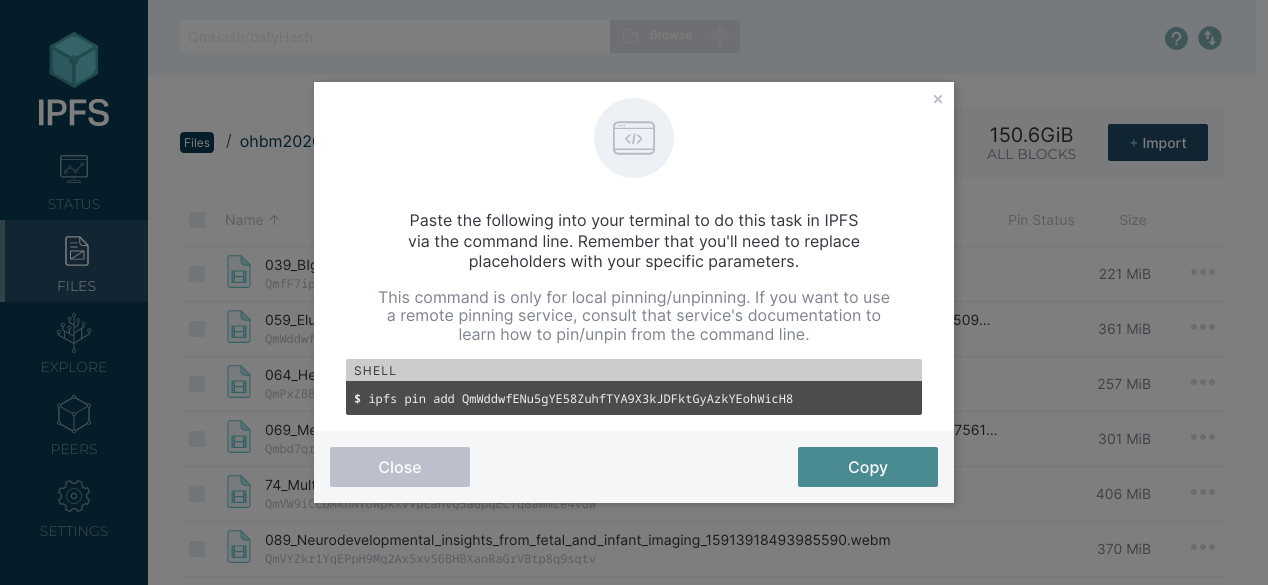
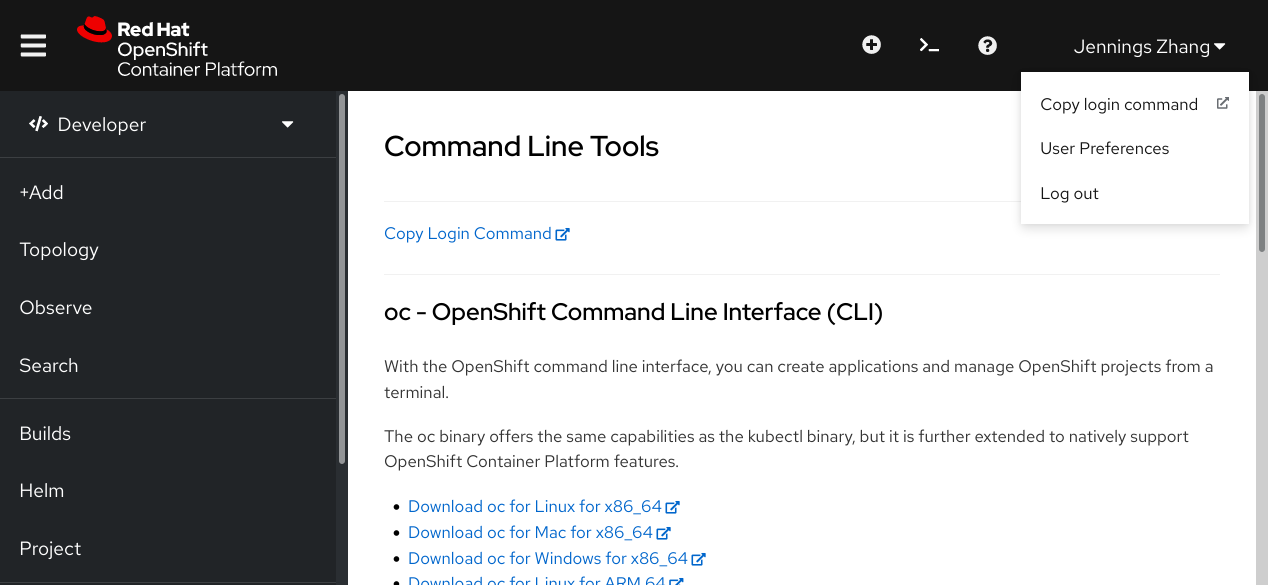
For reference, here are some other UI projects with similar features:
IPFS
OpenShift

Hey @jennydaman I am willing to work on this issue please assign this to me.

@jennydaman I have tried to implement what is given in the second pic at da3c7d0 can you check this out? I also tried to put the commands in an accordion in 12dc567.

Hey @AryaArunB, did you ask @aparna-bhatt whether they would like to work together with you on this?
I looked at your two commits and left comments in your PR.
Delete uploaded files command is not working is it because the server is down?
Hi @jennydaman, I am interested in working on this issue. Could you assign it to me?

