
Kronos
 Kronos copied to clipboard
 FCare
FCare
Kronos 2.5.0 and 2.3.1 - Save/Load State doesn't work on Windows 11
Related to all games.
Kronos Emulator 2.5.0 2.3.1 standalone
Windows 11
Intel 12900K and also tried on AMD 6800u

Works fine on my PC. What do you mean exactly? If it`s related with loading a savestate created with older versions of Kronos, they're not compatible with Kronos 2.5.0.

Works fine on my PC. What do you mean exactly? If it`s related with loading a savestate created with older versions of Kronos, they're not compatible with Kronos 2.5.0.
nice idea :)

Works fine on my PC. What do you mean exactly? If it`s related with loading a savestate created with older versions of Kronos, they're not compatible with Kronos 2.5.0.
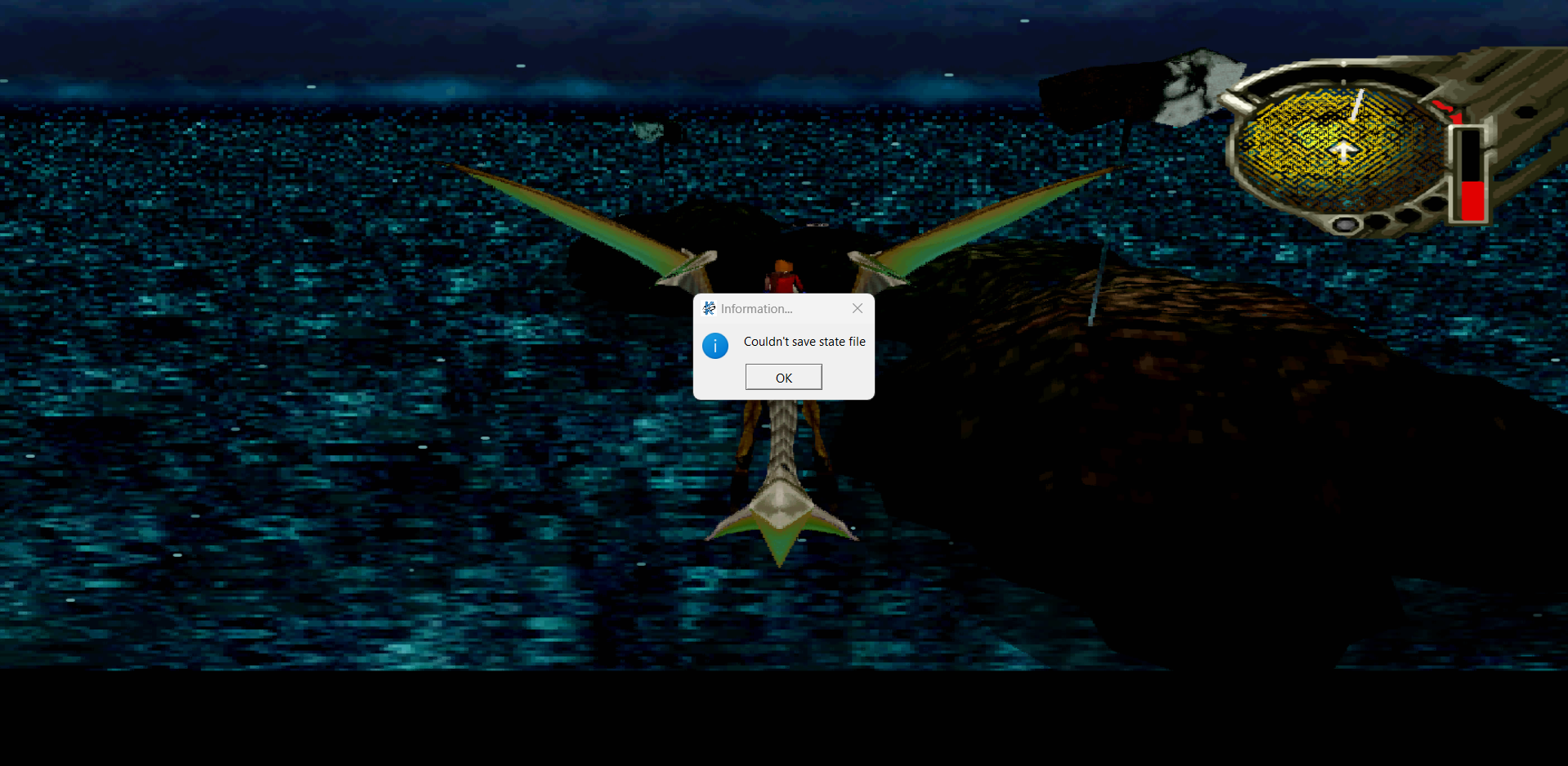
No it's not working. Here is the screenshot with the error. I am trying to take a save state and this is the error I get.
Do you start from a blank kronos.ini ? Sometime you have to setting up with a fresh kronos.ini file.
Can you change the directory ? A friend of mine, tested this solution and it works
C:\Users\blabla\AppData\Local\kronos, it seems it doesn't works with the default dir
I started with blank kronos.ini. It didn't work. I extracted kronos to C:\Emulators\Kronos 2.5.0 and it doesn't work from there. 2.3.1 doesn't work also. I am on Windows 11 and I am not in any insider channel.
I would change the savestate default directory as @BenjaminSiskoo suggested and put on the same directory the kronos.exe is.
After this, check this directory permissions with right click on it-->properties--->security and check if your user has full control.

User Shiba confirmed on Discord that changing the save state directory allowed to create save states in Windows 11.
The default save state directory is %LOCALAPPDATA%\kronos. Running the following commands at the command prompt could help diagnose what is happening in Windows 11 :
icacls %LOCALAPPDATA%
icacls %LOCALAPPDATA%\kronos
On Windows 10, both commands give the same result :
AUTORITE NT\Système:(I)(OI)(CI)(F)
BUILTIN\Administrateurs:(I)(OI)(CI)(F)
machine_name\your_name:(I)(OI)(CI)(F)
