

 FAForever
4K Scaling in windows is incorrect
The issue When running Forged Alliance on a 4k monitor, the UI is almost unreadable due to my small laptop screen. To correct this, DPI scaling can be used. Forged Alliance resets the values of the keys listed below once the game ends, this disables the DPI scaling and causes the cursor to appear disproportionately large (As it would at 640 x 480) in later games. To correct this the settings must be changed to the following before the game starts.
[HKEY_CURRENT_USER\SOFTWARE\Microsoft\Windows NT\CurrentVersion\AppCompatFlags\Layers] "C:\ProgramData\FAForever\bin\ForgedAlliance.exe"="~ DPIUNAWARE" "C:\Program Files (x86)\Steam\steamapps\common\Supreme Commander Forged Alliance\bin\SupremeCommander.exe"="~ DPIUNAWARE"
To recreate Change the registry keys listed above, play and game and then leave. Check the values. They will have been changed back.
This is only an issue in Windows
Suggested solution I suggest that you add code to the FAF client to edit the registry settings before each game starts, to apply the registry settings above. It is an easy fix and will solve the scaling issues on 4k monitors. The registry settings can be changed without admin rights as shown by the fact that ForgedAlliance.exe changes the values.


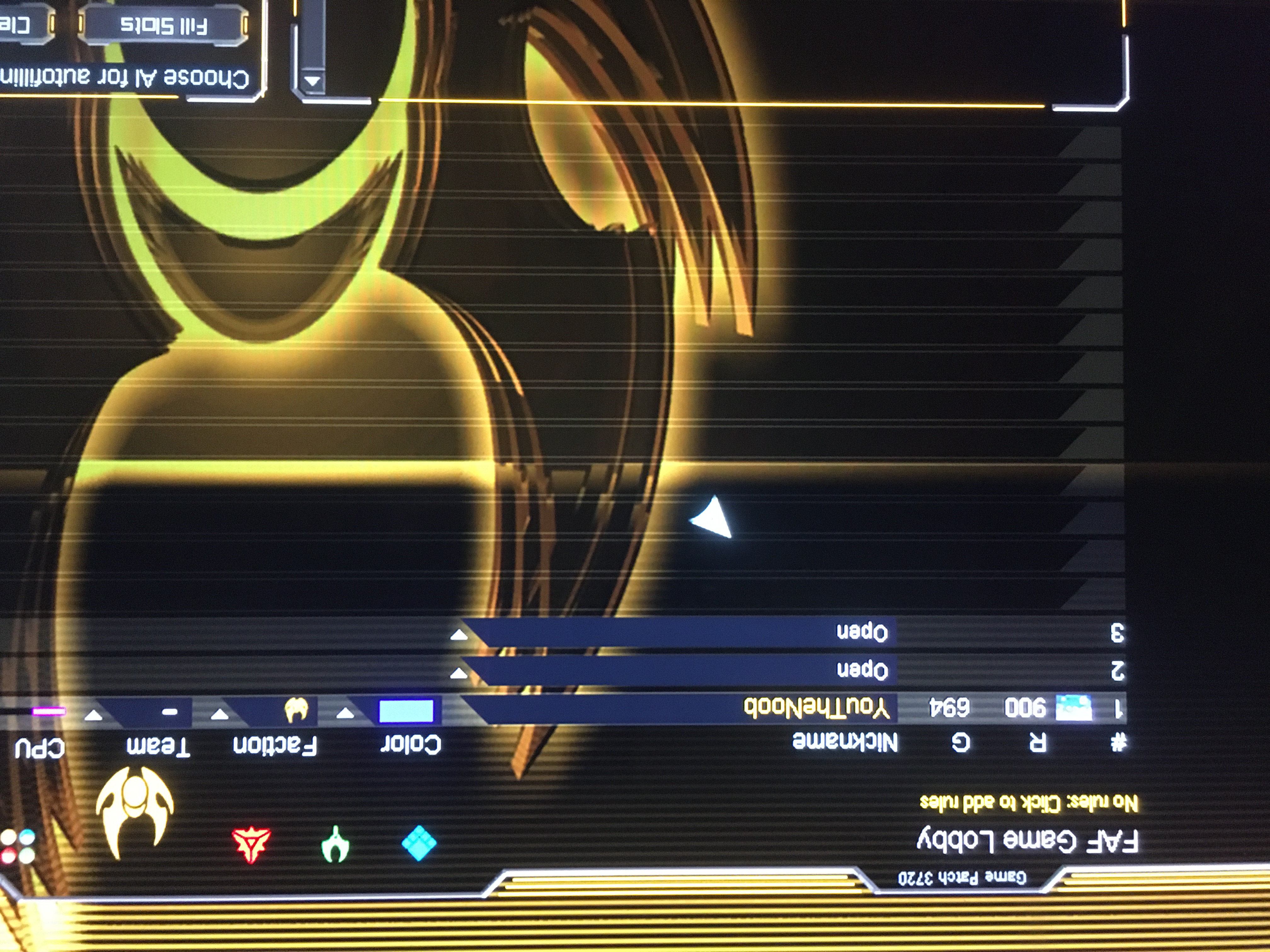
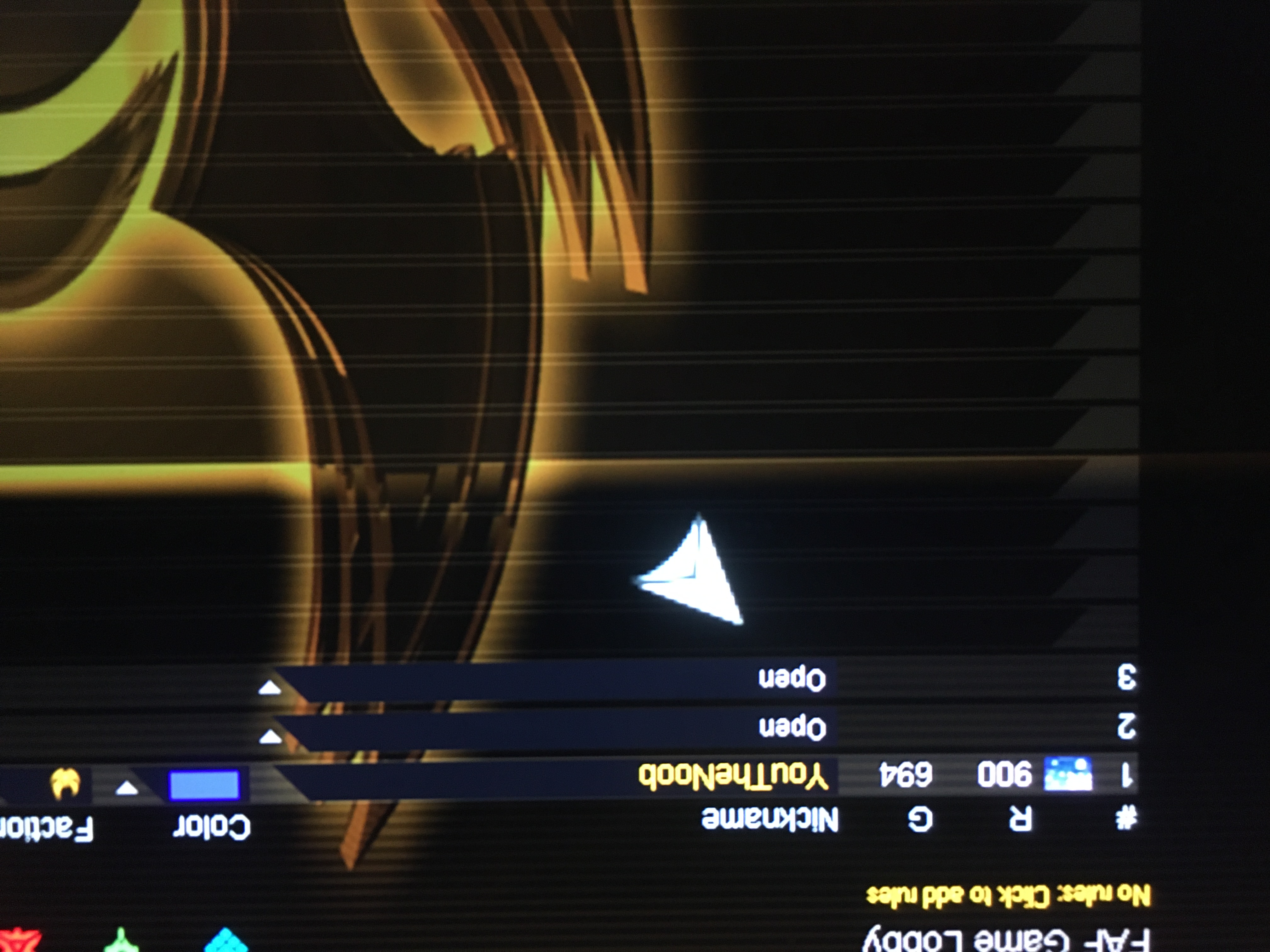
The cursor is grossly enlarged. Apologies for the poor quality of the picture. "Print Screen" did not capture the cursor.

It's better to use the in-game UI scaling options. I'm closing this issue as I've not heard of similar problems for a long time now.
