
Android-FilePicker
 Android-FilePicker copied to clipboard
 DroidNinja
Select all option not appearing
I enabled select all feature, but the option is not appearing in the picker. Here is the builder -
FilePickerBuilder.getInstance() .enableSelectAll(true) .enableCameraSupport(false) .setActivityTitle("Select Images") .setActivityTheme(R.style.FilePickerTheme) .pickPhoto((Activity) this);
Also "Done" button does not appear inside a folder only at the main view,.
What am i doing wrong?
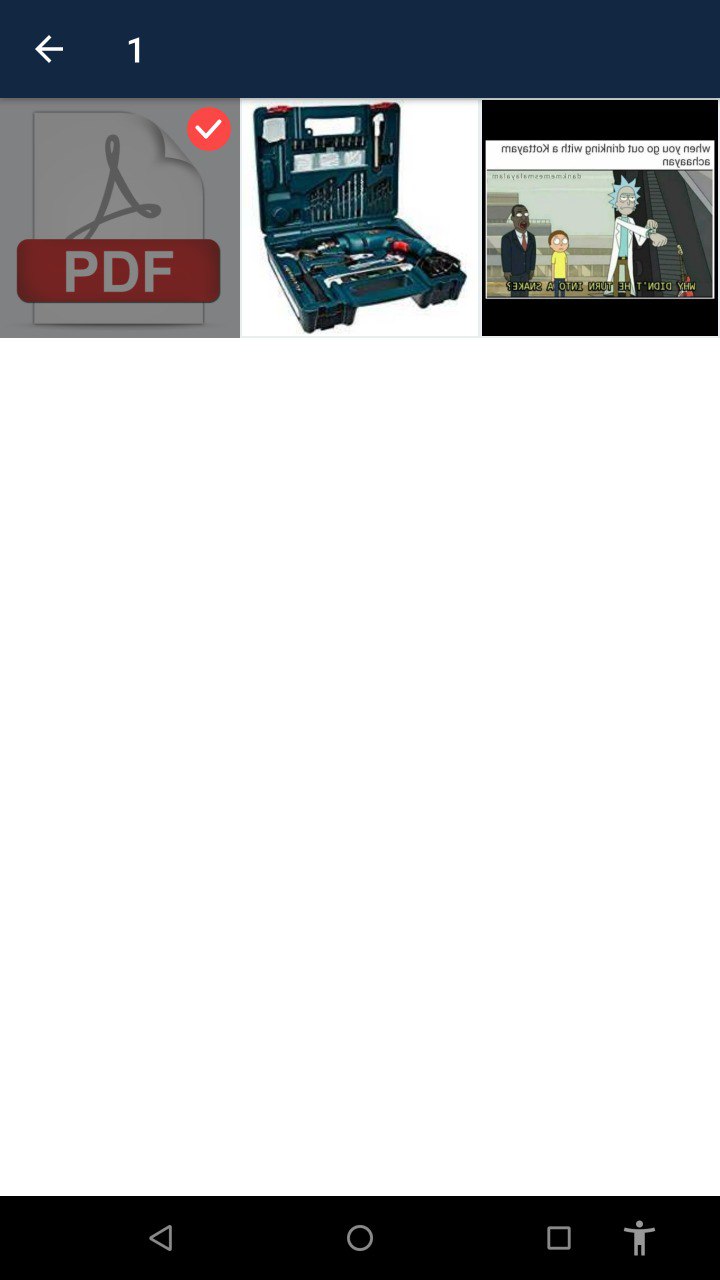

I changed the version to 2.1.3. Now the select all button and the done button is showing, but when I click back from a folder, it shows "No files found"
I found the issue ,
in MediaDetailsActivity, line 181
if(PickerManager.getInstance().getMaxCount()>1)
change to
if(PickerManager.getInstance().getMaxCount()==-1)