

 Drjacky
Library with latest version2.1.11 is not working with OS 11
After allowing storage permission , app crashes and in logs it comes access permission issue, though i already allowed permission. it should redirect to settings to manage storage permission as per solutions suggested in developer.com and on stack overflow. Please let me know how this can be fixed , if anything has to be added in manifest of anything

I've checked the latest version (v2.1.12) and it worked on API 30 (Android 11). Run the sample app and let me know if it works or not.

Hello Drjacky,
Thanks It worked :)
but want to highlight two issues:
-
Previously was using below mentioned code, to display dialog for both the options , but it was not working , created own dialog and called both intents separately then it worked.
ImagePicker.with(this) //... .createIntentFromDialog { launcher.launch(it) } -
As in my project there is no requirement to crop image , so was not using crop() , but it created FileNotFoundException until i included crop() in builder.
*i think first issue is not that important but second issue can be fixed.
Thanks!!
@Poonam4789
- Below code still works:
fun pickProfileImage(view: View) {
        ImagePicker.with(this)
            //.crop()
            //.cropOval()
            .maxResultSize(512, 512, true)
            .createIntentFromDialog { profileLauncher.launch(it) }
    }
- I've used below config and it worked without showing crop step:
fun pickGalleryImage(view: View) {
        galleryLauncher.launch(
            ImagePicker.with(this)
//                .crop()
                .galleryOnly()
//                .cropFreeStyle()
                .galleryMimeTypes( // no gif images at all
                    mimeTypes = arrayOf(
                        "image/png",
                        "image/jpg",
                        "image/jpeg"
                    )
                )
                .createIntent()
        )
    }
@Drjacky
Getting below message in android 11 " Some permission are permanently denied which are required to perform this operation. Please open app settings to grant these permissions."

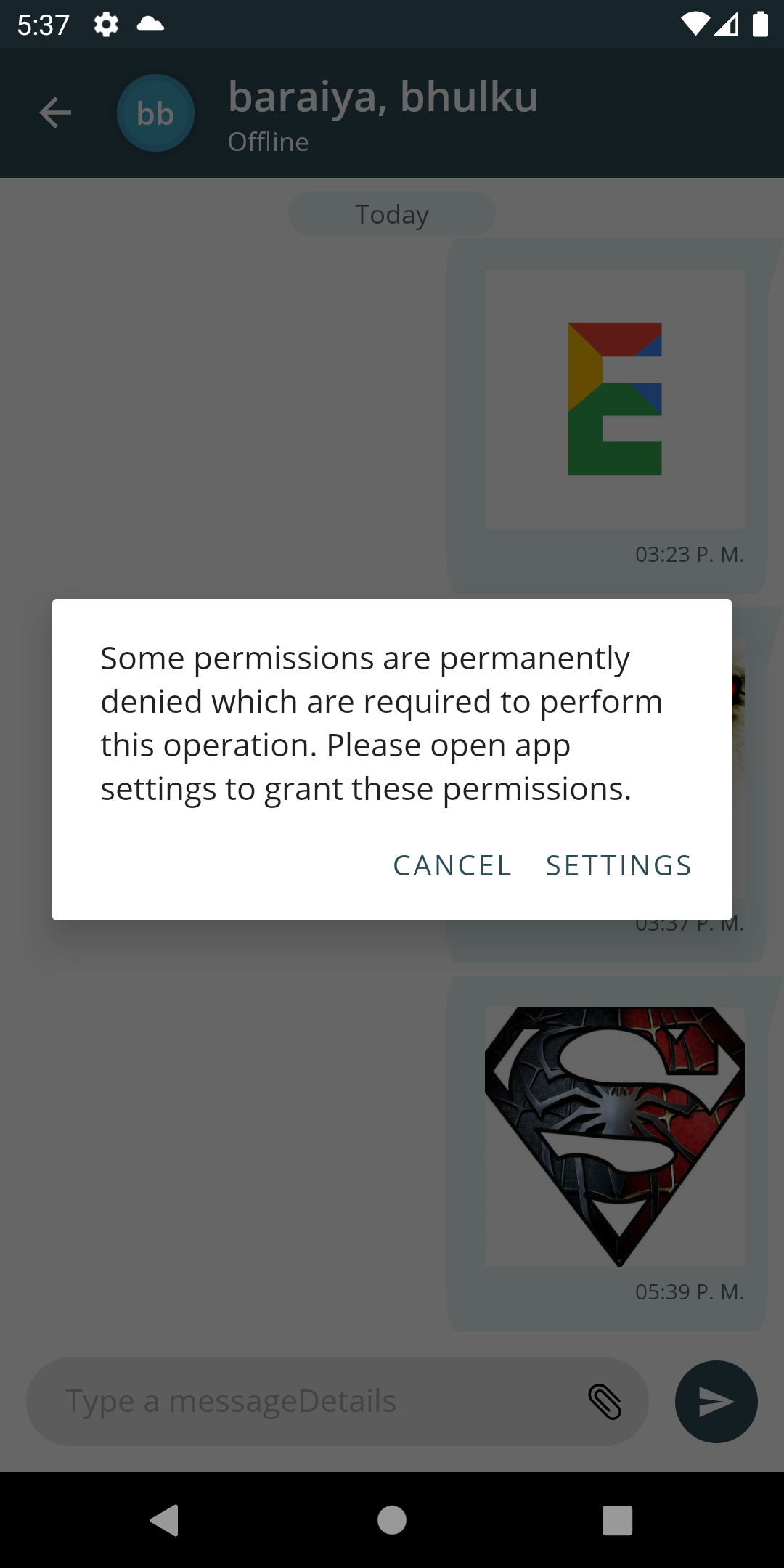
@ebaraiya Do you use https://github.com/QuickPermissions/QuickPermissions-Kotlin?
@ebaraiya Yup, it's that https://github.com/QuickPermissions/QuickPermissions-Kotlin/blob/2cc50df62f04a4d97e21b15f51b34acc3666ef75/quickpermissions-kotlin/src/main/java/com/livinglifetechway/quickpermissions_kotlin/PermissionsManager.kt#L135
Nothing to do with ImagePicker library.
If We are using the below library then working fine
implementation 'com.github.dhaval2404:imagepicker:1.5'
implementation 'com.github.florent37:inline-activity-result-kotlin:1.0.1'
@ebaraiya That library and version has issue with Android API 28 and above + to be published on Play Store (https://developer.android.com/about/versions/11/privacy/storage)