

 DomiStyle
Noscript settings for websites don't save
The third (Appearance) and the fourth (Advanced) options tabs' settings are fine, they're retained between restarts (they're stored in profile.defaults/storage/default).
The first two, though, General and Per-site Permissions, they just don't play ball: everything I change there, it's only for the current session. Whenever I restart the container, they're back to their defaults.
For those two tabs, none of the storage files expected are present. For reference: https://forums.informaction.com/viewtopic.php?p=103393#p103393
storage-sync-v2.sqlite
storage-sync-v2.sqlite-shm
storage-sync-v2.sqlite-wal
For science, I copied those 3 files from my desktop Tor to the container... to no avail. Noscript wouldn't use them, so I can only wonder where Noscript is expecting to save those settings, and why it doesn't work...
NB: I also have deployed a Firefox (from J. Lesage) in a container, and Noscript works as expected.

If you are restarting the container, are you using a volume to persist data across image resets?

Good point, I should have mentioned that in the first place...
Yes, I have a few volumes in place, including one for profile.default (though I suppose that [sh|c]ouldn't be the issue here, as the two later options tabs are saved, while the other aren't, and they just about all share the same path anyway).
In my quest to find the problem, I did remove the extension and downloaded it again, but its behavior stays the same. Redeploying the image to a new container makes no difference either, and I didn't add any funky ENV variables.
Can you please paste the run command or compose file you use to deploy the container so I can reproduce on my end?

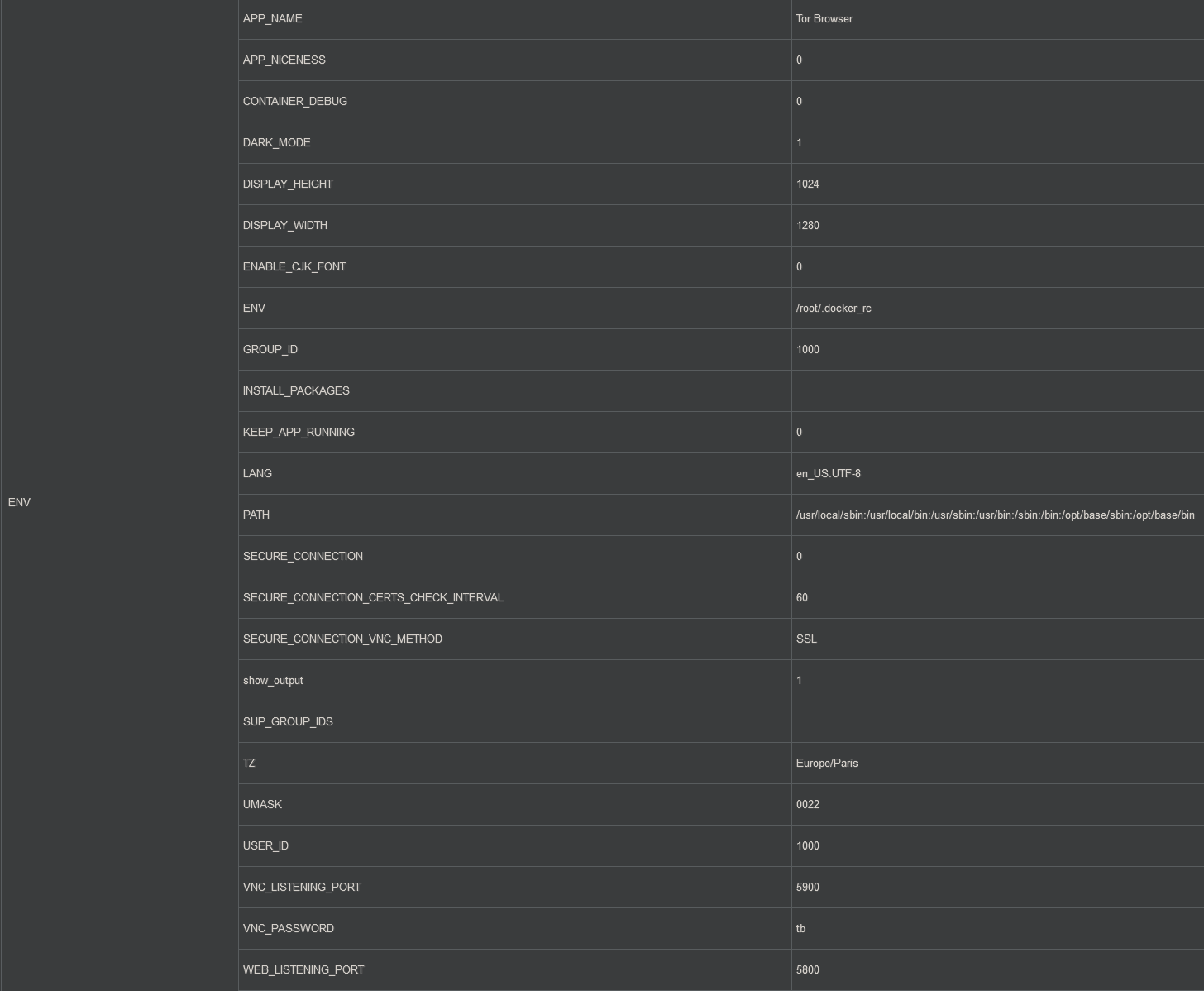
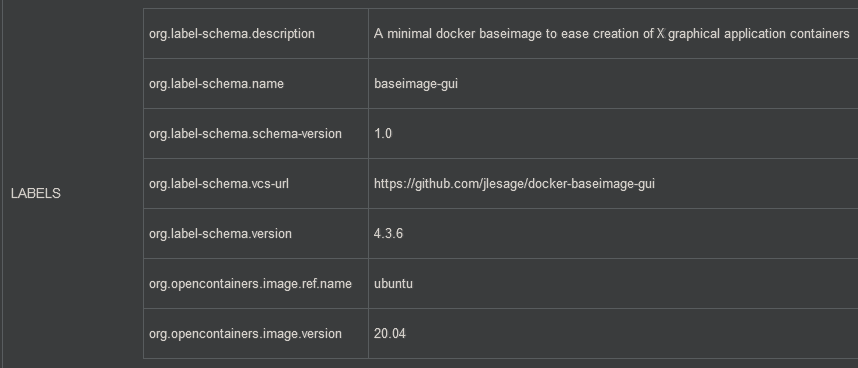
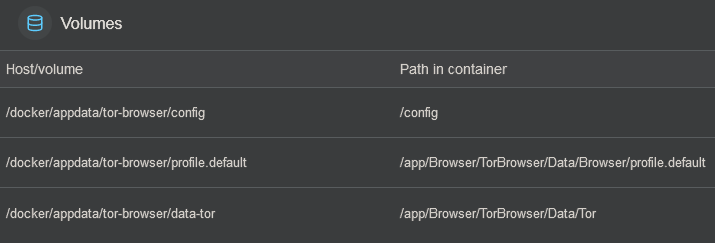
Okay I think I understand the problem now, this seems to be an issue with the volumes not saving the right data. If you want to find out where the NoScript settings are being saved, you can try the following:
- run the container
- change the NoScript settings
- create a new image from that container
- run
container-diffon the original image and the newly created one to see what files have changed
Well, as mentioned in my first post, websites paramaters should be saved in the 3 files I listed (the link is from the dev's forums), which all reside in profile.default, which is on a volume.
Just thinking out loud here, but if the modifications are only saved to memory (since it doesn't "survive" a restart), can creating an image off a container actually show anything ? I'll try anyway, if only because I like the idea ^^
Of note, though: on the second TB container I created when trying to figure the problem out, I didn't add any volume (there's only /config that was automatically linked).
When I modify anything in the last two options tabs of Noscript, the modified time of the file in profile.default/storage/default do change, and those settings are still there after a restart.
Mystery solved !
It's been a while, but I've recently had a go again at making a Tor container. I've encounted the same woes as last year, and so I tried to understand why my "regular" Tor (which was originally 8.0, and then iterated upon) didn't have that issue.
I have Qubes on a different machine, and the behavior was the same as the one provided here, so I dug into my old and trusty Tor to try to pinpoint any differences.
It turns out two things happened in recent(ish ?) versions of Tor:
- Noscript has changed from deny everything to allow everything, along with "forgetting" websites-specific configurations
- One entry pertaining to Noscript has disappeared:
browser.security_level.noscript_persist... when this entry doesn't exist, it's treated asfalse, as you can imagine
I can confirm that adding that entry and setting it to true made my modifications (both for presets and per-site permissions), well... persist.
Another way would be to enable Override Tor Browser's Security Level preset (in the Advanced tab), but since it could have other unexpected effects, I didn't touch that.
Glad you were able to solve your problem. Thanks for following up with the details of the fix!