

 DiscipleTools
location grid data not showing in contact view
Describe the bug A clear and concise description of what the bug is.
To Reproduce Steps to reproduce the behavior:
- Create contact through API with location grid code
- Click on contact
- Open details section
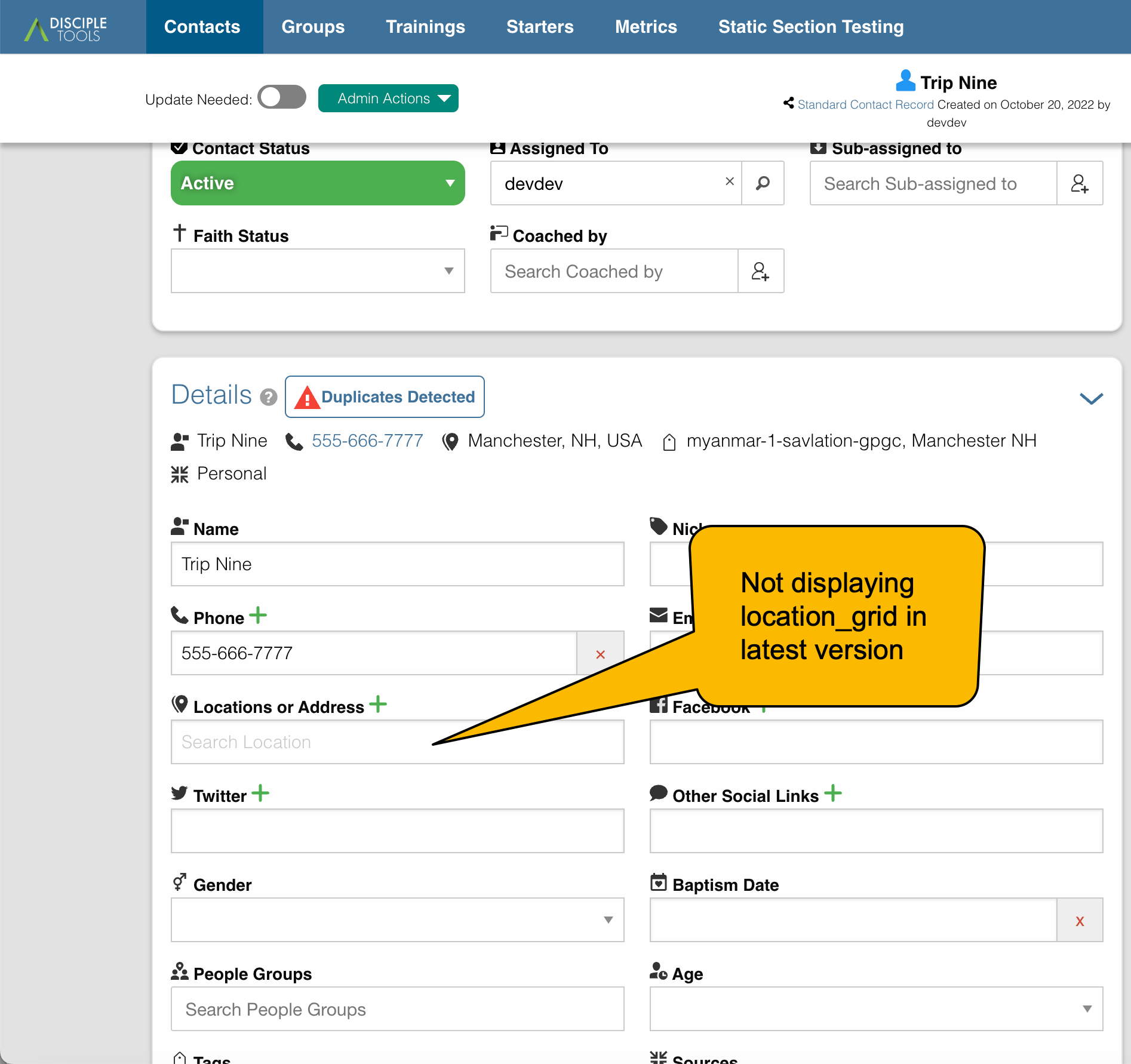
- See error that address is not populating
Expected behavior The location grid code should populate right away in the address / location field under contact details
Screenshots If applicable, add screenshots to help explain your problem.
API writing correctly
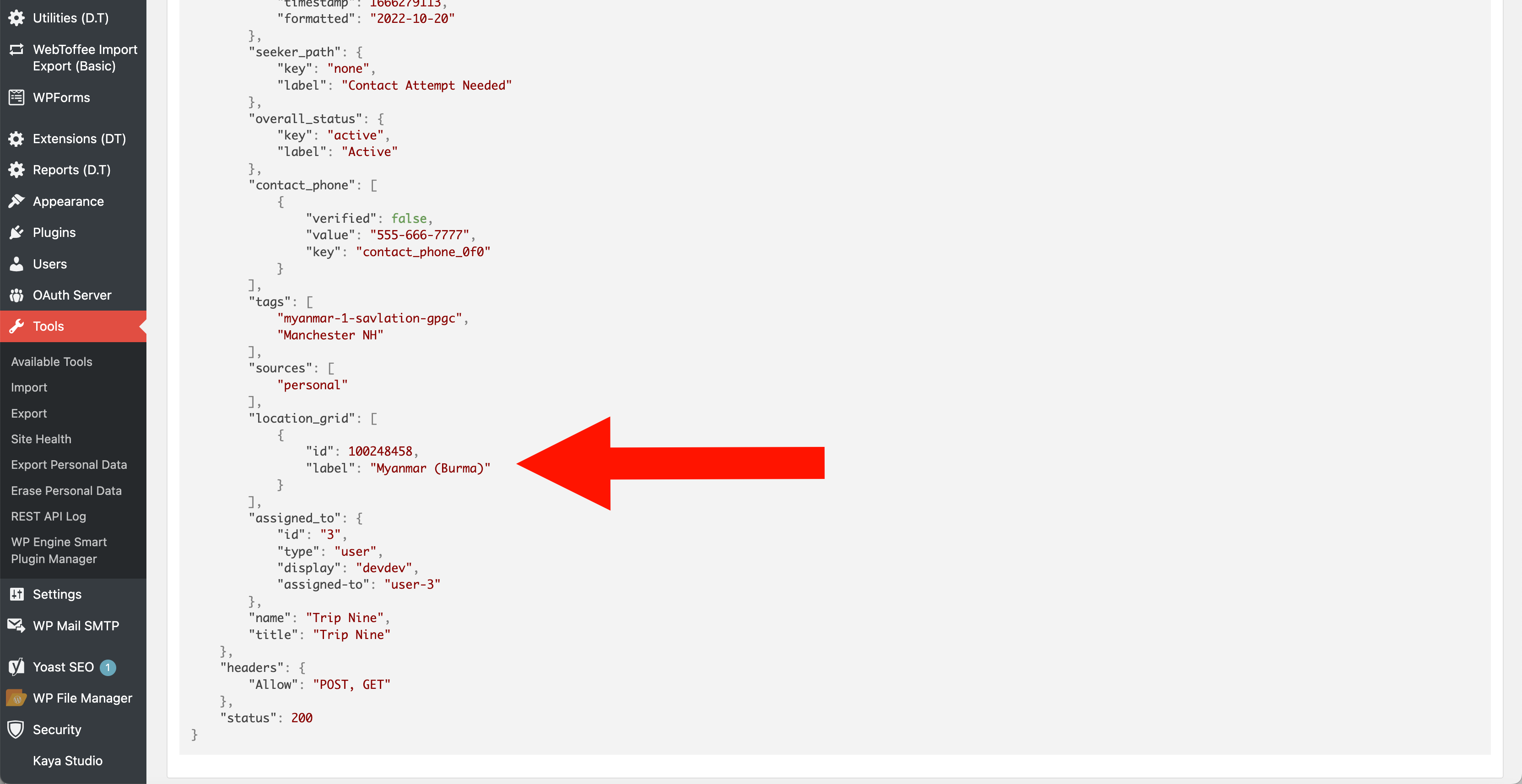
location code not showing in Address / Location field in current version:
Disciple.Tools Theme:
- version: 1.32.2
- setup: single site
Device and browser (please complete the following information):
- Device: Macbook Pro
- OS: Monterey
- Browser Chrome
- Version latest
Additional context Add any other context about the problem here.

@trip-nine
the Locations and Address field pulls from the location_grid_meta field.
We can use the api to set both using the grid id on the location_grid_meta
https://developers.disciple.tools/theme-core/api-posts/post-types-fields-format#location_grid_meta-mapbox
Or we can use address field and auto geolocate the input: https://developers.disciple.tools/theme-core/api-posts/post-types-fields-format#communication_channel
