
Text-Master-OCR
 Text-Master-OCR copied to clipboard
 DeveshRx
Optical character recognition for Android
Text Master
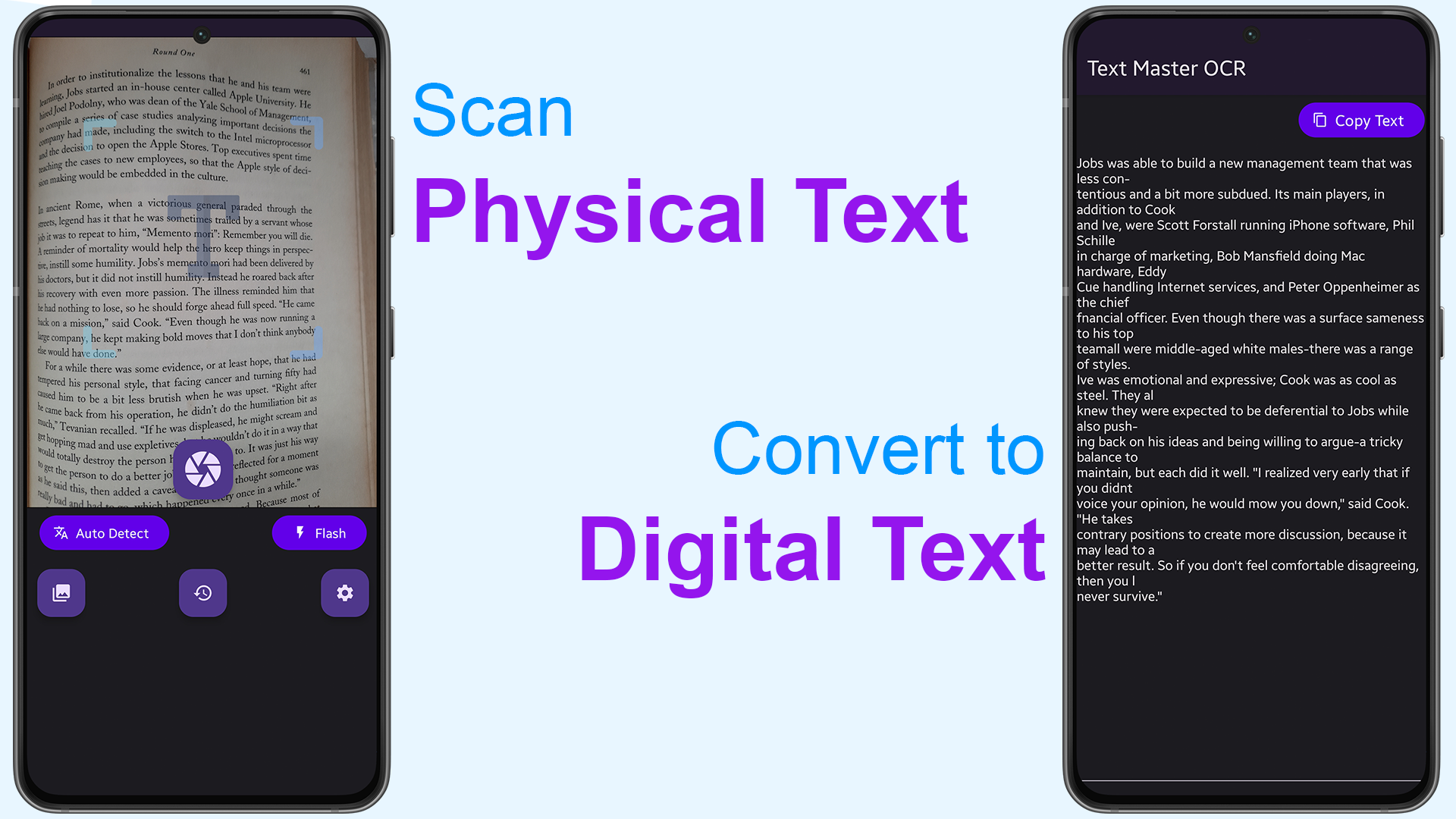
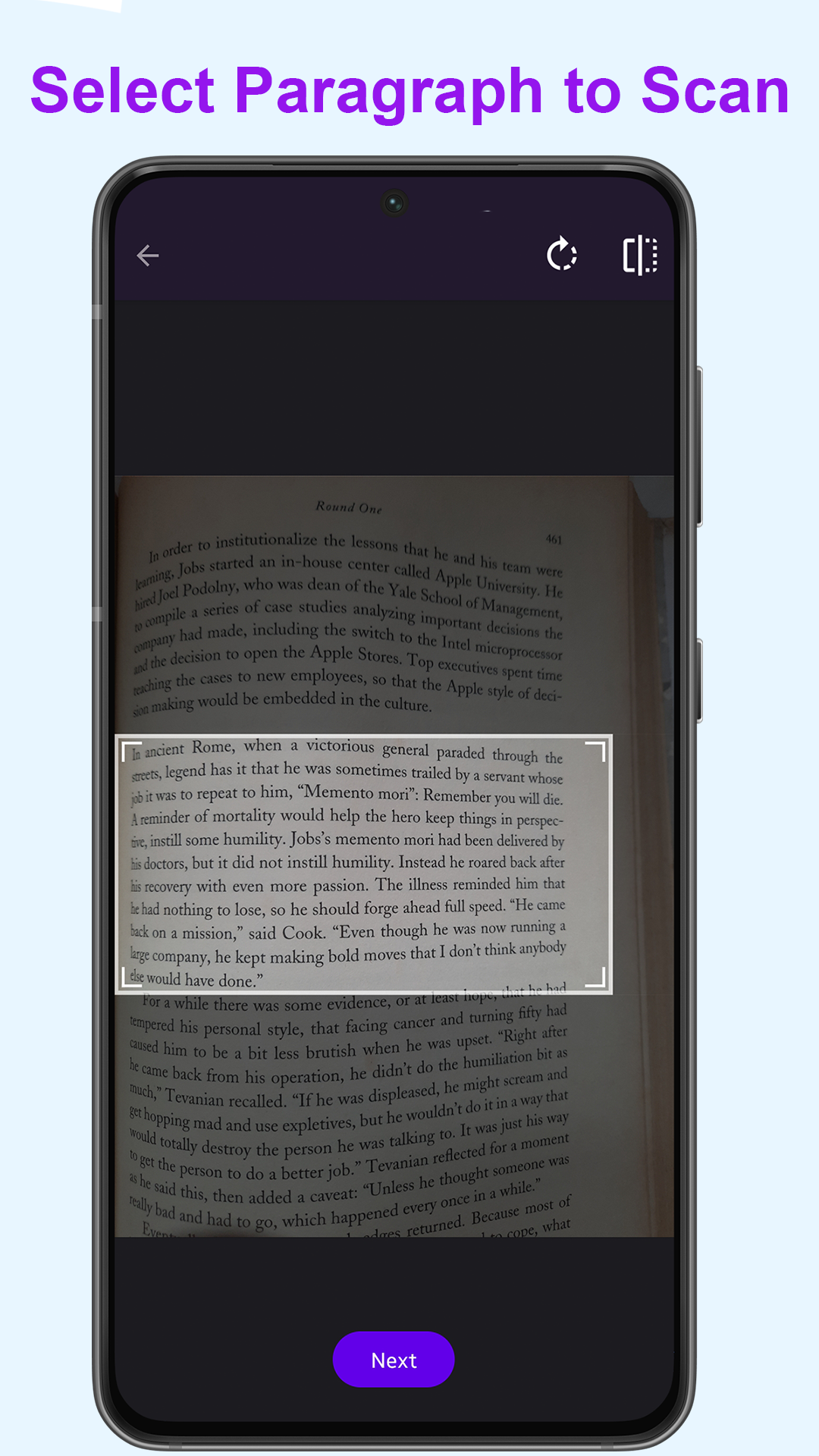
Text Master is Optical Character Recognition powered by Powerful Machine Learning & AI technology. it automatically recognize the characters from an image/camera and Scan Printed Text to convert it into Digital Text with 99% accuracy.
Features:
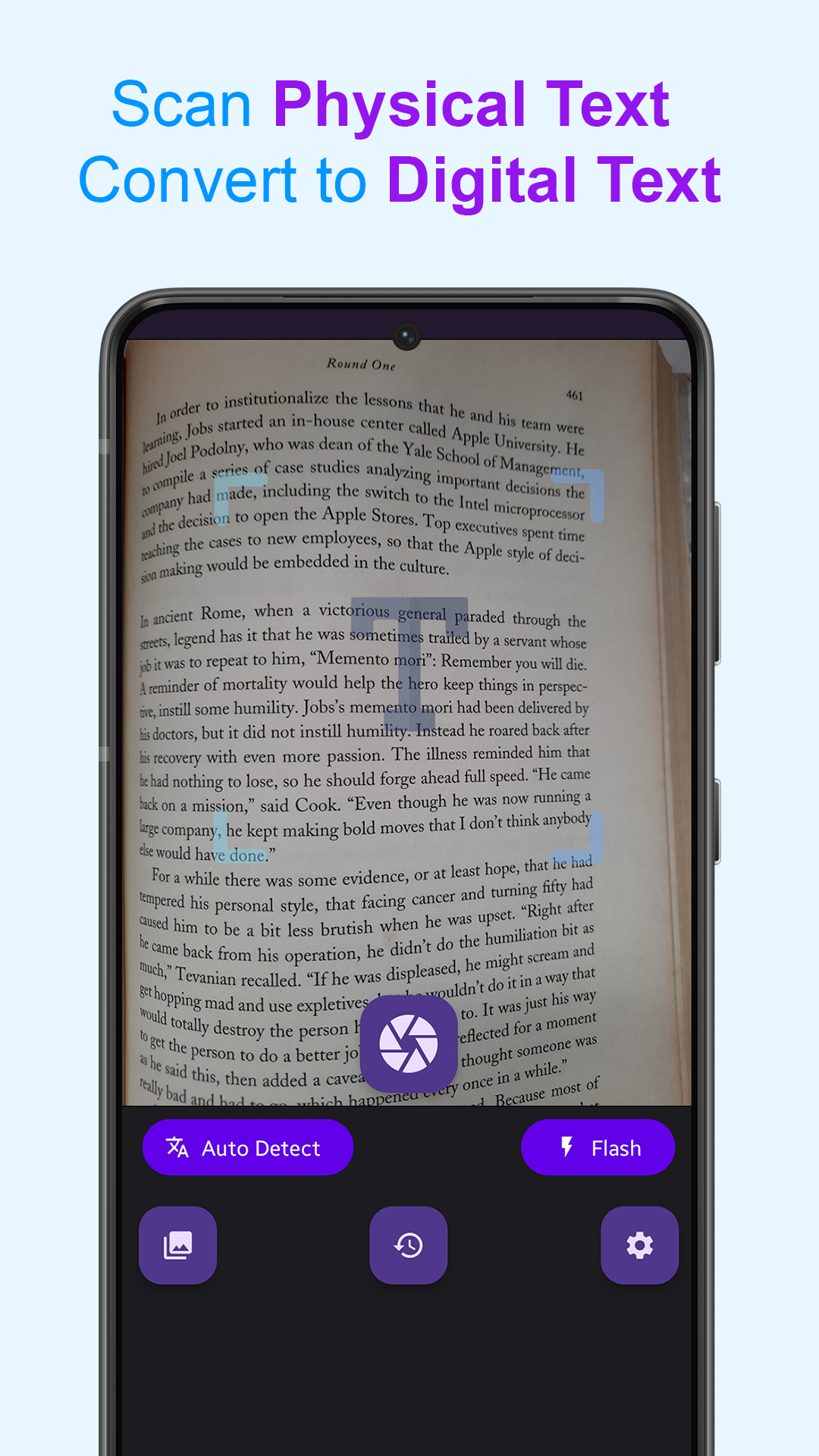
✅ Scan text from images by using phone's camera.
✅ Powered by Machine Learning & AI.
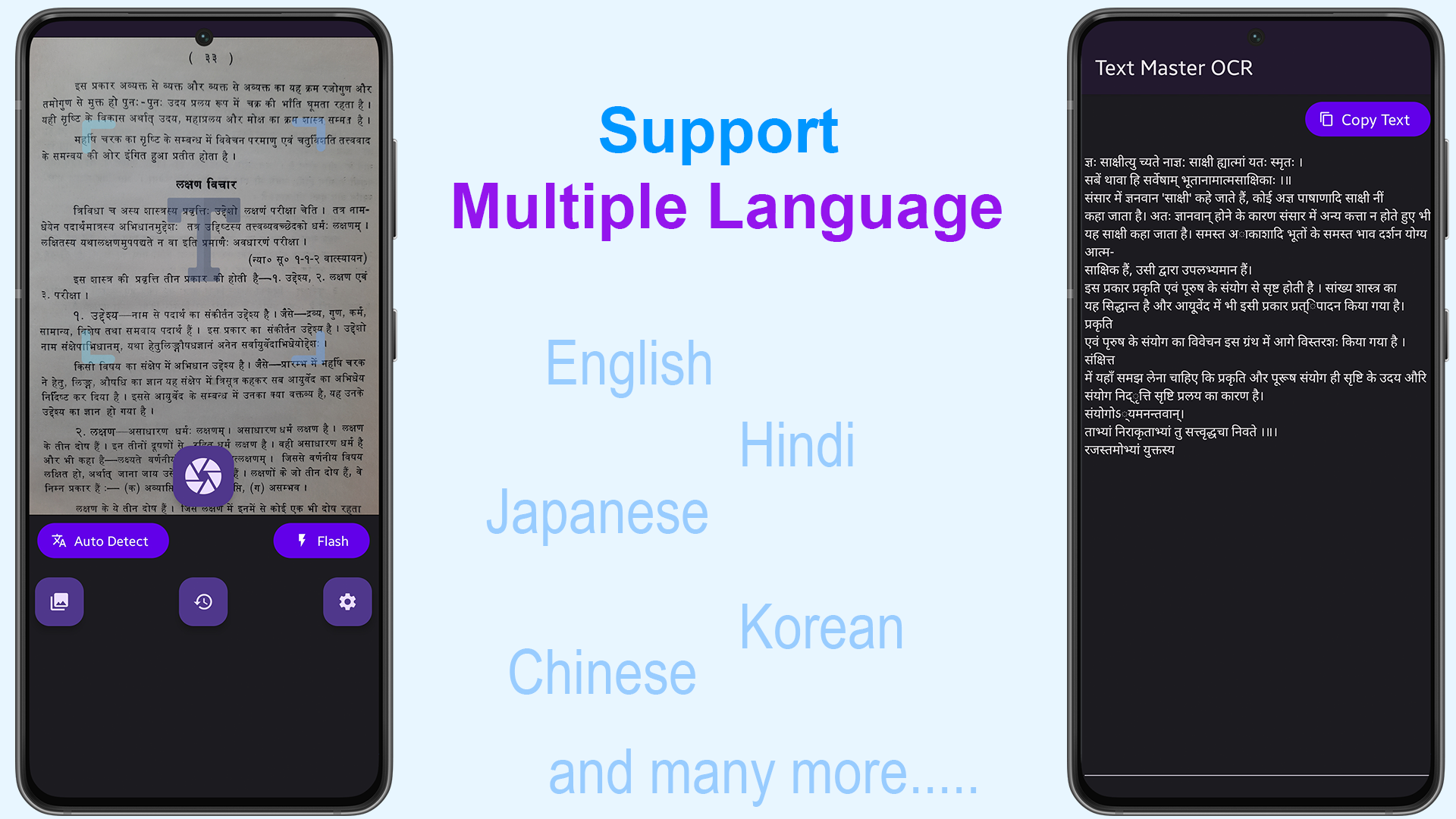
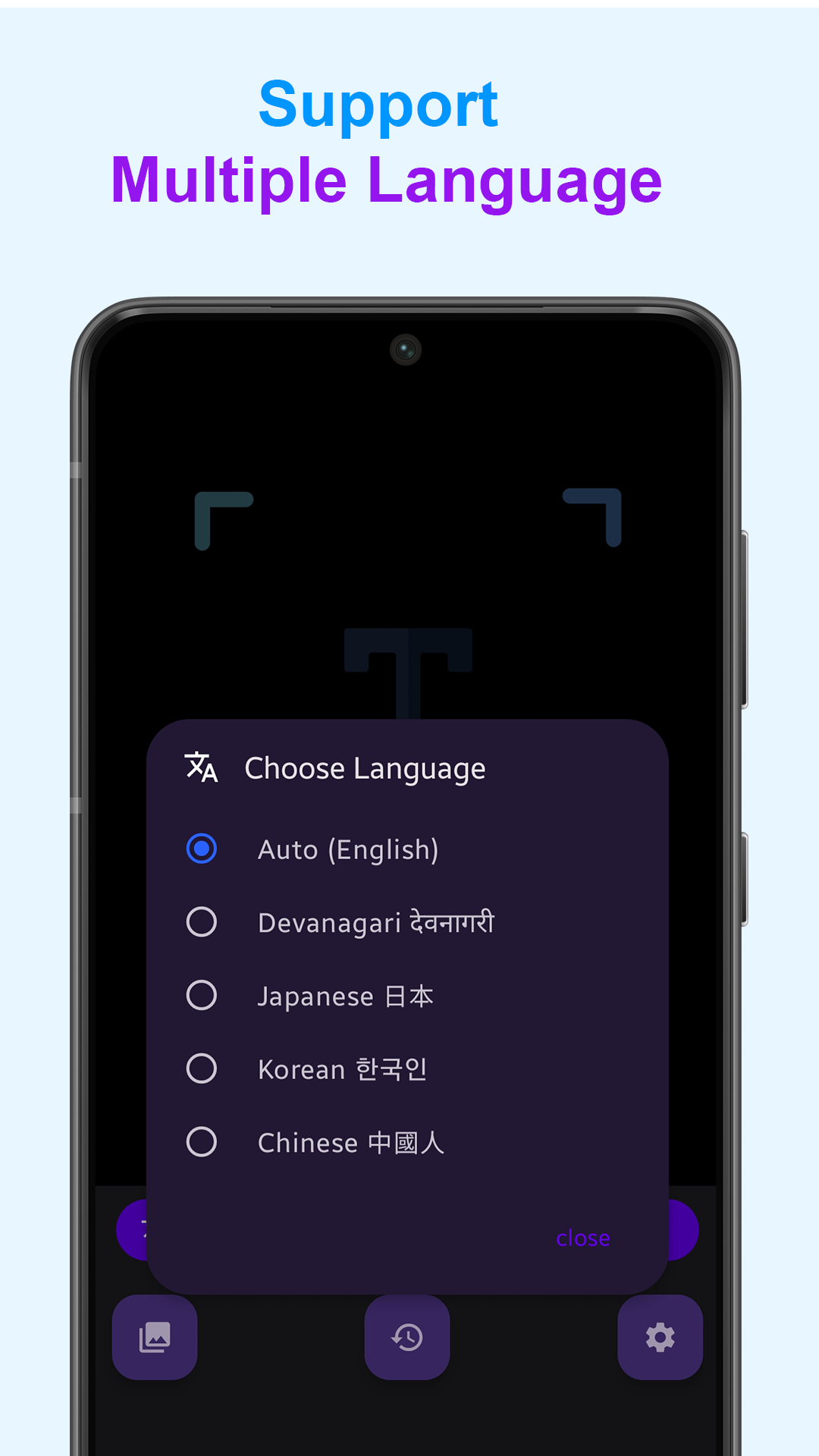
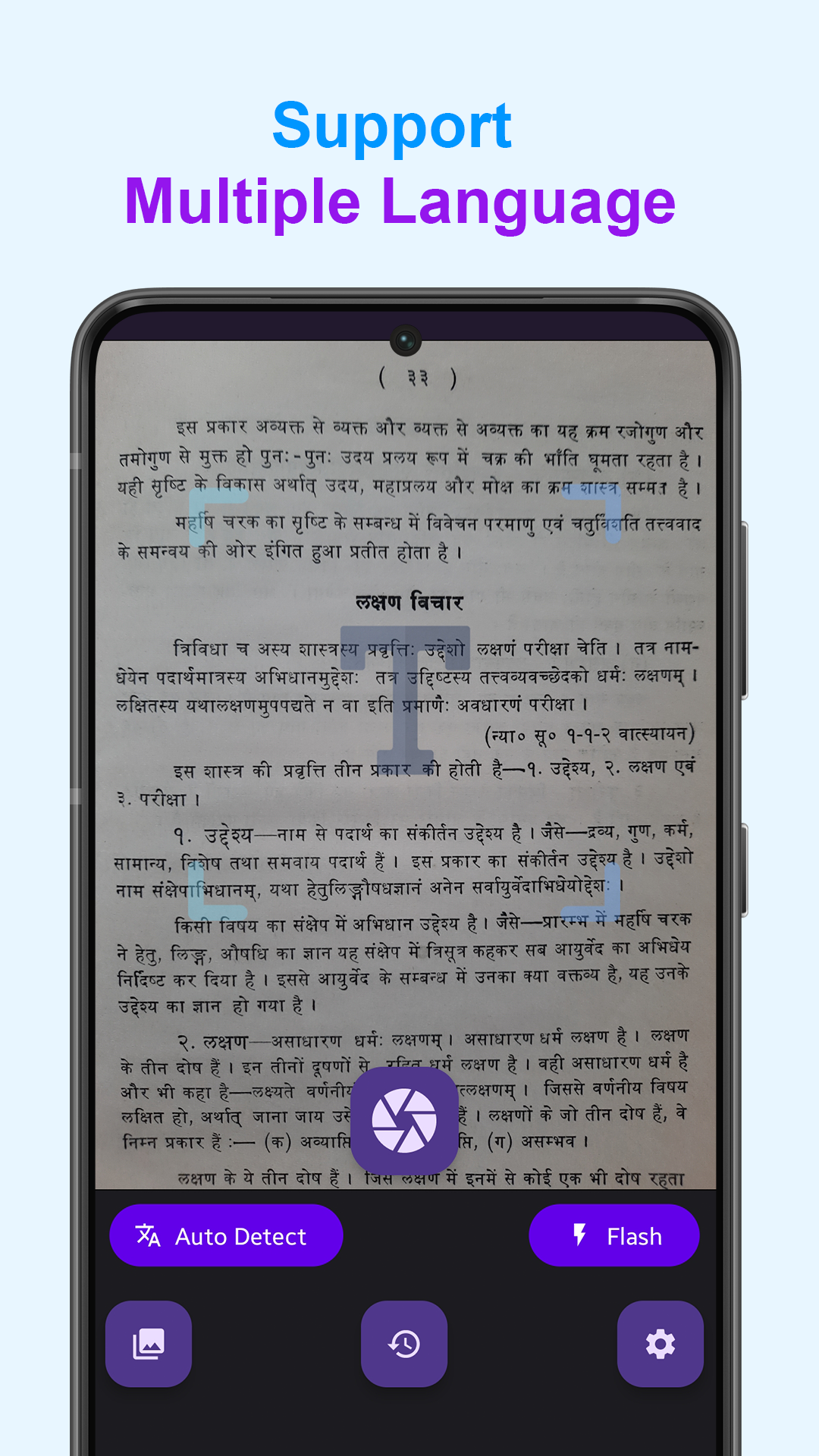
✅ Supports Multiple Languages, 100+ languages supported.
✅ Highly Accurate with 99% accuracy result.
✅ Share scanned text with clipboard, friends, messengers or other app.
Download


Screenshots
Build Instructions
-
Step Android Development Environment & Install Android Studio https://developer.android.com/guide
-
Rename file
local.properties.sampletolocal.properties, located in the project root directory. Open the file & Add your api keys in it. iflocal.propertiesfile is already exists, then add your own api keys into it -
Download
google-services.jsonfile from Your Firebase Console. Learn More at https://firebase.google.com/docs/android/setup -
Copy-Paste
google-services.jsonfile into/appfolder. -
Now open the project in Android Studio & Debug :) .
 DeveshRx