

 DevExpress
Unable to Login to Guidewire application
What is your Scenario?
Hello ,
I am trying to automate a Guidewire Application using testCafe. But I am facing navigation issue. I am unable to login with username password and navigate to the home page . The script is entering username and password values in respective fields then clicking on login. But it is not navigating to next page .
Can you please give any idea what i should do to resolve this issue ?
What is the Current behavior?
The script is not navigating to next page after clicking on login button in login page.
What is the Expected behavior?
The script should navigate to next page after clicking on login button .
What is your public website URL? (or attach your complete example)
http://su:[email protected]:8180/pc/PolicyCenter.do
What is your TestCafe test code?
import {Selector, ClientFunction, fixture} from 'testcafe'
fixture test
.page http://44.241.32.245:8280/ab/ContactManager.do
test ('PC login test', async t=>{
await t.maximizeWindow();

const username = Selector('input').withAttribute('name', 'Login-LoginScreen-LoginDV-username');
const password = Selector('input').withAttribute('name', 'Login-LoginScreen-LoginDV-password');
const login = Selector('div').withText('Log In');


await t.typeText(username,'su')
await t.typeText(password,'gw')
await t.setNativeDialogHandler(() => true).click(login)
await t.expect(Selector('#TabBar-LogoutTabBarLink').innerText).contains('Log Out Super User') })
Your complete configuration file
No response
Your complete test report
No response
Screenshots
No response
Steps to Reproduce
1.Open the application login page 2.give login credential 3.velidate that home page is displayed
TestCafe version
1.18.6
Node.js version
17
Command-line arguments
npm run test
Browser name(s) and version(s)
No response
Platform(s) and version(s)
No response
Other
No response

Hello,
Thank you for your report. We would love to assist you and diagnose this issue. However, our policy prevents us from accessing internal resources without a prior written approval from a site owner. If you'd like us to research the issue further directly on your side, please ask the website owner to send us ([email protected]) a written confirmation. It must permit DevExpress personnel to remotely access the website and its internal resources for research/testing/and debugging purposes.

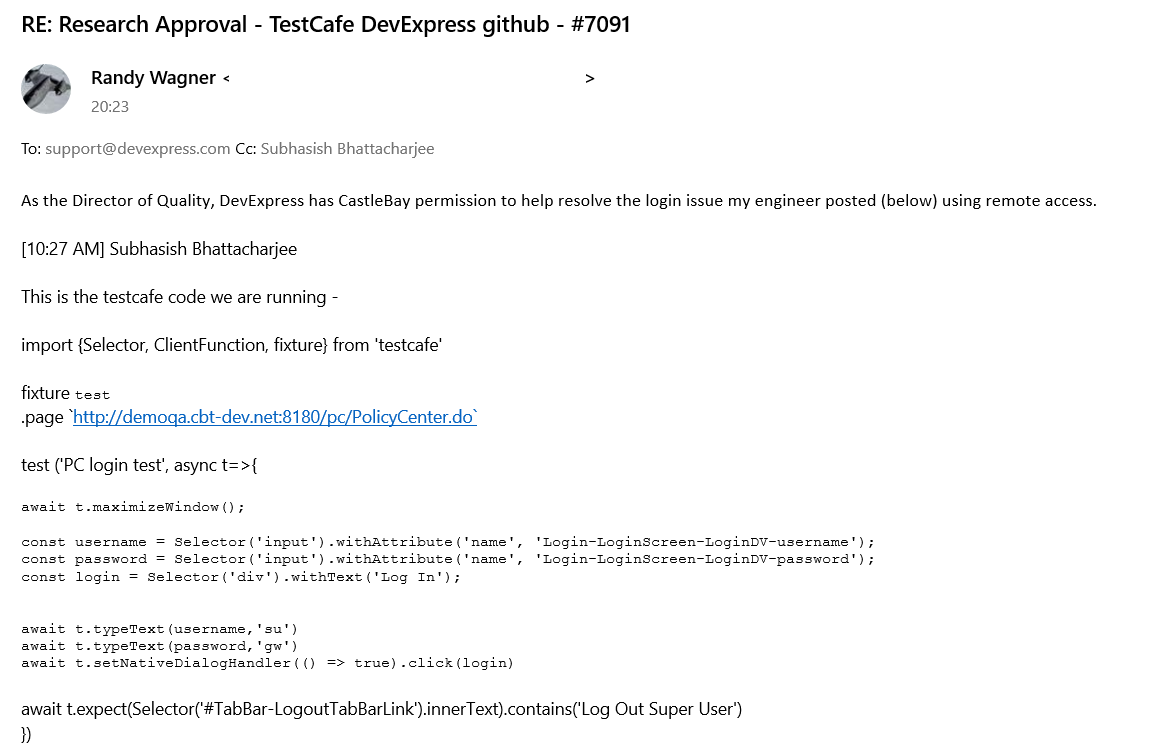
@Dmitry-Ostashev Provided access to the website.
Please refer below image for clarity -
Thank you for the approval. I was able to reproduce the issue. For the Team: you can see the problem also when opening the website via the testcafe-hammerhead playground.
No updates yet. Once we get any results, we will post them in this thread.
![github-actions[bot] avatar](https://avatars.githubusercontent.com/in/15368?v=4 "Published by a pub.dev verified publisher")
No updates yet. Once we get any results, we will post them in this thread.
We will close this issue since it is fixed in the Native Automation mode. Please try the native automation mode in your tests. Feel free to reopen the issue if you need a fix for the other browsers or you cannot use Native Automation for some reason.


Hello @Jagadesh770,
TestCafe v3.0.0 and newer enable native automation mode out of the box.
Please refer to the following help topic to learn more about Native Automation.

I upgraded my testcafe version to above 3.0.0v. but now I am facing an issue
"TypeError: Cannot destructure property 'baseUrl' of 'undefined' as it is undefined. at new APIBasedTestFileCompilerBase (C:\Users\JagadeshKoduru\gt-framework-2022.9.0\gt-framework\gt-ui\node_modules\testcafe\src\compiler\test-file\api-based.js:40:20)"
This ticket is closed. Please create a separate ticket using this template and add a Minimal Working Example without Cucumber, as officially, we do not support it in TestCafe.