geocoder

geocoder copied to clipboard
 DenisCarriere
Build QGIS geocoder plugin

QGIS Field Calculator
Using the QGIS Field Calculator this will output WKT format.
Output Field
Output field name: wkt Output field type: Text, unlimited length (text)
Function Editor
import geocoder

@qgsfunction(group='Geocoder')
def geocode(location, feature, parent):
    g = geocoder.google(location)
    return g.wkt
Expression
Find the geocode expression in the Geocoder function list, the final result will look something like this:
geocode("address")
Once the wkt field is added, you can then save your document as a CSV format and in the Layer Options define the GEOMETRY = AS_WKT.

@DenisCarriere @NathanW2
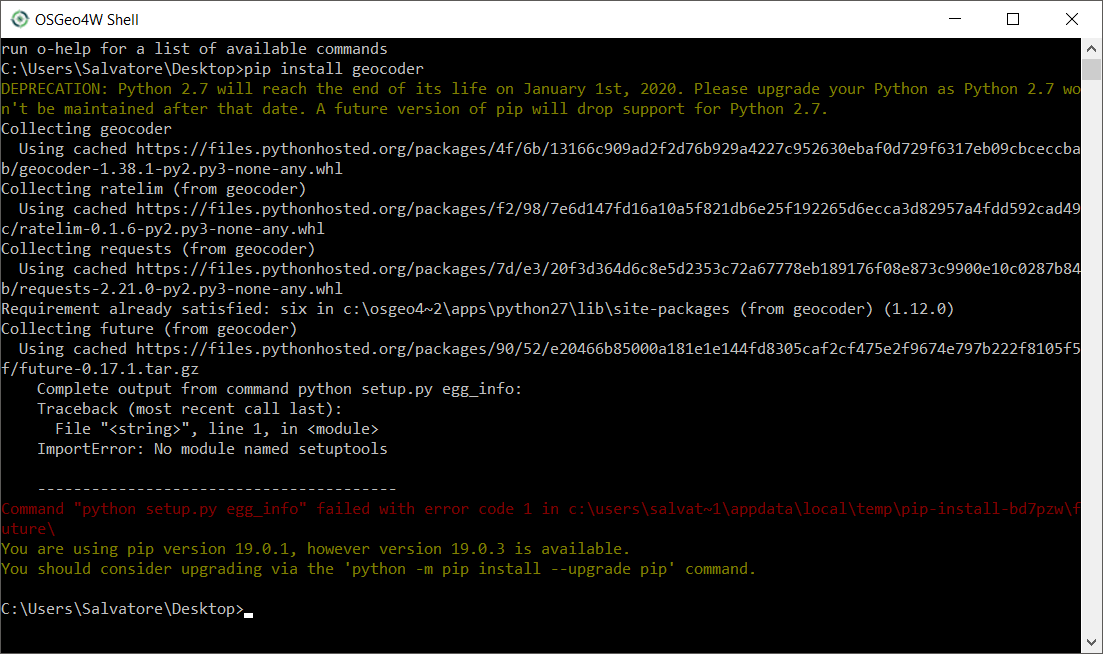
Hello, I'd like to create the custom function in QGIS 3.4, but how to install the library ??
I use OSGeo4W Network Installer on win 10 64b
thanks for any help