

 DarkTrick
Does not work in remote workspaces
If I open a Python file in a Remote-SSH or in a Remote-WSL window rather than in a normal window under Windows, running the command "Visualize this" just produces an empty display. It would be awesome if this could be fixed!

Thank you for the report!
(1) If it happens shortly after opening the file: Can you simply try to visualize again? (Background: Sometimes VSCode takes too much time to initialize everything and therefore tells the visualizer to visualize nothing.)
(2)
If I open a Python file in a Remote-SSH
I'm not fond of remote-ssh file openings in VSCode and how it affects its behavior. Can you explain more or add an image or video?

Thank you for the reply!
I have tried to give the editor more time to load. For the SSH window, this does not make a difference, unfortunately (I waited about one minute for a 10 SLOC small Python file). For WSL, this actually moved me a step further - now I have a different error pattern, see below 😀
SSH - No contents

WSL - Implementation not found
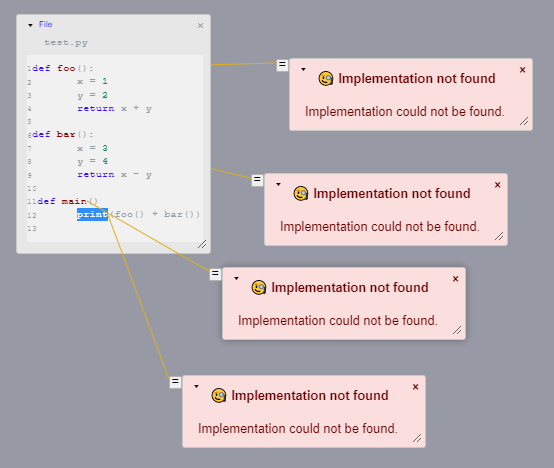
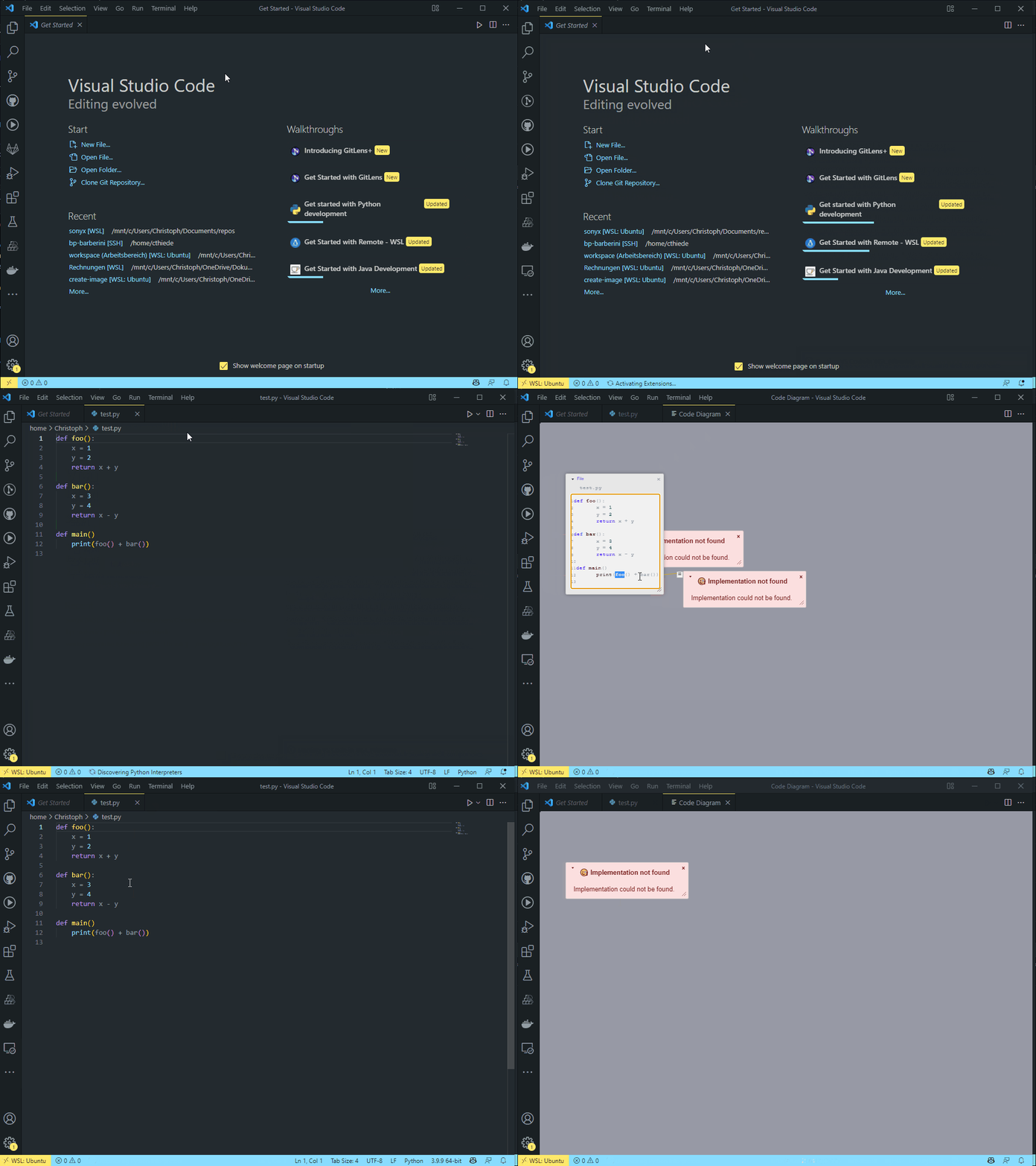
This might be related to the representation of WSL file paths via URIs. From my little experience with the VS Code API, I can only tell you that you should never assume that the URI actually uses the file:// schema.
Thank you for the extensive videos! Very helpful!
Info @ Usage:
When you visualize, don't select the whole function. Set the cursor on the file name. In your test.py example: Set the cursor to line 1 column 5.
Todo: Can try again using this way and report back?
Info:
Not finding the implementation of print looks normal so far. I expect VSCode can simply not find it as it is somewhere inside python, rather than within the workspace.
Note:
Afaik, the code does not assume to use a file://. But depending on your next message I will take a deeper look into that.
Thank you for the reply!
Info @ Usage: When you visualize, don't select the whole function. Set the cursor on the file name. In your
test.pyexample: Set the cursor to line 1 column 5. Todo: Can try again using this way and report back?
Unfortunately, this doesn't work either (implementation not found).