

 DaemonEngine
Finding a good toneMapping profile
I personally consider that our current release is broken because tone mapping is enabled in some graphics preset but our default configuration for tone mapping is destroying the render, for both maps built the linear way and all existing maps built the naive way (i.e. Tremulous maps and Unvanquished stock maps, and existing community maps).
When I worked on the linear pipeline, I first thought that tone mapping wasn't compatible with it because I was getting ugly results, and especially enabling tone mapping destroyed details and prevented any white to be rendered, like if the screen was defective.
But in fact tone mapping currently works in the linear pipeline the same way it currently works with the naive pipeline: with legacy maps the result feels unrealistic as well, with details destroyed in the lights and preventing any white to be rendered, like if the screen is defective.
It's just that I always disable tone mapping because with the current configuration it displeases me a lot with the current configuration. Also it's a good idea to test maps without it first, to not let the tone mapping fixing mistakes in the mapper's back.
So when I tested tone mapping with the linear pipeline, I already had forgotten how it looked.
I do want the tone mapping feature, this is a good thing to have and it's a required foundation for other things like adaptative exposure.
But something looks wrong so I guess our current tone mapping default values are wrong. I use a calibrated designer screen with complete sRGB coverage and with tone mapping enabled it's like if the game is rendering with less than 8 bits per channels. Or if the color was clamped to some grey instead of white. Everything feels grey, like if there was some gray filter on the screen.
I toyed with the tone mapping options, here are some results of my experiments, I don't know what they means though.
According to my experience, what is destroying the details in the lit areas and preventing to display white is the r_toneMappingHDRMax option which is set to 8 by default. Setting it to 1 restores the details, the white and restore the full perceived dynamic range. Good maps to test the white areas are parpax, vega and atcshd.
Then on some maps some contrast in the dark colors is too high and yet again feels very unrealistic and disturbing. I said dark colors, not dark lights, so for example the dark gray textures in spacetracks map triggers the annoyance a lot because their diffuse colors are dark. That contrast gives the feeling lighting is broken by turning gray textures into dark areas that looks like they are missing light while they are in rooms with enough light. Another map that suffers from it is station15.
The option to configure that is r_toneMappingContrast and the default value is 1.6. A bit of contrast can be pleasant, so I tested other values than 1. It looks like the range 1.2-1.4 is somewhat safe, with 1.4 it can be a bit too much obvious for people and they may dislike it.
A map like atcshd (the outdoor) is a good map where a bit of contrast darkens a bit the shadow and can be found pleasant. So I did testing comparing the values I tested in both atcshd outdoor and the human base in spacetracks to find some middle ground that would fit everything. The 1.2 value looks safe.
The previous quoted tests were done with linear builds of said maps, but after identifying those values I verified they still kept legacy maps rendering nicely, testing maps like atcszalpha or cleanser, for example, and the tone mapping is still benefiting them with those values.
I remind that the said values should be tested with r_gamma 1, any other value than r_gamma 1 is making any experiment unreliable, especially setting things like r_gamma 2.2 is like doing an approximation of half the linear pipeline, so it would even be more broken than just the naive pipeline as is.
I would like to get the advice of @VReaperV about what those values are and do, and why r_toneMappingHDRMax was set to 8 by default. I need to understand the feature better because we do need to ship a better default tone mapping configuration than the one we currently distribute.

Another good map to test this is the vega map. Once it is built the linear way, the default tone mapping options just breaks it. For this specific map (not true for many others), how it looks in the naive pipeline with the tone mapper shouldn't be considered because this map is the one that has the most broken lighting when built the naive way. Any tone mapping configuration made in attempt to somewhat enhance the naive vega build would be unusable for all other maps. But the configuration I quoted above not only works with the linear vega build, but also works with all naive and linear builds of maps I tested, and doesn't break more the naive vega anyway.
Just this message to say I didn't want to hurt @VReaperV and I didn't deconsidered his work. The wording I used may be extreme. I'm trying to express what I see. I can do screenshots but it depends a lot on the screens so I'm not sure what I would point in those screenshot are easy to communicate just by putting some arrows on them. I fully apologize to @VReaperV if I had hurt him in that thread because of my wording, that wasn't my intention.
As said in the other thread, I released all the releases with that PR. That means I don't consider that opinion of mine as something absolute.
I also encouraged those changes and probably approved them. Edit: I also praised them in blog posts, very likely.
Recall that the alternative to tone mapping was that everyone uses r_gamma 2 all the time because there are too many maps where you can't see anything in the dark. Tone mapping is a great improvement on that. But since it is calibrated for dark maps by default, one must adjust it when playing on a map that isn't dark enough that you have trouble seeing things with an unmodified render.

Yes, I'm well aware of that problem, I'm discussing how we can configure things the right way when maps are done the right way. If we get right things done the right way, it becomes easier to implement compatibility options the right way as well.
I doubt we would get far trying to use the same settings for every map. Assuming there's no adaptive option, maybe we could let people save a preferred setting on a per-map basis.
The gamma settings from Tremulous players and creators where all over the place without any form of calibration screen like in many games that contain much darkness. With Unv is it probably the same.
So a middle ground between to many different maps is probably already hard to find, or wont look as good as picking one map for calibration and setting offsets in other packages.

Instead of gamma it's probably better to use a multiplier, this wouldn't destroy colors, and would just keep what the tonemapper does as is, meaning that one could use the same tonemapping options accross maps if what he changes is the multiplier.
We do have a multiplier, r_toneMappingExposure. I have suggested making it available also when tone mapping is off in #1628. Yeah that's the main setting that I think would be good to set per-map.
Yes that's perfect. Modifying the exposure seems to provide everything needed without destroying the colors like r_gamma does. It's not only good per map, but it's good per user too. We better provide players an option that doesn't make color bland when they need to increase the brightness on their side.
So I did some measurements.
scenes:
- far:
plat23496 -2240 409 0 20 - near:
plat23859 -2198 164 -23 28
configurations:
- disabled: no tone mapping
- current:
r_toneMappingHDRMax 8 r_toneMappingContrast 1.6 - high:
r_toneMappingHDRMax 1 r_toneMappingContrast 1.6 - highlow:
r_toneMappingHDRMax 1 r_toneMappingContrast 1.2
| scene | configuration | screenshot | color | intensity |
|---|---|---|---|---|
| far | disabled | 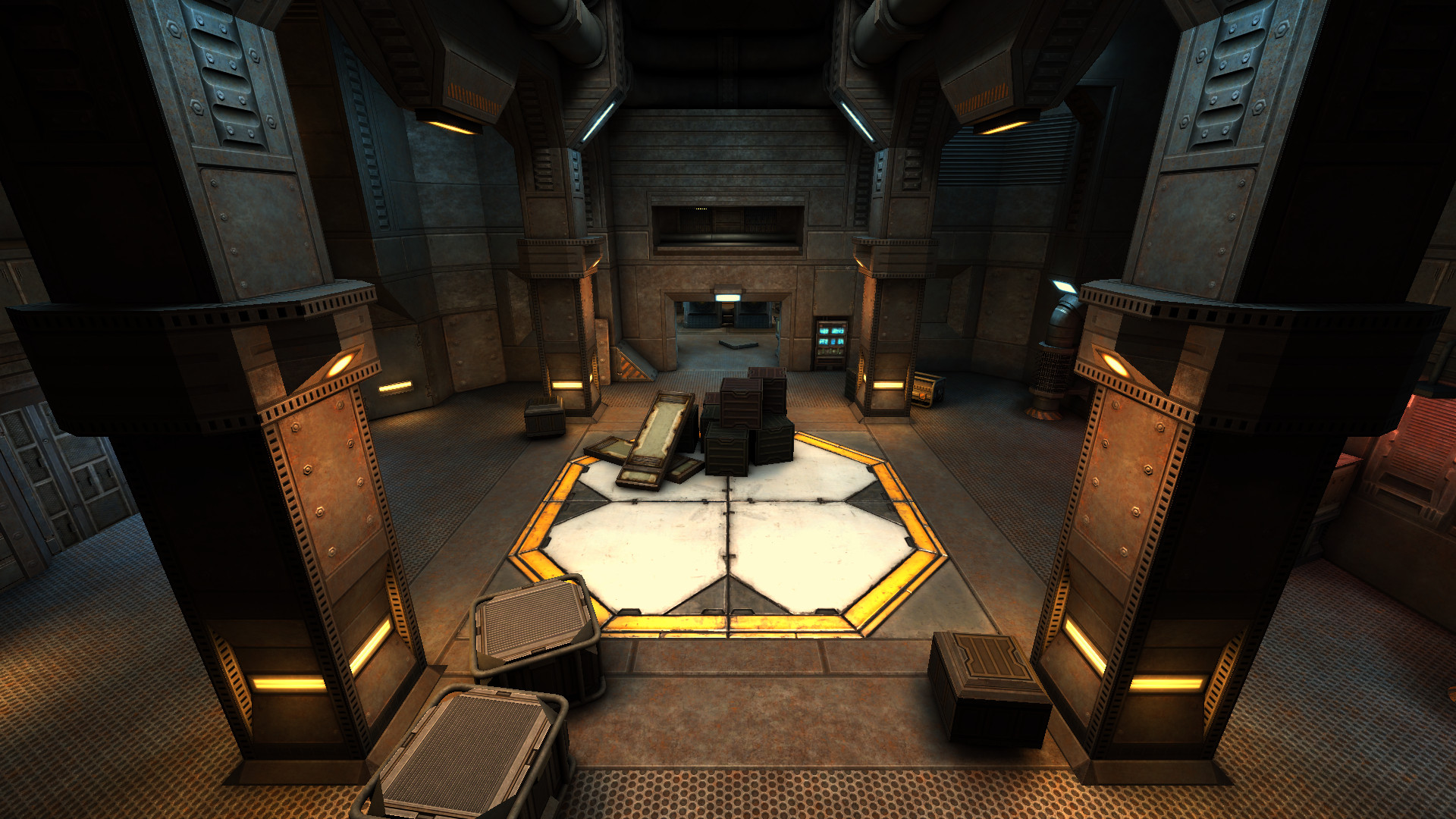 |
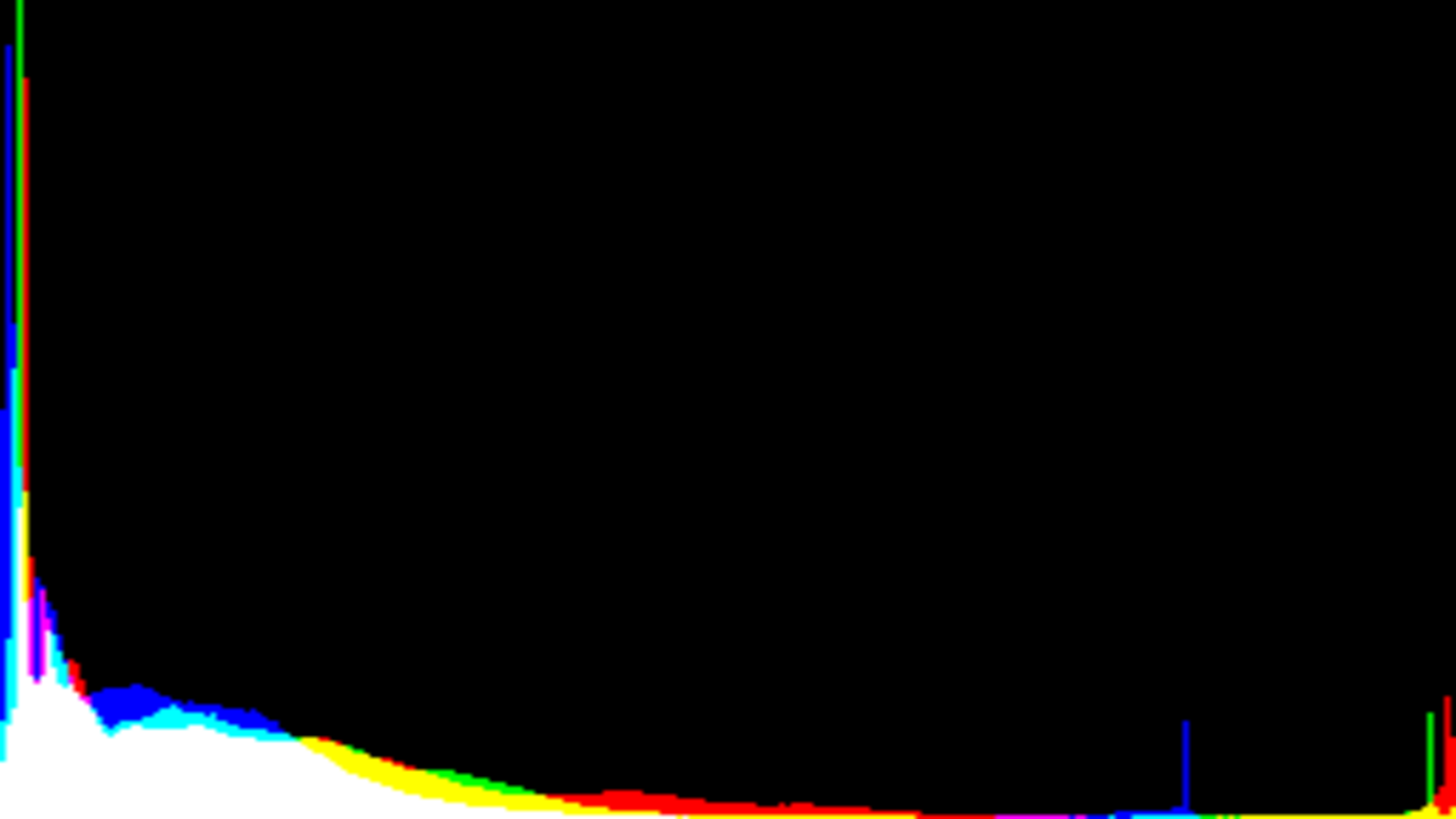 |
 |
| far | current | 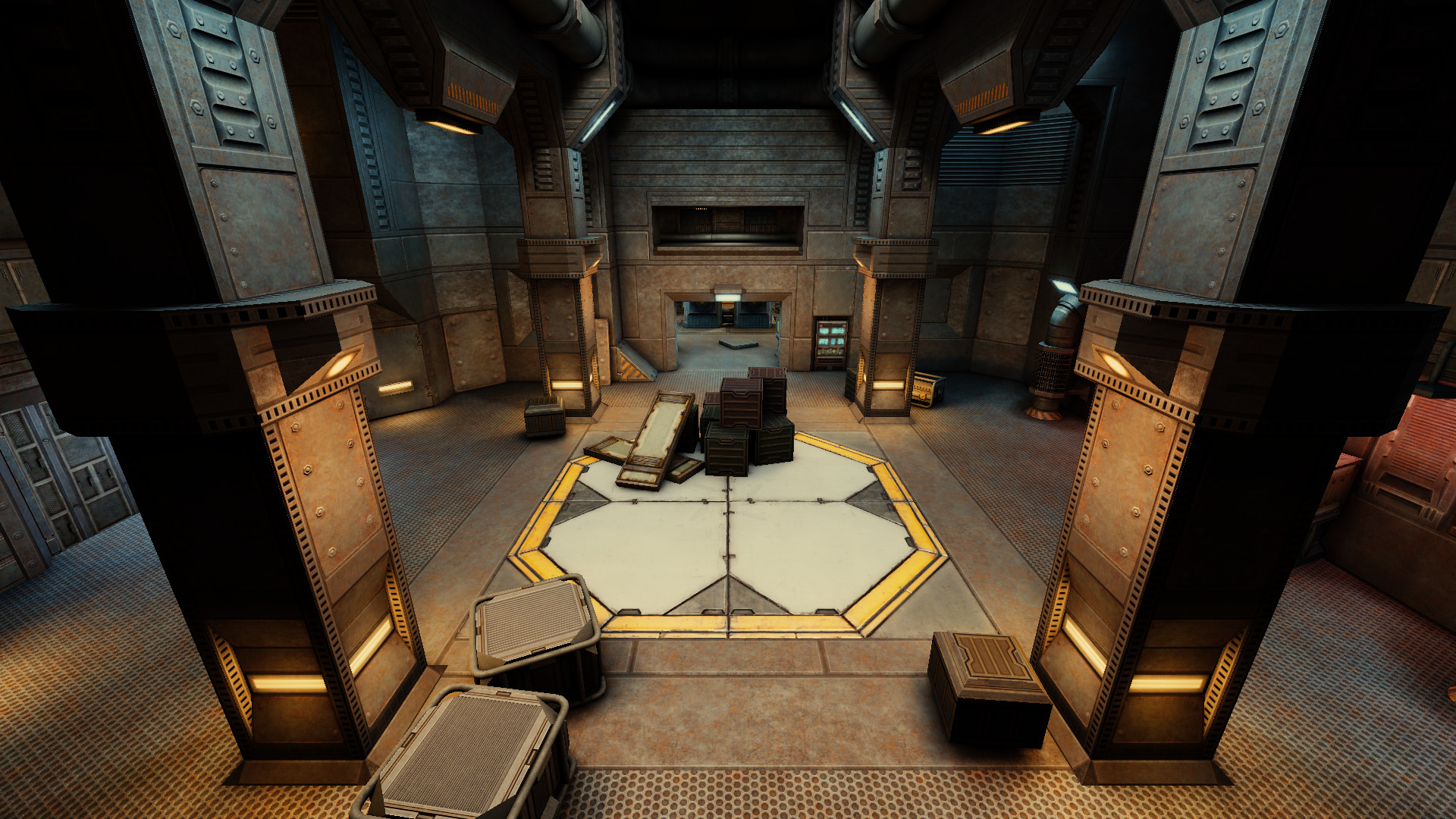 |
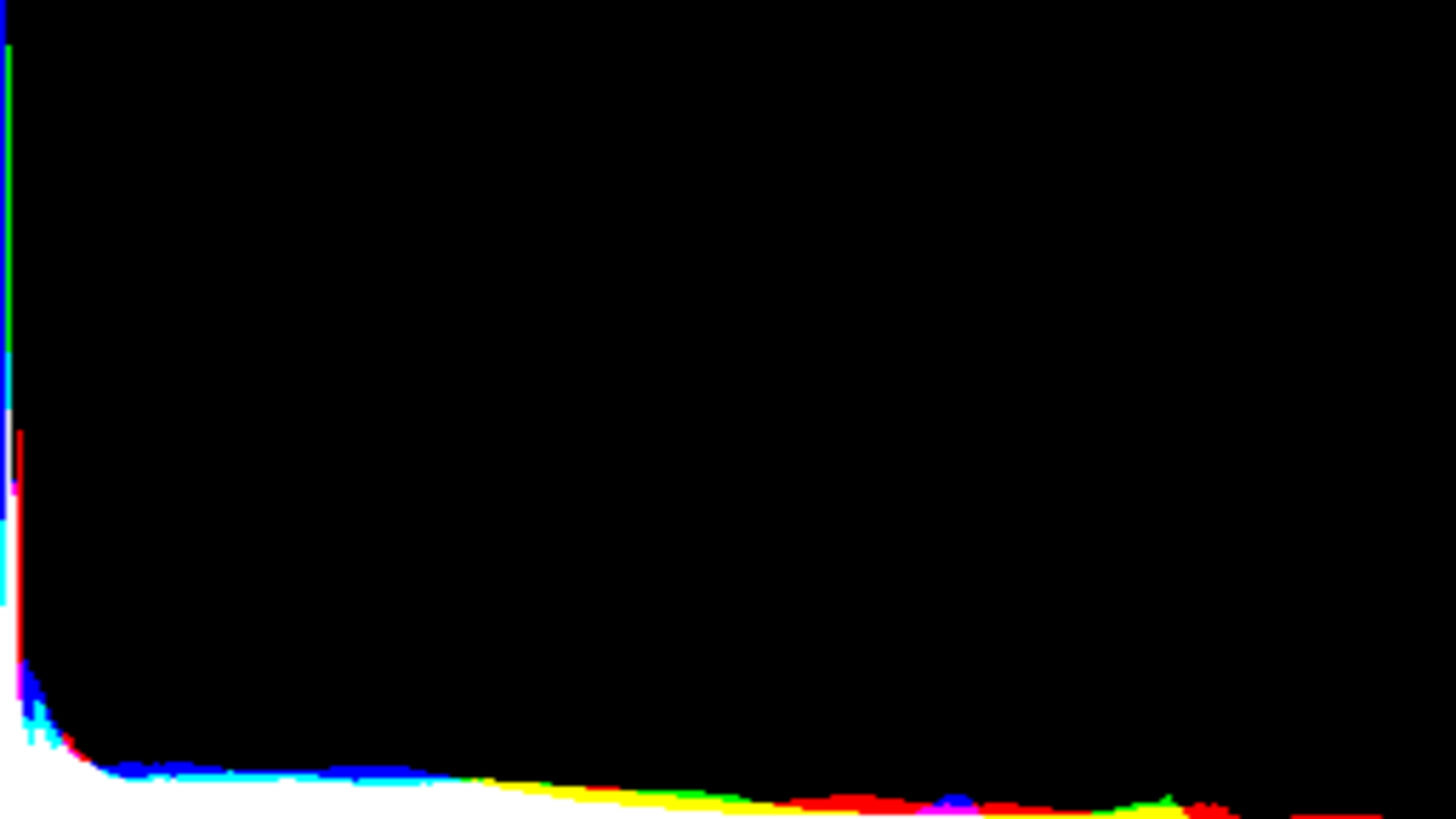 |
 |
| far | high | 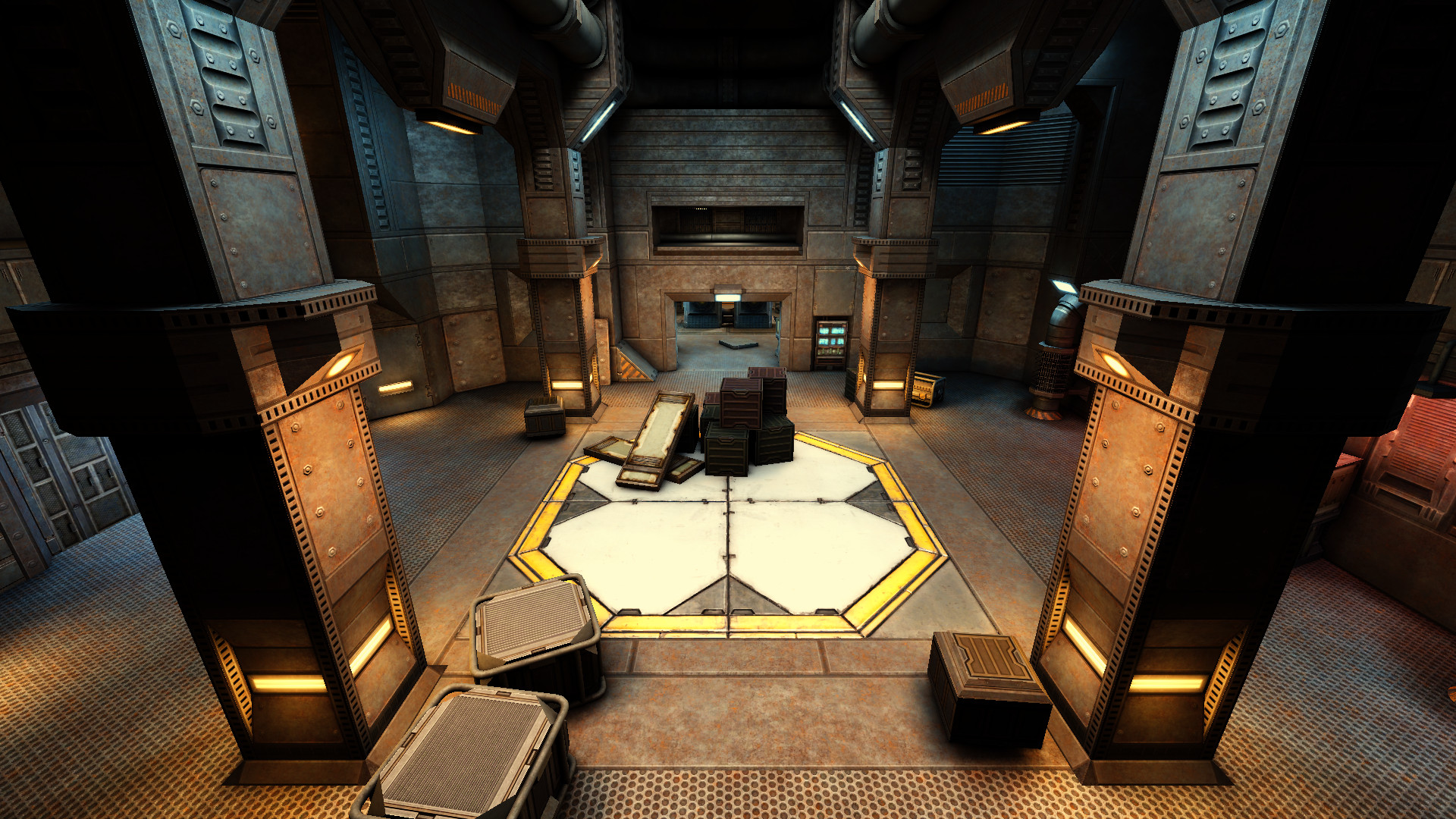 |
 |
 |
| far | highlow | 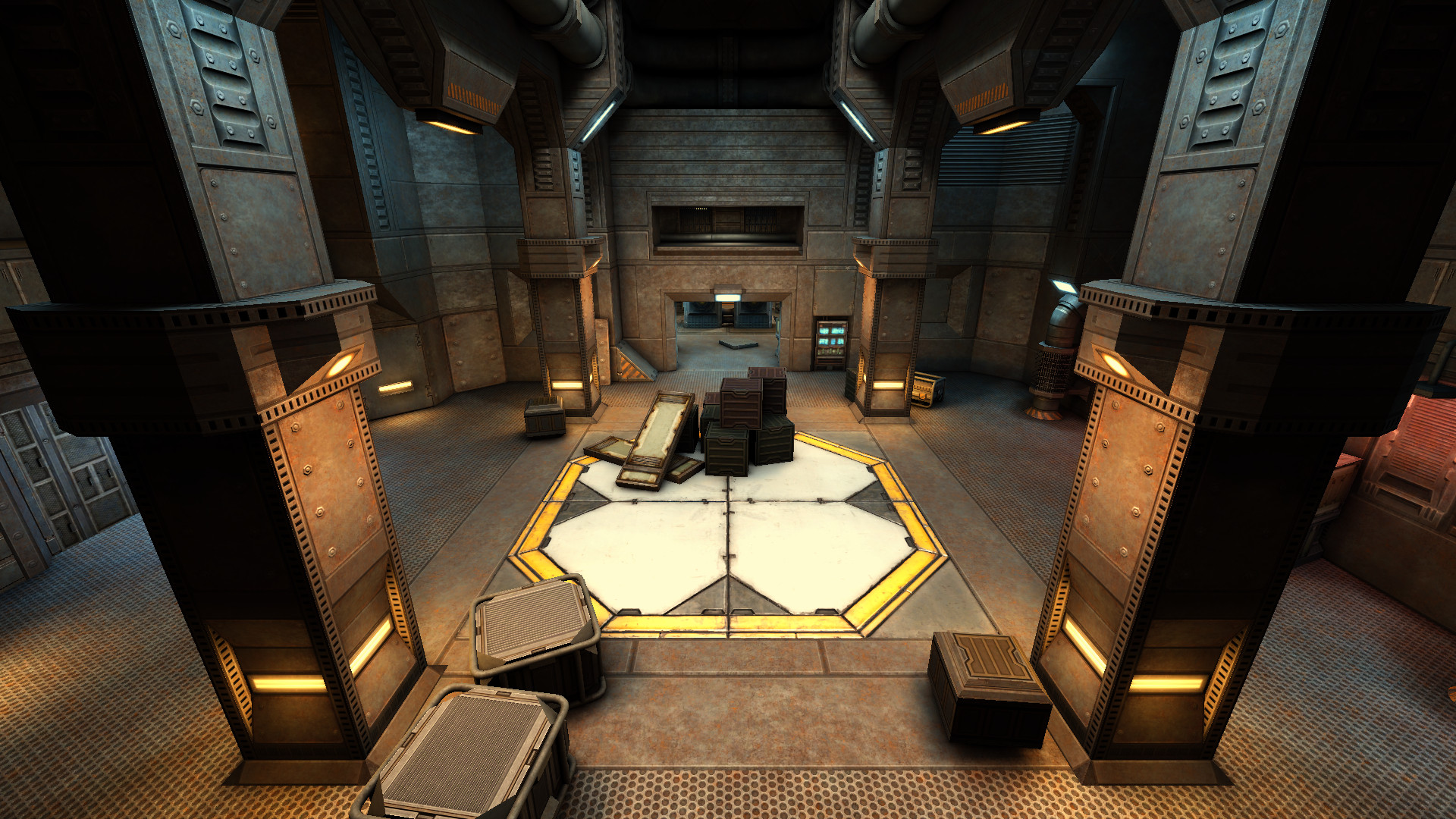 |
 |
 |
| near | disabled | 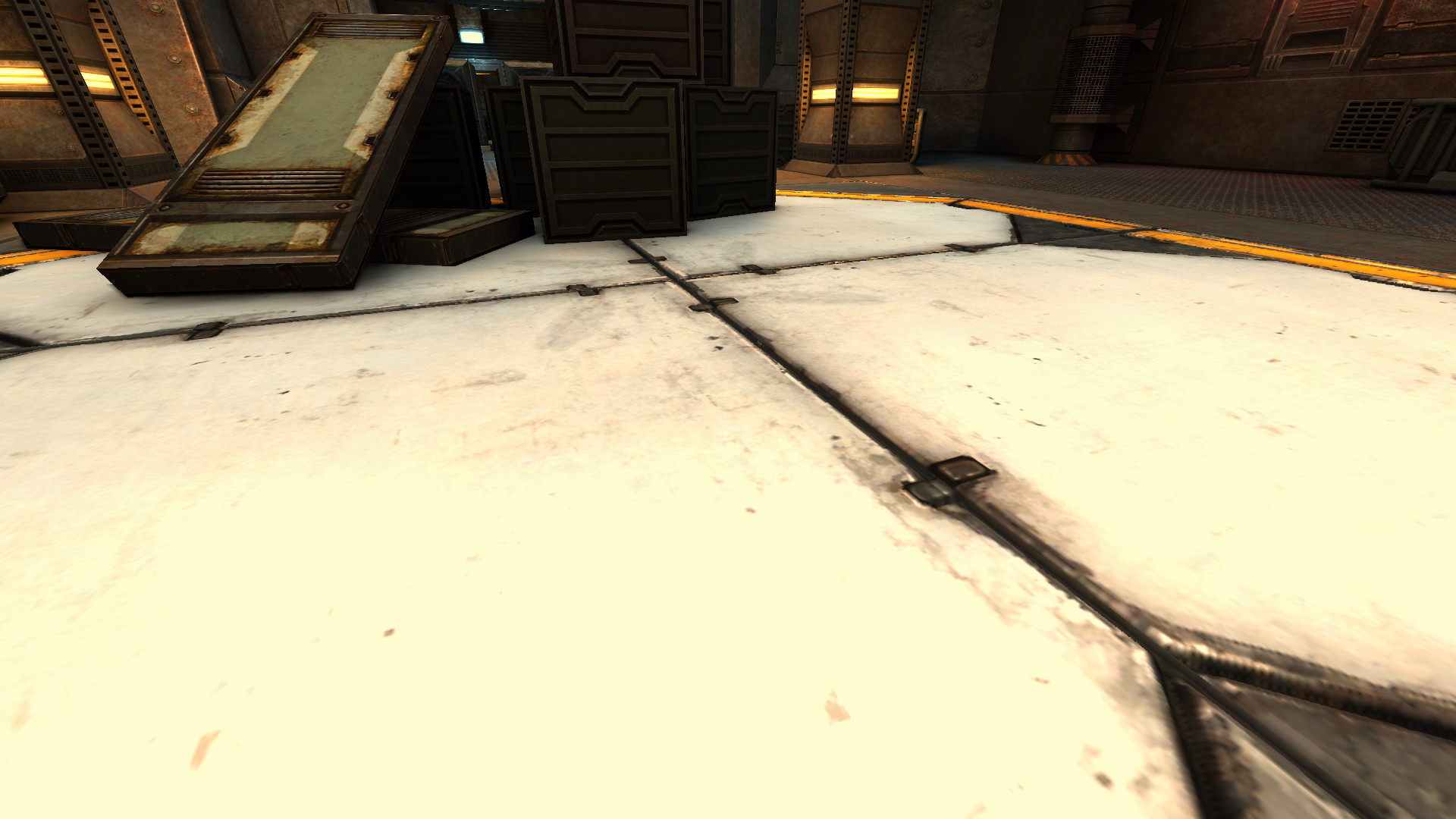 |
 |
 |
| near | current | 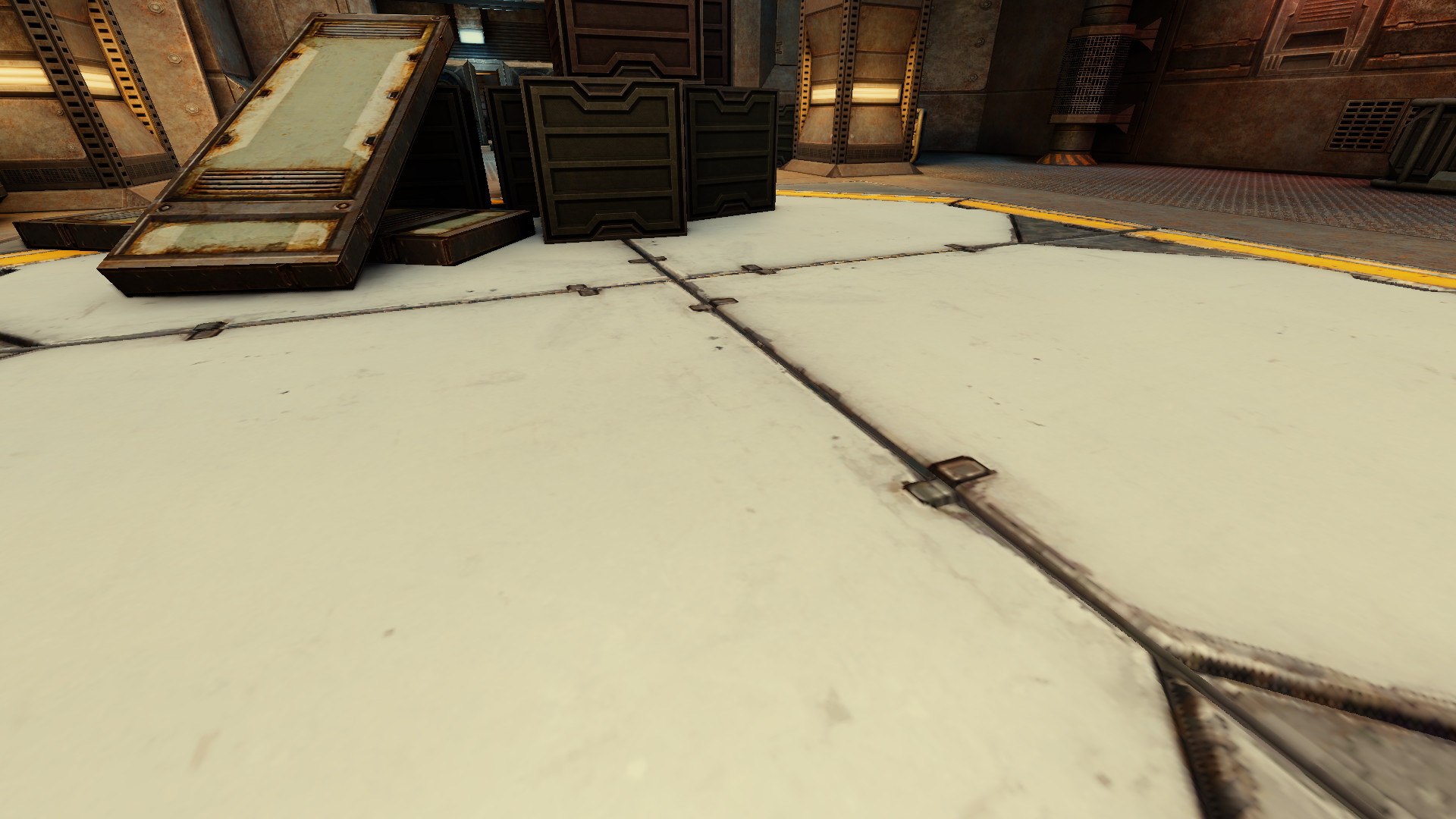 |
 |
 |
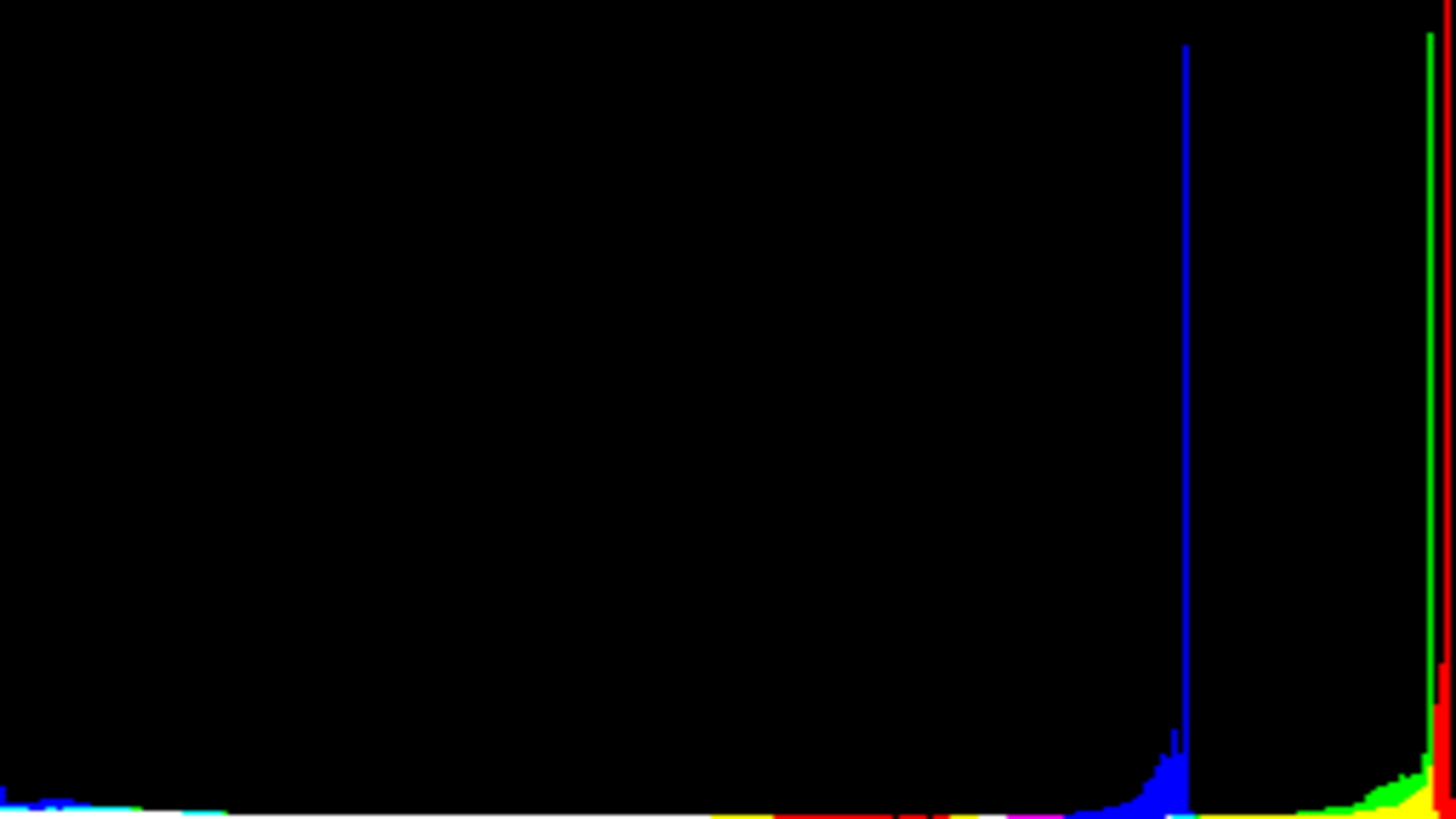
| near | high | 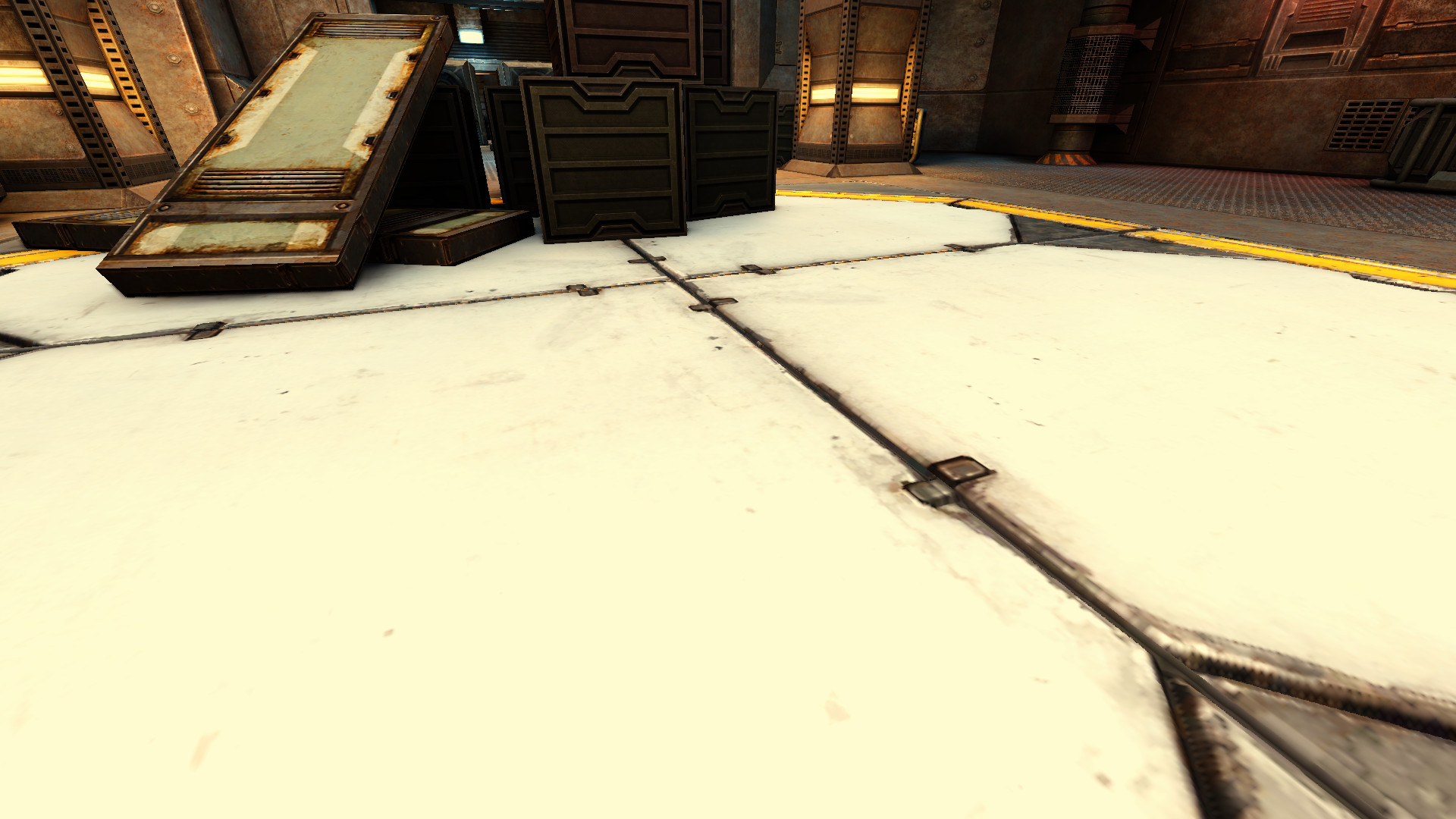 |
 |
 |
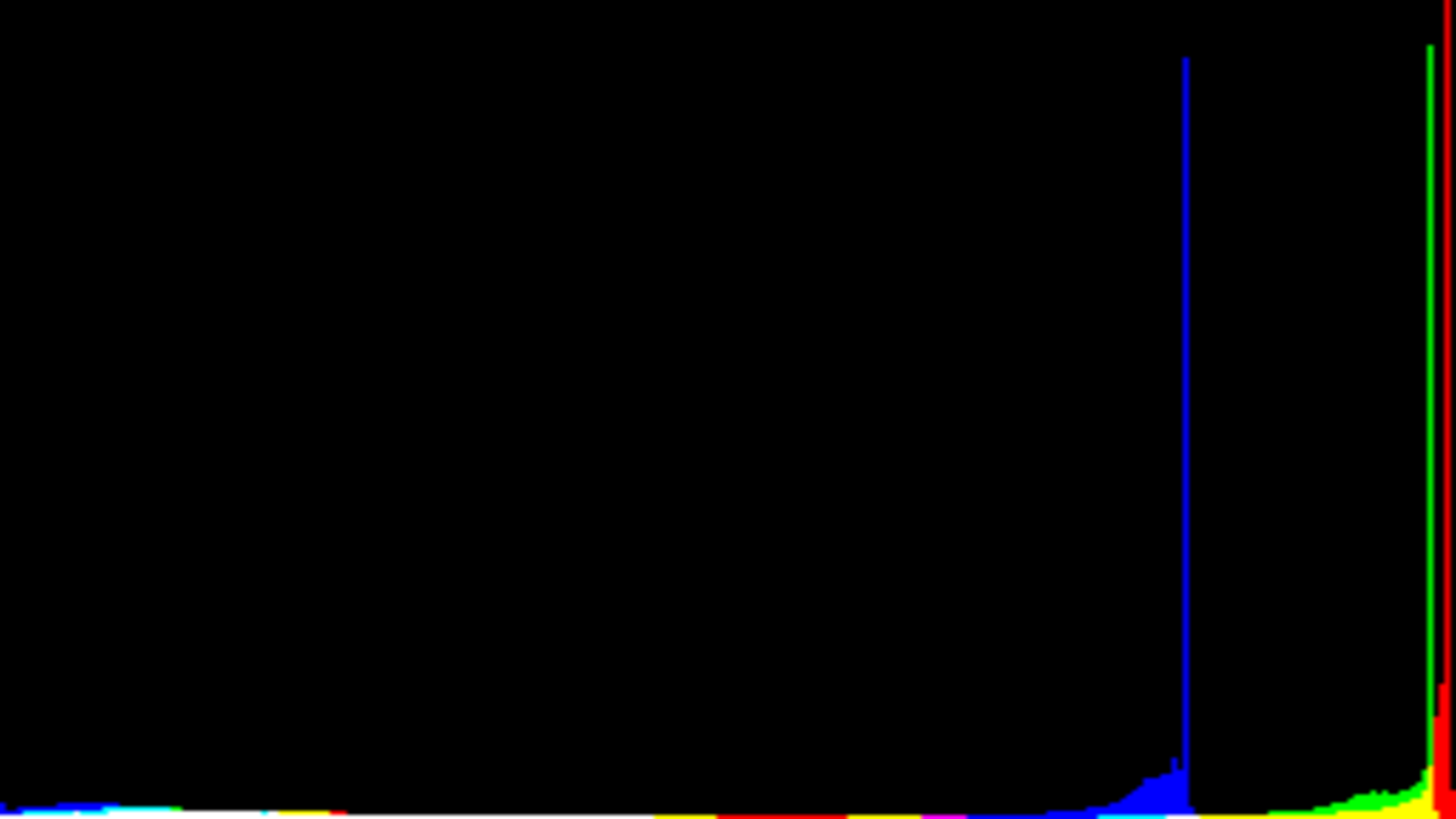
| near | highlow | 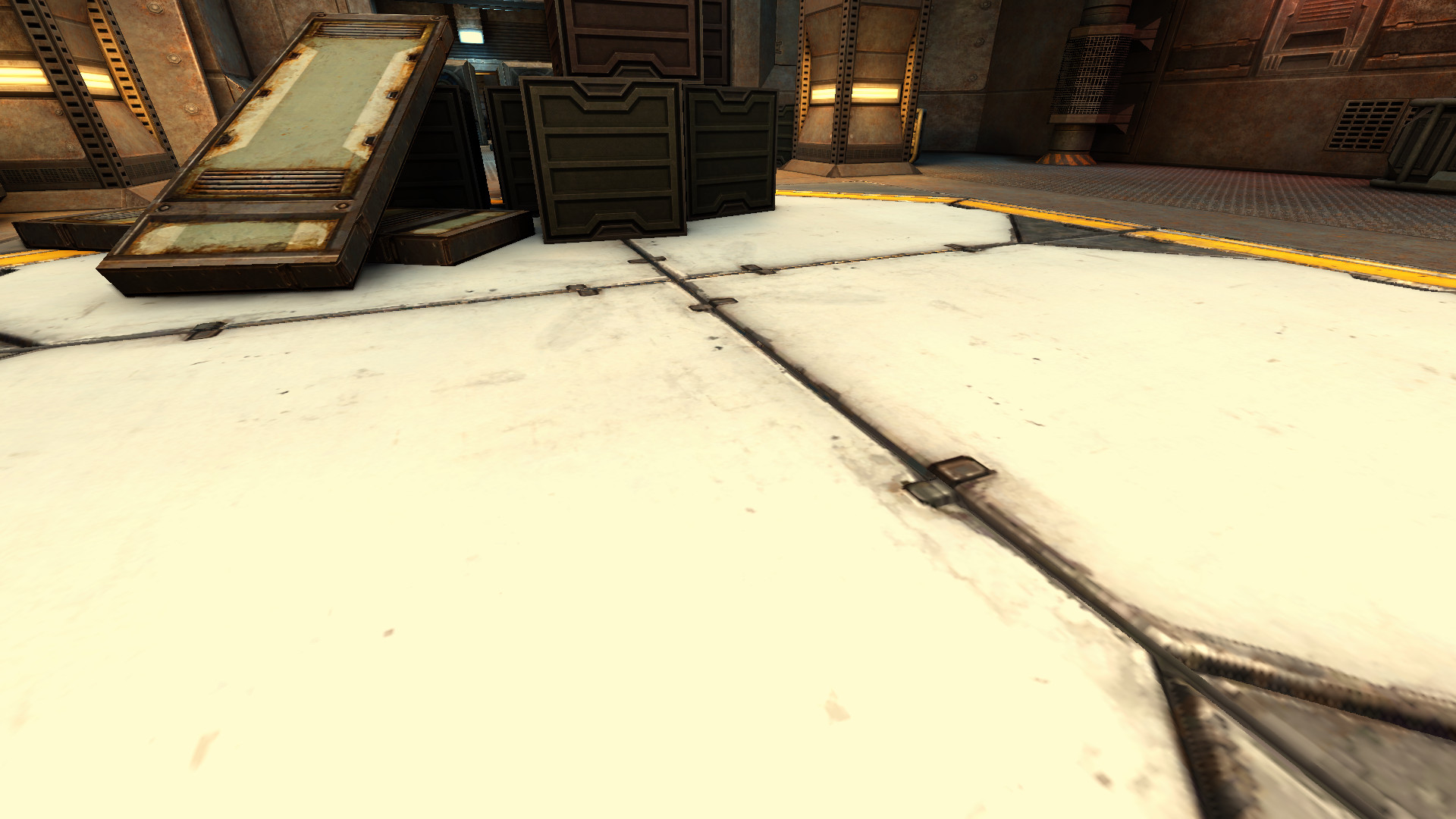 |
 |
 |
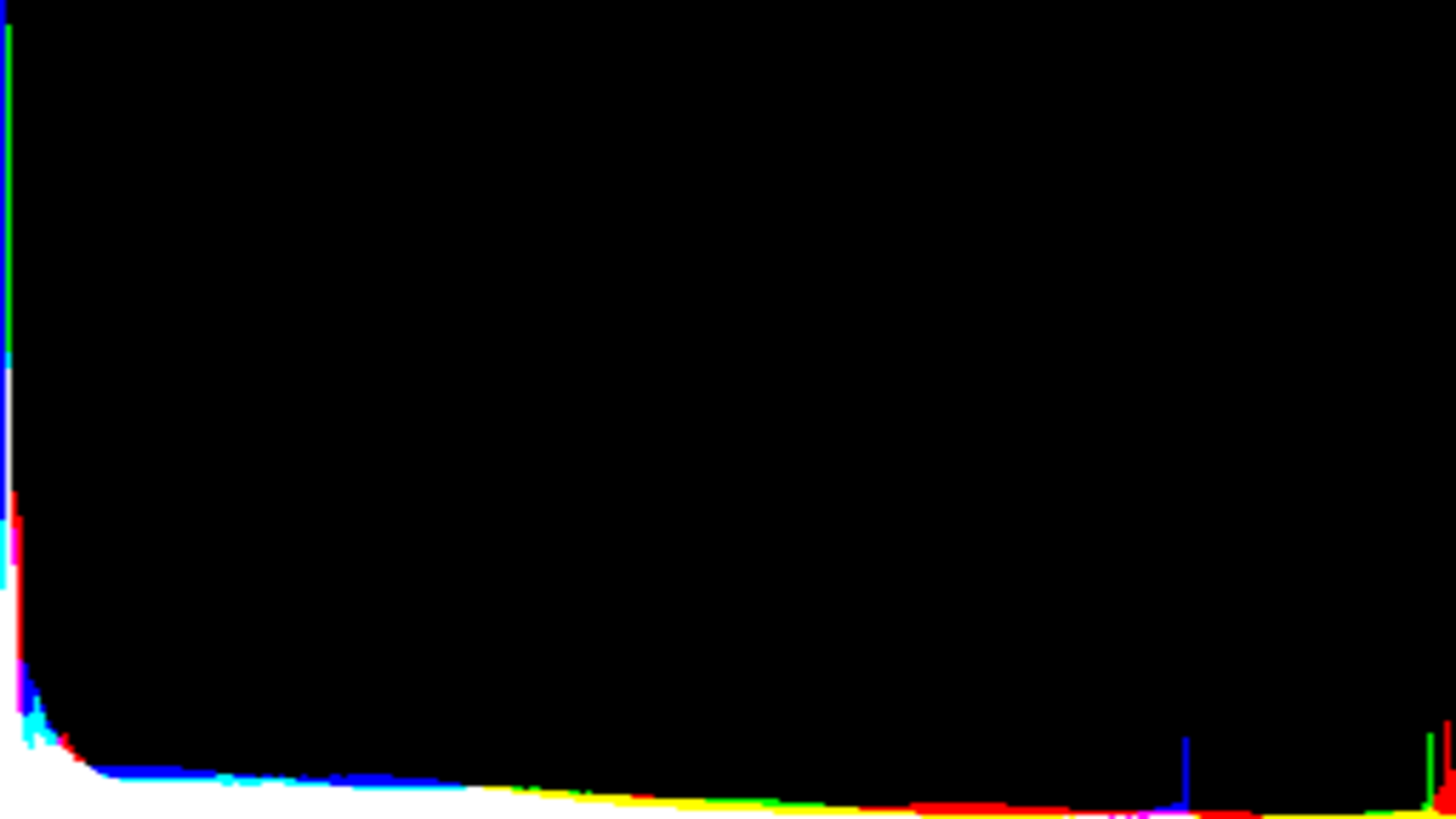
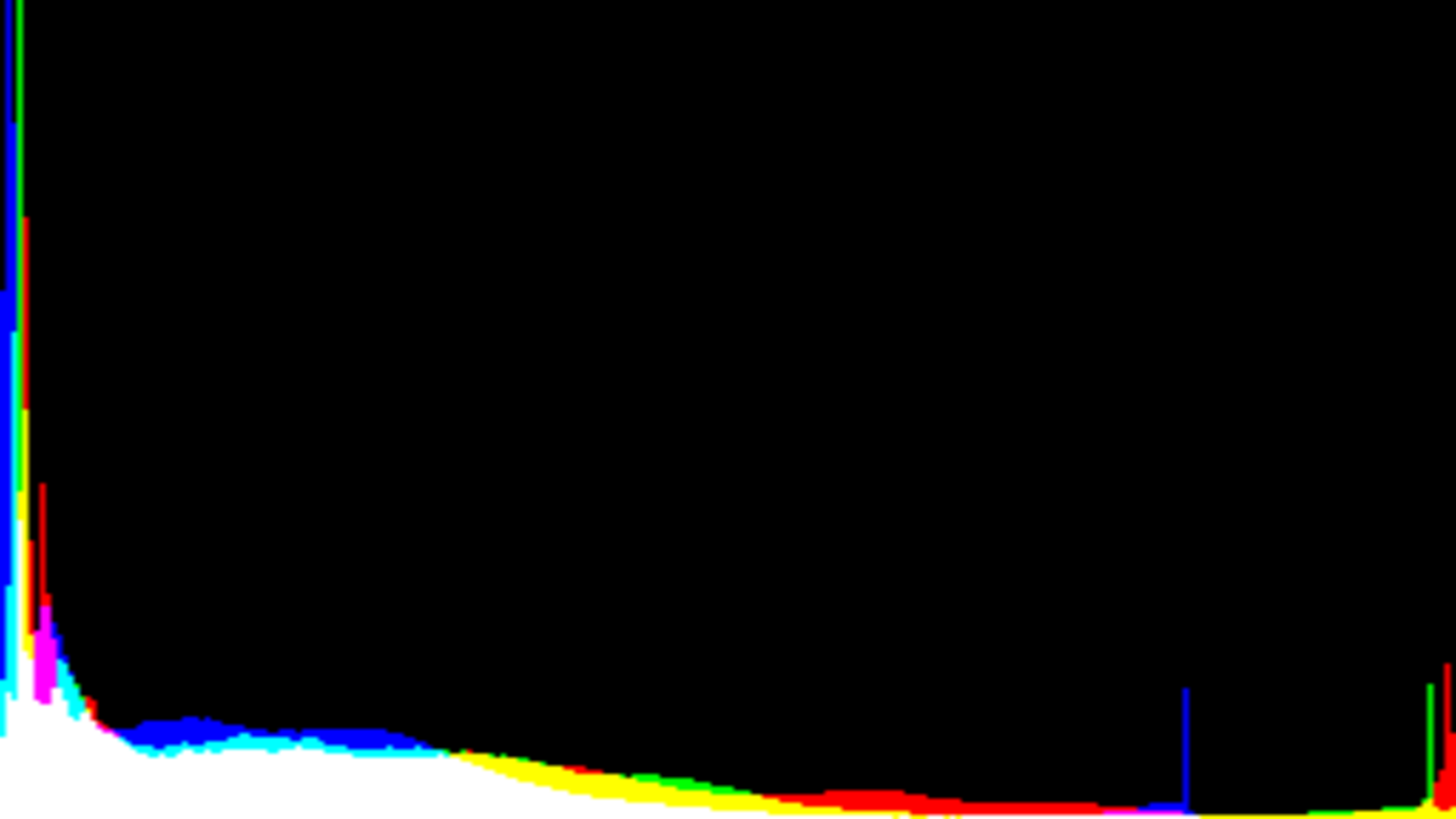
What we see with the “far” scene is that the current tone mapping configuration with r_toneMappingContrast 1.6 what was close to dark becomes dark, very dark greys become pitch black. Here what's important to look for is on the left:
| configuration | intensity |
|---|---|
| disabled | |
| current | |
| highlow | |
Setting r_toneMappingContrast to 1.2 instead of 1.6 restores the light on the dark area. The documentation of r_toneMappingContrast says it is for Makes dark areas light up faster but with the current 1.6 configuration we have more dark areas so the whole scene darkens faster. The proposed 1.2 configuration restores the light while keeping some artificial contrast produced that the tonemapper, such contrast may considered pleasant by some, so that looks like a good accommodation. It also still retains some light increase in the bottom half (left half), which is appreciated to make the whole scene less dark. In fact this modified configuration brings more light on the bottom half.
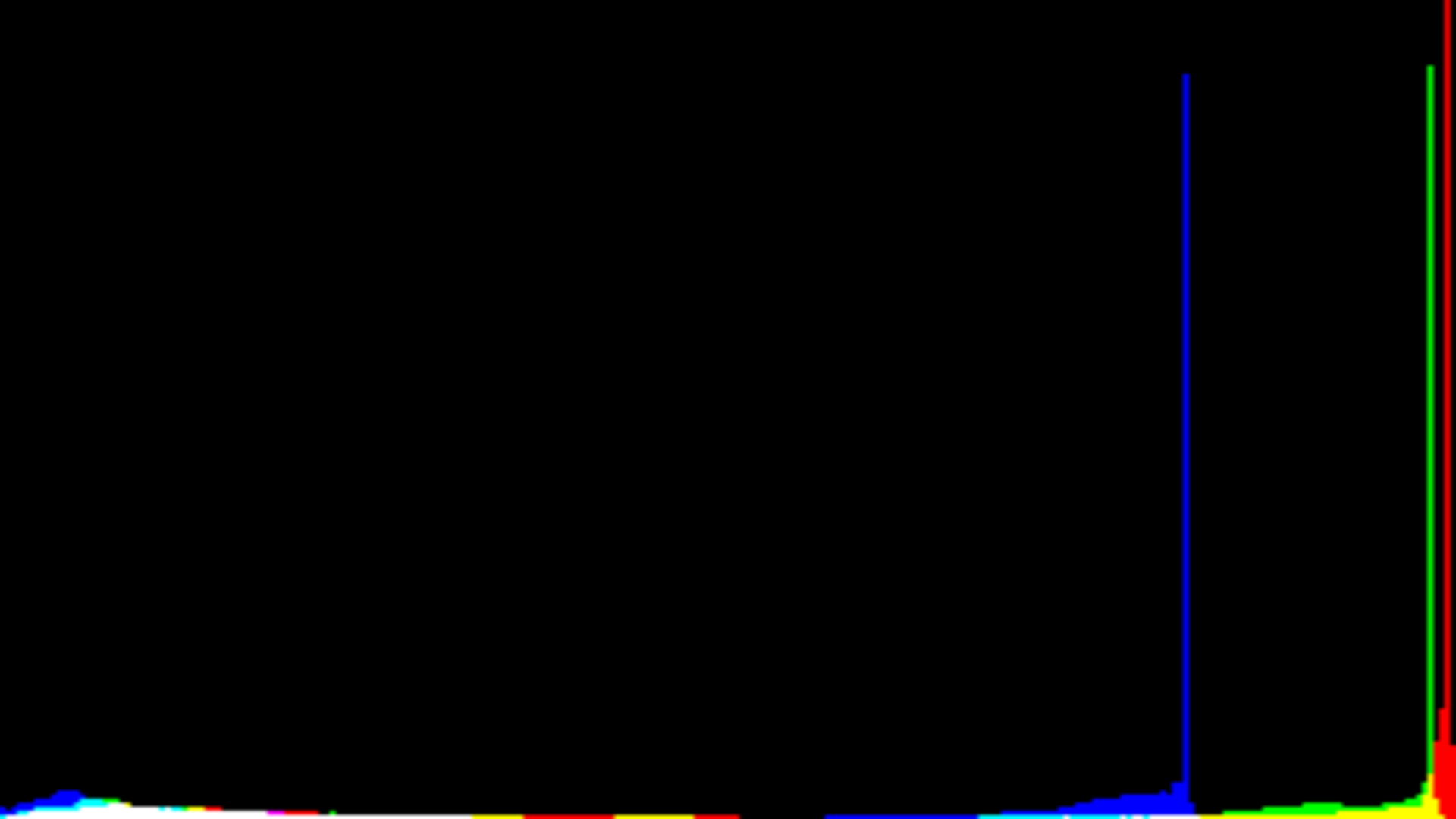
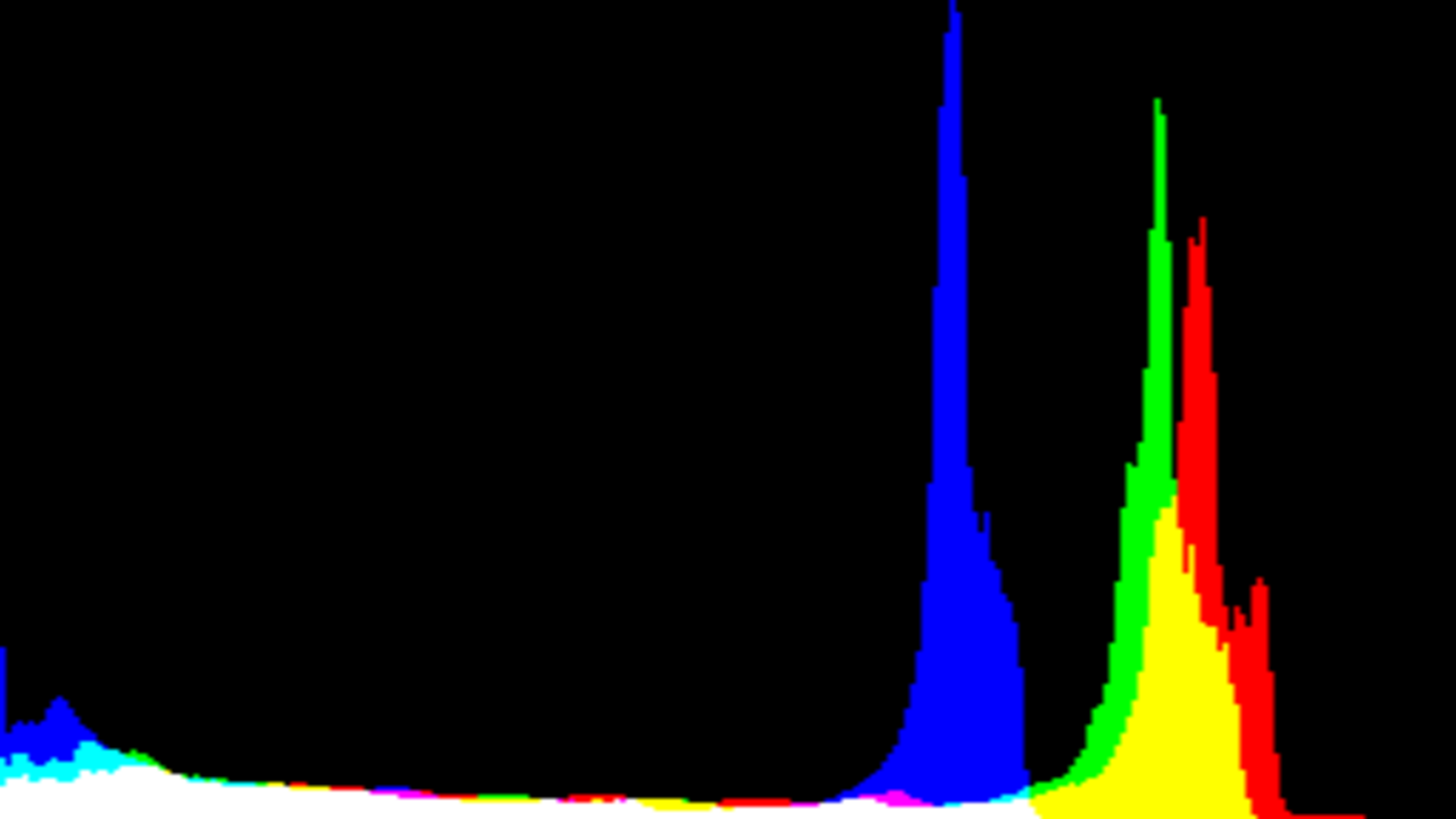
It's already seen in the “far” scene, but it's better seen in the “near” scene, with the current tone mapping configuration of r_toneMappingHDRMax 8, there is no data anymore in the high, everything was moved back, losing about 10% of the framebuffer precision and range. Is 10% because of 8/128?
| configuration | intensity |
|---|---|
| disabled | |
| current | |
| highlow | |
Using r_toneMappingHDRMax 1 we recover the full precision of the framebuffer, we also recover true white, while with the current configuration everything white becomes light grey, which removes the feeling of contrast, even if that may bring more precision on those lights, it builds up some blandness feeling.
So @VReaperV you know better than me how works tone mapping. I would like you to explain me what are the purposes of the values you picked. You likely have good reasons for them. For example maybe those values are mandatory for adaptative tone mapping? Or HDR? But then if that's the case, we may then need other values when such feature is disabled.
I can understand that such configuration (the one we currently have) can bring more details on the high lights on screens having incomplete coverage on the high) by moving them to a range the screen can render them, trading those details against precision. I don't know if that's the purpose, is it the purpose?
If that's the purpose we should take the time to think about the default, because a 10% precision loss isn't small. If the purpose of this move of the high to the less high is to workaround screen limitations, then we really need to think about adding a brightness calibration tool in the game as @Gireen suggested:
- https://github.com/Unvanquished/Unvanquished/issues/3447
Right now for some users it may feel like the engine is distributing as default the configuration for someone's screen, while we all have different screens.
I do really want to understand what's going on, because currently we do lose 10% of precision, no high light can be rendered as high, and more low lights becomes pitch black, so I would really know for which greater thing we trade against that. It's a genuine question, really, maybe I miss something very important.