

 DISTRHO
AUDIO 8
i can't seem to find a way to output on the cardinal host audio apart from ch1 + ch2 theres no where in my Ableton mixer to select the individual outputs or inputs.
i tried with all vst2 vst3 and AU, mac catalina, intel, ableton live 11
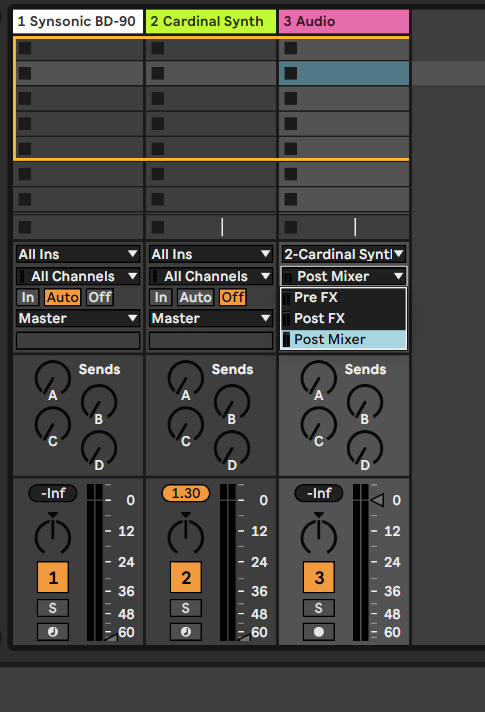

Cardinal FX and Cardinal Synth only have stereo i/o, the full Cardinal (LV2 and VST3) has all 8 i/o, however not all hosts can actually use those.

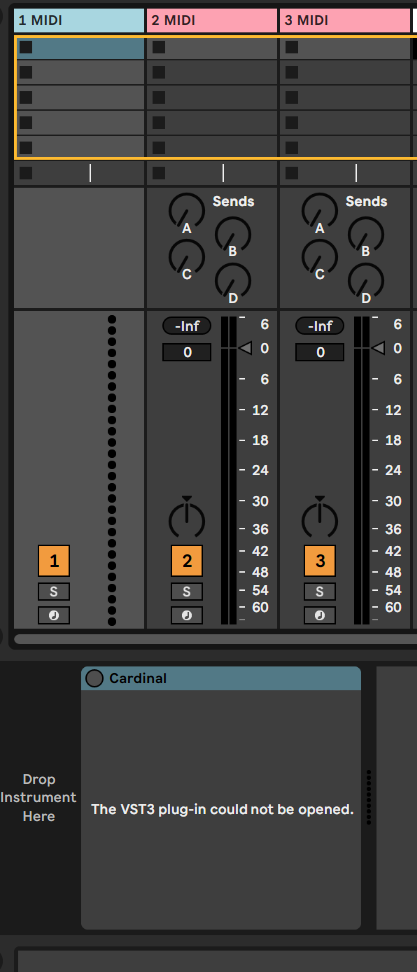
I know Softube Modular can achieve that with AU and if not mistaken voltage as well. I see in VST3 the Cardinal but when I open it I get an empty insert plugin.
 .
.
Because VST3 is experimental and this is one of the parts of it. I need to properly implement optional buses and speaker layouts on the VST3 plugin stuff first, Ableton refuses to load the plugin otherwise. For the FX and Synth variants the audio ports are simply tagged as stereo pair, so Ableton is happy enough to accept them. The main variant is more complex, and has CV ports too. Will properly implement this later.
