
countly-server

countly-server copied to clipboard
 Countly
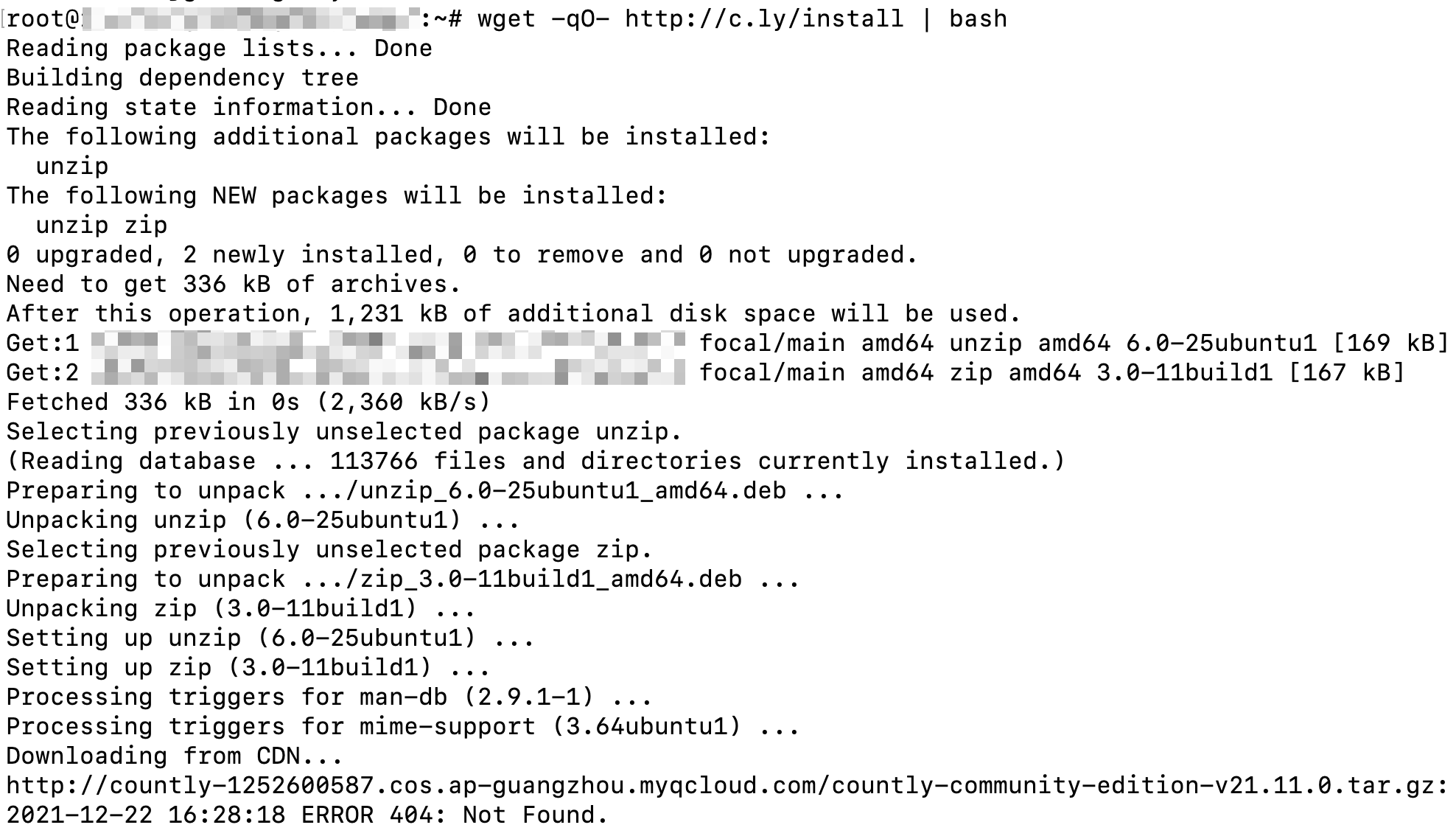
It looks like CDN in the installer script is no longer working now
It seem like CDN provided in installer.sh "http://countly-1252600587.cos.ap-guangzhou.myqcloud.com/" is not working now.
Screenshots (if appropriate):
And trying access it by browser:
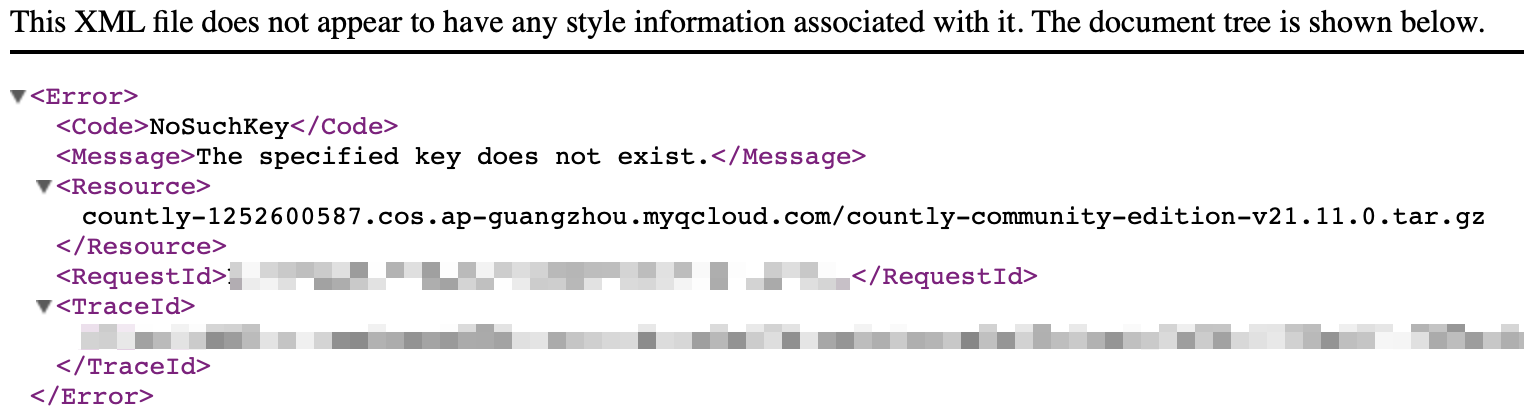
Also got 404.
Possible Solution
If CDN provider will no longer provide any service, I suggest you guys to remove related code. Or maybe you just need to update CDN info?


Hello we had a dedicated contributor support packages for that repo for China downloads, unfortunately he does not support that anymore, so we will be removing this from the install script
