

 CommunityToolkit
Use EditorConfig to apply file headers
Changes
- Use
file_header_templateto specify our header text in EditorConfig so that the supported editors can use it. - Remove the
build/Update-Headers.ps1script since the IDE Analyzer Fixer (IDE0073) took over its functionality. - Remove the
build/header.txtas the text is embedded in EditorConfig file.
PR Checklist
- [x] Created a feature/dev branch in your fork (vs. submitting directly from a commit on main)
- [x] Based off latest main branch of toolkit
- [x] PR doesn't include merge commits (always rebase on top of our main, if needed)
- [x] Tested code with current supported SDKs
- [x] Header has been added to all new source files (Use Visual Studio IDE0073 Code Fix)
- [x] Contains NO breaking changes
- [x] Code follows all style conventions
Other information
Rebase or Squash merge the PR and set its message to title and description.

One issue I found is that, with script, we can customize where and how we check and apply the header text but with Roslyn analyzer fixer, only source files (i.e. Compile items) are used. Other files which might contain headers are not scanned.
Also, it seems to only warn/error in IDE and not in console builds. Do we need to provide an updated script that provides the missing features in the analyzer fixer?
"it seems to only warn/error in IDE and not in console builds"
This is not good, we need the behavior to be the same and builds to fail if the header is not correct everywhere. If that's no longer the case I don't think we can merge this. 🥲

we need the behavior to be the same and builds to fail if the header is not correct everywhere.
It does error out for both missing header and mismatched header but when I tried to build via dotnet build it doesn't seem to emit the error. But the examples and the videos show errors in the console. Am I missing something here?
Also, do we want file headers to be added for other files (other than .cs) in the repository?
The current behavior was just to add the header to .cs files, yeah. It's fine to omit it in other files. The important thing is that the CI should fail like before if any .cs file has an invalid header, so we do need the dotnet build validation in some way.
🎊 The build successfully failed! 🙌 I never thought I would say this with much enthusiasm. 😅
There was a file {MVVM.SourceGenerators}\Diagnostics\SuppressionDescriptors.cs which did not get the header added to it since there was no new line or comment line at the beginning of the file, which is what the script checks for and updates the file with our header text. 🧐
Now the IDE0073 throws for CLI builds. There's a MSBuild property $(EnforceCodeStyleInBuild) that must be set in-order for the Style Analyzers to kick-in. 😎
@michael-hawker I can't view pipeline console and logs anymore. The page errors out with 401-Unauthorized. I can access other repo's pipeline's public links but not this. Can you please check this?
Attached Screenshot
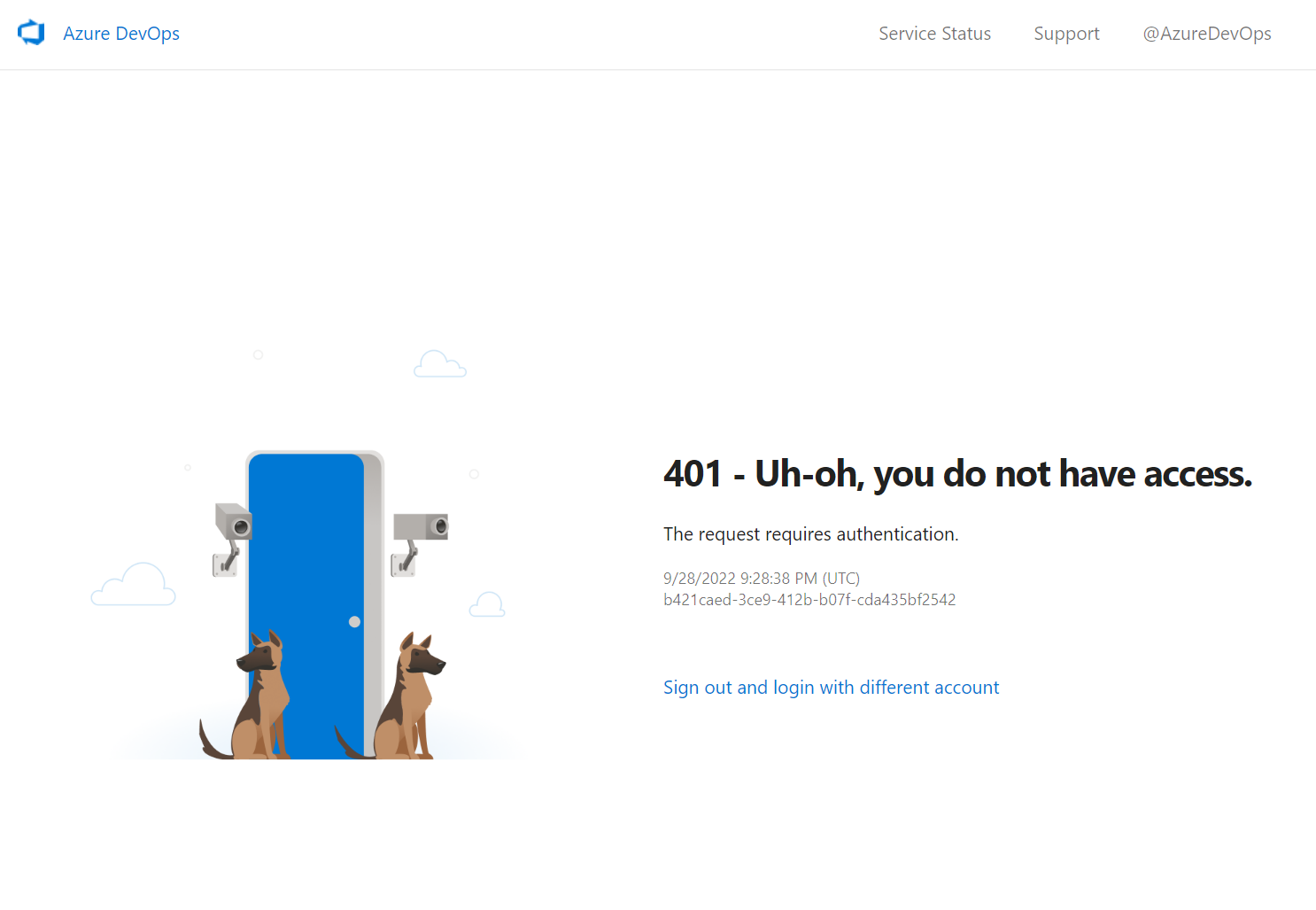
@Nirmal4G I'm not aware of any changes here, does the link open in an inprivate tab? The Azure DevOps can be pretty odd sometimes about authentication even though they should all be public links afaik.

@michael-hawker Yep, it seems to open in InPrivate. 🤔 Why does InPrivate works but not regular way? I do clear all browsing data on session end even on regular tabs. Hmm..., Weird Issue!