

 Codeinwp
Content width in conflict with ElementsKit plugin
Description:
When using the Elements kit Elementor addons plugin, it has a module to create a global header without having Elementor Pro. Once this is created, the content width value of the theme isn't taken into consideration anymore, on shop and product pages.
How to reproduce:
- Install an activate Neve, Elementor, and Elements kit Elementor addons.
- Enable the Header/Footer in ElementsKit Lite - screenshot.
- Create a global header with ElementKits Lite - screenshot.
- After publishing it, try modifying the content width in the Customizer for the shop/product page, it will remain 100%.
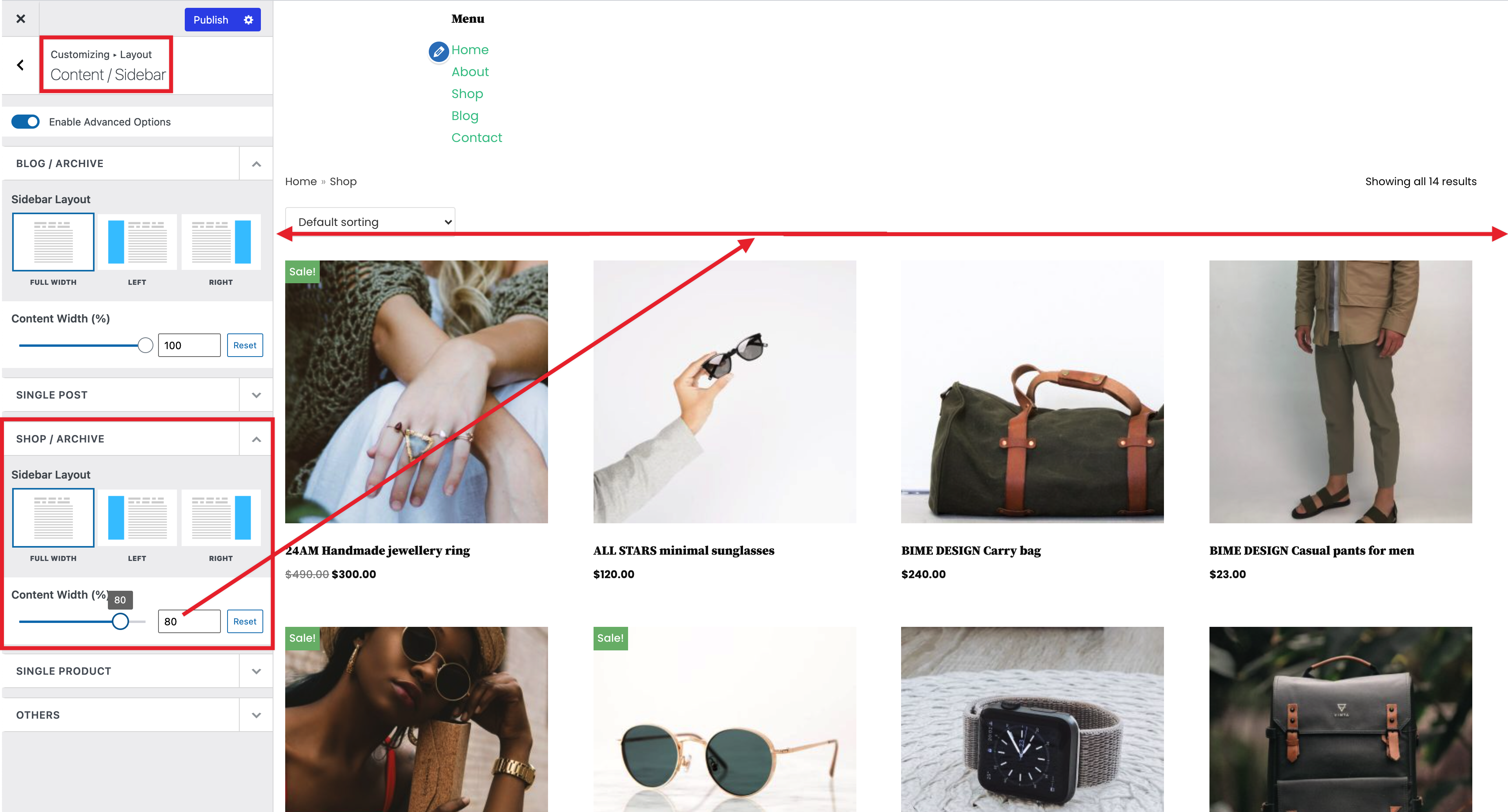

Expected behaviour:
To be able to use the content width option of the theme when having a global header created with the ElementsKit plugin.
Current behaviour:
Content width on shop and product page is stuck to 100%.
Reference:
https://secure.helpscout.net/conversation/1519112358/279448/
Technical info
- WordPress version: 5.7.2
- Theme version: 2.11.4
- Elementor: 3.2.3
- ElementsKit: 2.2.4

This issue is caused by Elements Kit removing the header container which has the class neve-main this class is used to set the page width so with it gone, the CSS doesn't apply.
Instead of changing the class selectors throughout the plugin; I have contacted Elements Kit about this since I see they have support for some other big themes and they confirmed that they will add support for it:
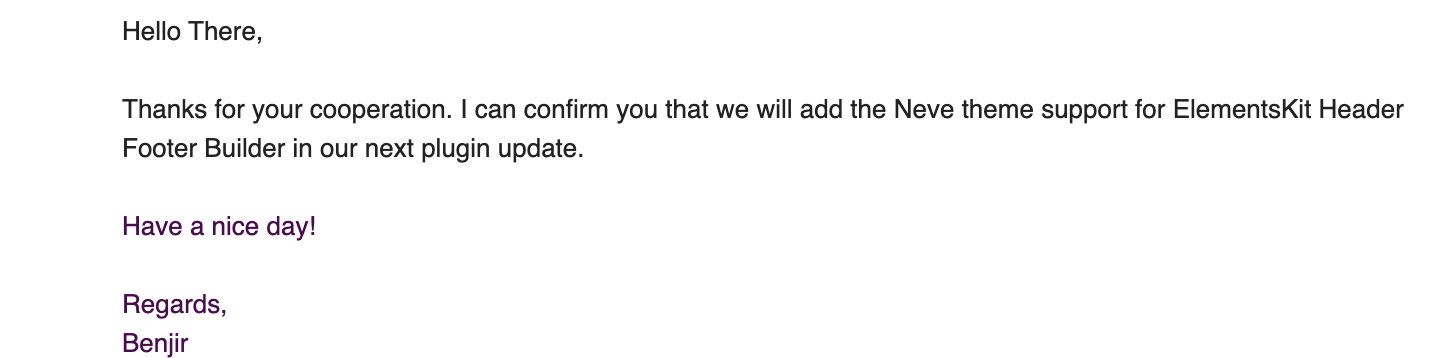
We can test this again after they've updated the plugin

Thank you @UVLabs, that's great news! Moving this issue to the backlog column. Please have a look and see if everything is fixed after they add support for Neve 🚀

Latest correspondents:
Hello There,
The fix is already in our development pipeline, please wait for a while. We have released some emergency bug fix in this latest and the previous version. We will add the fix within next month's release for sure. Till then please stay with us.