CodeEdit

CodeEdit copied to clipboard
 CodeEditApp
🐞 Maximize Debug Area button does not work
Description
The maximize debug area button no longer is functional.
To Reproduce
- Open a project
- Open debug area drawer
- Click maximize debugger area button at the bottom right of debug area
- Notice the drawer does not expand
Expected Behavior
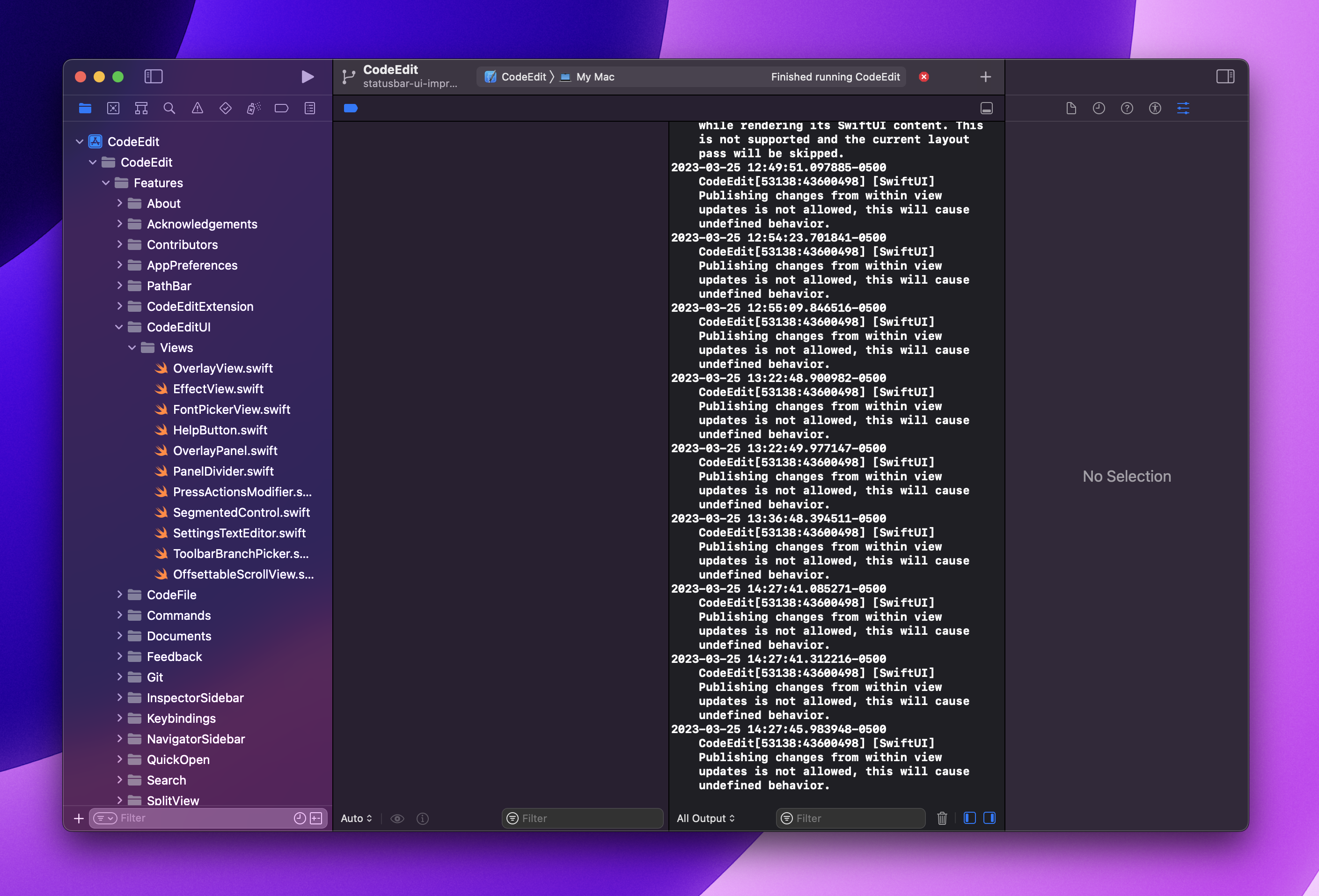
After clicking expand debug area, the debug area should expand so the status bar is just below the application toolbar, allowing the debug area to fill the window within the main area.
Version Information
n/a
Additional Context
n/a
Screenshots
Xcode with debug area maximized...