

 ChrisAnd1998
TaskbarX doesn't properly handle display changes
Describe the bug TaskbarX doesn't properly handle display changes, rendering improperly on the primary display and not taking effect at all on newly-added secondary displays
To Reproduce Steps to reproduce the behavior:
- Connect two displays, displaying your desktop on both
- Select "Show only on 2" in Windows, then revert
Expected behavior The taskbar should switch to the new "primary" and back without issue, and the secondary taskbar should be removed, then returned, also without issue
Screenshots
Before display changes:
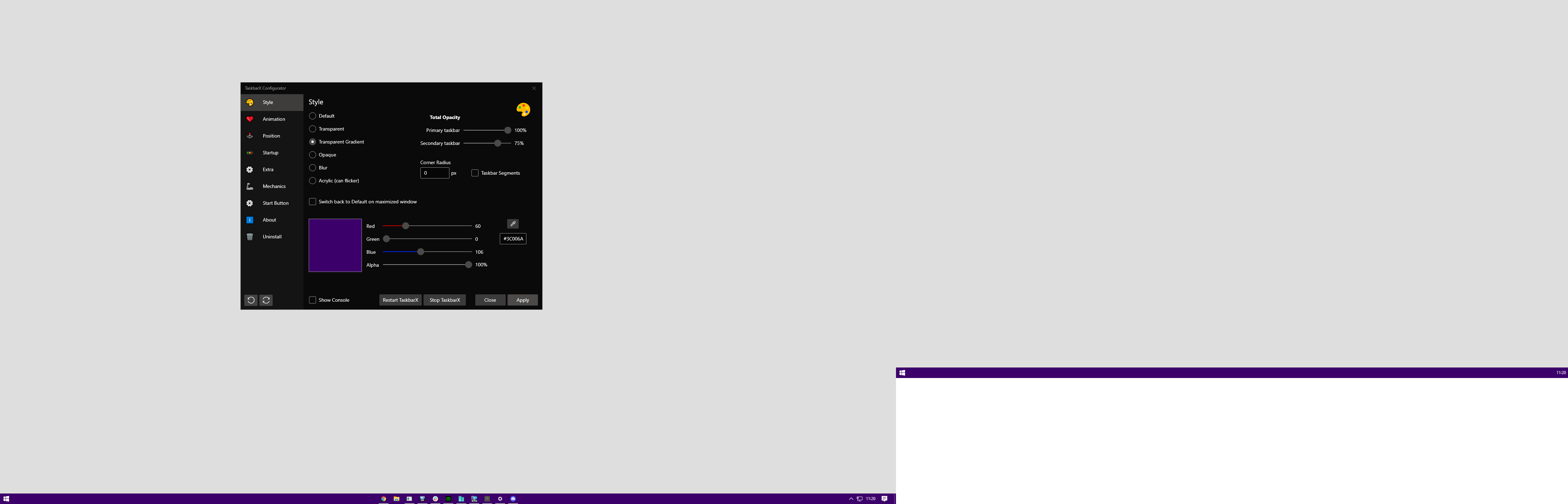
After:

Desktop (please complete the following information):
- OS: Windows 10
- Version 21H2
Additional context The primary display's taskbar ends up taking the width of the previous primary display The secondary display's taskbar doesn't just not receive styling, it doesn't centre either. TaskbarX does not pick it up at all
