

 Canop
Canop
[Feature Request] add CLI flags to hide/show/enter directory paths
[Pulled from comments on Issue #409]
It would be extremely useful to be able to pass special-paths to broot via CLI flags, as in
broot --hide="/example/useless" --no-enter="/example/slow-remote-mount" --no-enter="**/.git" --enter="/example/git-ignored-path"
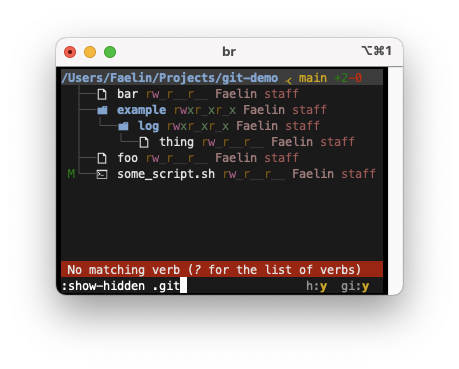
In addition, per Issue #551, this feature should be coupled with new Verb commands within the Broot view itself:
:hide(with selection) |
:show-hidden(with argument) |
:no-enter(with argument) |
|---|---|---|
 |
 |
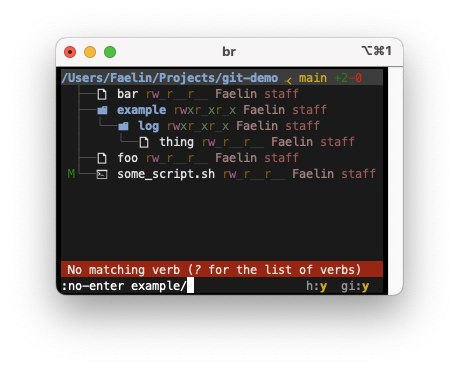 |

If there's such :no-enter command, you could also launch br with br -c ":no-enter some/path"

Yes, but I specifically want a dedicated flag, because I would be using this primarily in conjunction with the :pt verb. When using filter commands before hand, it makes the terminal flicker while Broot loads, filter, and then prints. My hope is that a command-line flag could enable filtering BEFORE loading the Broot UI, so that the :pt command does not lead to a painful flicker before printing.
OK.
BTW I should probably have a mode which doesn't render the UI when you only want a :pt or a :pp
Yes, that would be good. Another case where a command-line flag might be the best mechanism, as in -q, or perhaps -p/--print
In that case, maybe the best format for this would become:
br --cmd ":no-enter ./some/path; show ./hidden/dir" --print