
code_runner.nvim

code_runner.nvim copied to clipboard
 CRAG666
Running code inside a folder that have spaces on its name results in "too many arguments" error (and how to fix it)
I'm using the default lazy configuration from the README

Problem: The RunCode/RunFile command works well, except for when we are trying to run file inside a directory that has space(s) in its name- for example: "Chapter 03 - If"/ folder.

If we rename the directory to not have spaces, it will work as expected
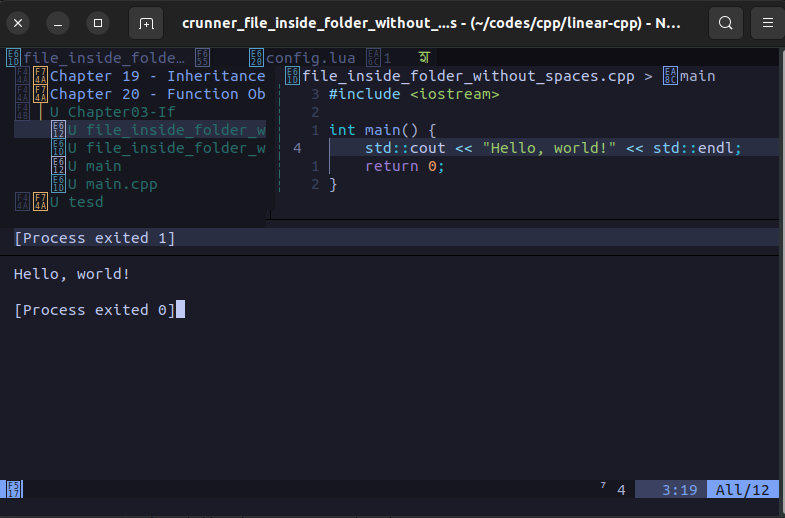
I suspect it has something to do with how the "$dir" in filetype from setup returns the string. I found a quick fix by wrapping the $dir with a ' ' (colon) will work as expected.
-- before
cpp = "cd $dir && g++ $fileName -o $fileNameWithoutExt && $dir/$fileNameWithoutExt",
-- after
cpp = "cd '$dir' && g++ $fileName -o $fileNameWithoutExt && '$dir/$fileNameWithoutExt'",

use this -- after cpp = "cd '$dir' && g++ $fileName -o $fileNameWithoutExt && '$dir/$fileNameWithoutExt'",

