
Dragablz
 Dragablz copied to clipboard
 ButchersBoy
Dragable and tearable tab control for WPF






Tearable tab control for WPF, which includes docking, tool windows and MDI.

Illustrates basic theme, more themes at end of page
- Docs 'n' help 'n' stuff: dragablz.net
- NuGet details here: http://www.nuget.org/packages/Dragablz/
- You can criticise the developer here: @James_Willock or here: [[email protected]]
- No, seriously, please get involved and give me a ping with any questions/requests.
Minimal XAML:
XAML as simple as this will give you a tab the tears out (using the basic theme).
<dragablz:TabablzControl Margin="8">
    <dragablz:TabablzControl.InterTabController>
        <dragablz:InterTabController />
    </dragablz:TabablzControl.InterTabController>
    <TabItem Header="Tab No. 1" IsSelected="True">
        <TextBlock>Hello World</TextBlock>
    </TabItem>
    <TabItem Header="Tab No. 2">
        <TextBlock>We Have Tearable Tabs!</TextBlock>
    </TabItem>
</dragablz:TabablzControl>
Features:
- Drag and tear tabs
- User friendly docking
- Floating tool windows & MDI
- Supports MVVM
- IE style transparent Windows
- Fully style-able, included styles:
- Basic
- MahApps: demo | theme | MahApps
- Material Design: tutorial | theme | guidelines | Material Design in XAML Toolkit
- Chrome style trapzoid tabs
- Custom (and optional) Window which supports transparency, resizing, snapping, full Window content.
- Miminal XAML required, but hooks provided for advanced control from client code
- Single light weight assembly targeting .net 4.* frameworks, no additional dependencies
- Demos in source (make sure you restore NuGet packages)
Want to say thanks?
- Hit the :star: Star :star: button

Getting Started:
Here are some helpful blog posts to help you get started:
In the pipeline:
- Layout persistance and restore
- Extra themes
Some examples:
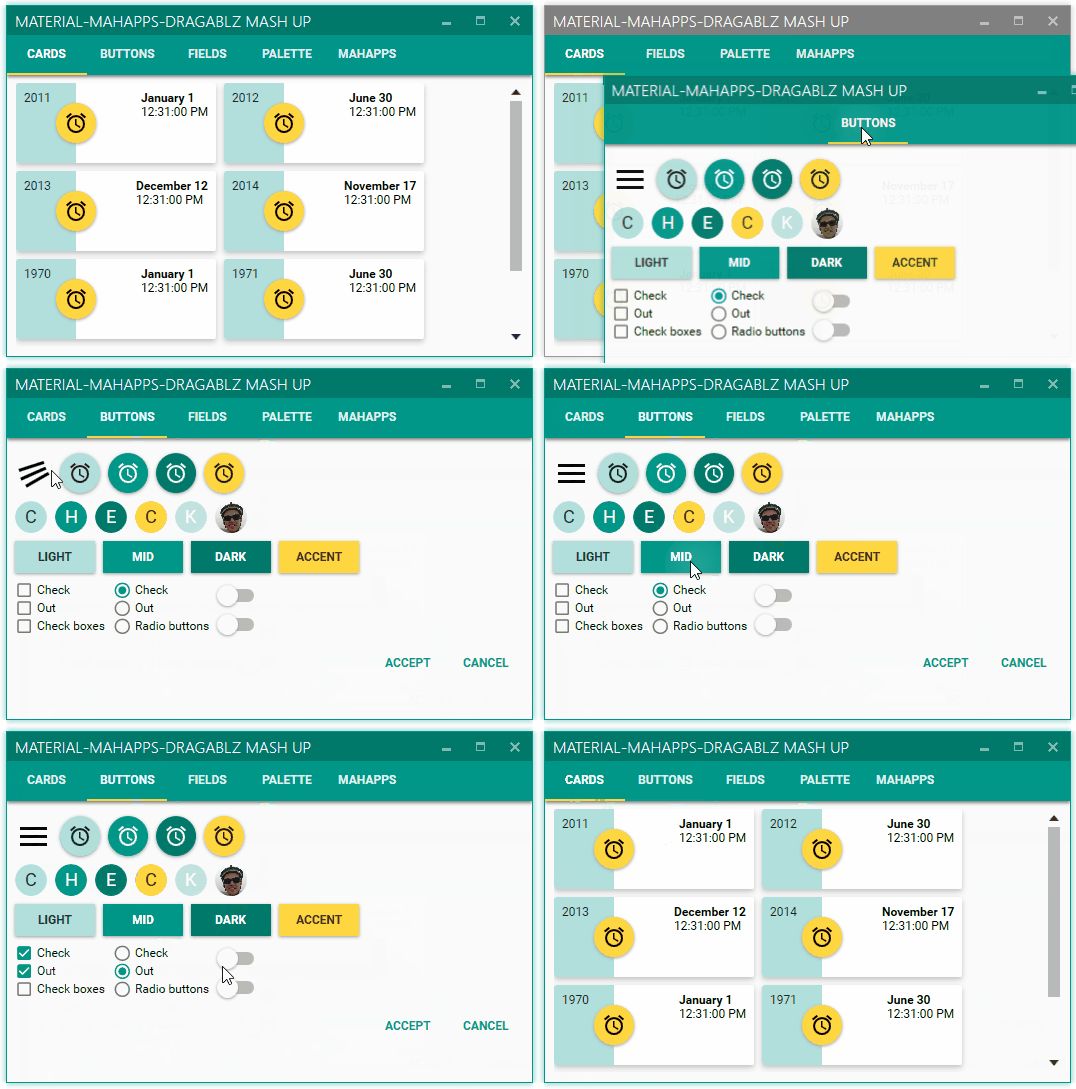
Material Design theme (see Material Design in XAML Toolkit):
Docking:

MDI:

MahApps theme:

 ButchersBoy