

 BrowserWorks
Can't Sign in to Sync
What happened?
Can't sync. I can login in accounts.firefox.com but when I tap Sign in to Sync it gives me my account but ask for the pass, after typing it I receive an endless load and a 'working' message.
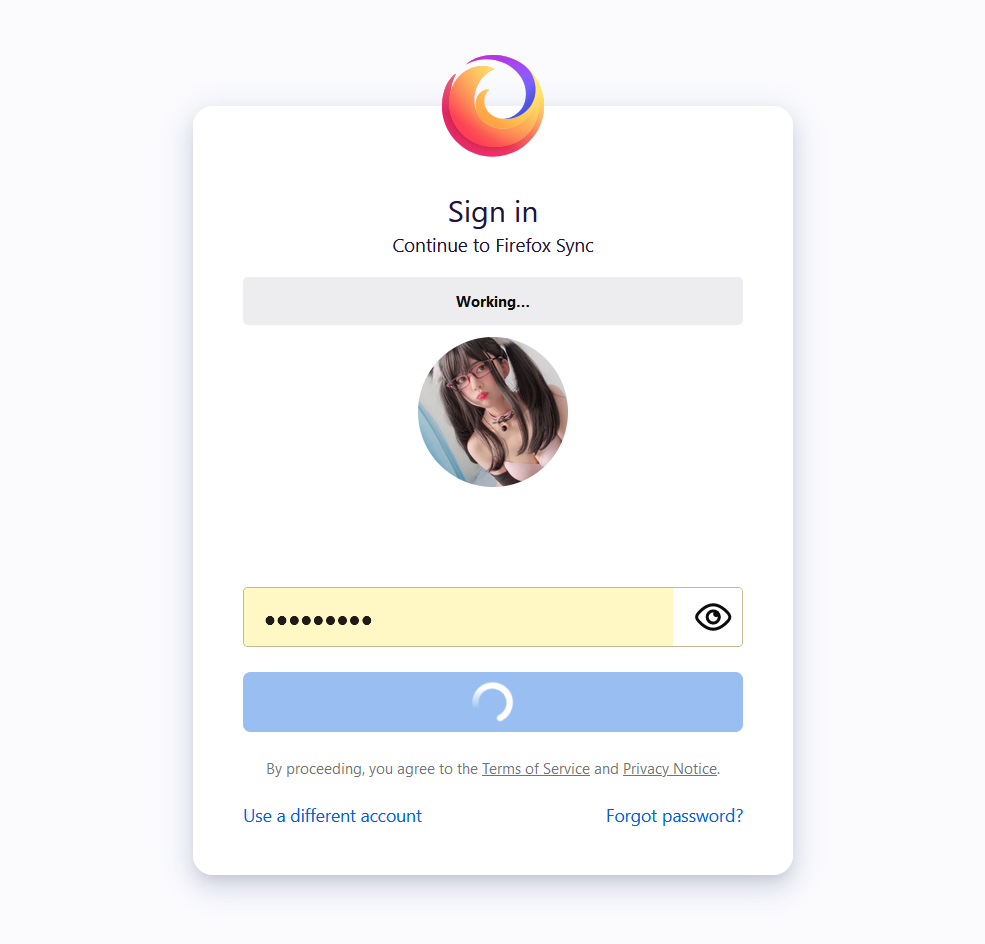
I've used a few addons vpn and a local machine vpn to test if I could sync too, not helping.
Reproducible?
- [ ] I have tested this on Firefox.
Version
G4
What platform are you seeing the problem on?
Windows
Relevant log output
No response


I have the same issue also.
I've tried it in Windows 10 & 11, on 2 different PCs, tried the latest version and an older one I had on another computer & I've tried 2 different internet connections.
It works fine in Firefox but I don't really want to use Firefox if I can help it.
I get the following in the console: Content Security Policy: Couldn’t process unknown directive ‘script-src-attr’ Response not received for: fxaccounts:can_link_account

I'm getting the same on Linux but I can't even get past the email screen. Console output:
Working… logger.js:69:29
Response not received for: fxaccounts:can_link_account logger.js:72:35


Yep I got the same problem will try to downgrade the version first
Didn't need to go that far, just copy pasted profile from current firefox already synced.


Yep I got the same problem will try to downgrade the version first
Didn't need to go that far, just copy pasted profile from current firefox already synced.
How did you do that? I've tried and Waterfox was unable to start after that, got error message that my profiles couldn't be loaded

I had same problem and resolved it by following these steps: https://www.reddit.com/r/firefox/comments/5d7cid/cannot_log_in_to_firefox_sync_stuck_on_working/
Steps: open about:config add "https://accounts.firefox.com/" to "webchannel.allowObject.urlWhitelist" config option setup sync

I had same problem and resolved it by following these steps: https://www.reddit.com/r/firefox/comments/5d7cid/cannot_log_in_to_firefox_sync_stuck_on_working/
Steps: open about:config add "https://accounts.firefox.com/" to "webchannel.allowObject.urlWhitelist" config option setup sync
That does solve the issue. Thanks!
I could NOT sign in although I had done the steps which Rokta showed. To downgrade to G4.0.1 was necessary. (without changing about:config)

I had this issue too...
I had same problem and resolved it by following these steps: https://www.reddit.com/r/firefox/comments/5d7cid/cannot_log_in_to_firefox_sync_stuck_on_working/
Steps: open about:config add "https://accounts.firefox.com/" to "webchannel.allowObject.urlWhitelist" config option setup sync
worked for me

I had same problem and resolved it by following these steps: https://www.reddit.com/r/firefox/comments/5d7cid/cannot_log_in_to_firefox_sync_stuck_on_working/
Steps: open about:config add "https://accounts.firefox.com/" to "webchannel.allowObject.urlWhitelist" config option setup sync
This did the job.
Apologies for getting to this so late, am looking into what is actually causing this.

The root cause for this is related to user agent. Am going to push a fix for it shortly.
The root cause for this is related to user agent. Am going to push a fix for it shortly.
So does that mean it could be solved with add-ons like an user agent switcher?
I had same problem and resolved it by following these steps: https://www.reddit.com/r/firefox/comments/5d7cid/cannot_log_in_to_firefox_sync_stuck_on_working/
Steps: open about:config add "https://accounts.firefox.com/" to "webchannel.allowObject.urlWhitelist" config option setup sync
It's also possible to install Firefox, sign in, import data from Firefox to Waterfox and uninstall Firefox after that. You'll automatically be logged in after a restart of Waterfox.
The root cause for this is related to user agent. Am going to push a fix for it shortly.
So does that mean it could be solved with add-ons like an user agent switcher?
Not sure if a UA switcher will actually work, but overriding the UA for the browser by doing the below will work:
- Go to
about:config - Add a new string preference called
general.useragent.override. - Set the value to a relevant value from: https://www.whatismybrowser.com/guides/the-latest-user-agent/firefox
It's another way of achieving the same result that has already been mentioned.