

 Bluegrams
Windows 11 - File Explorer pin doesn't work at once
Hello,
Just had migrated to Windows 11, and while Chrome pinning is working well (for example), it doesn't work properly for the File Explorer.
"Select Window from screen" and select the file explorer window
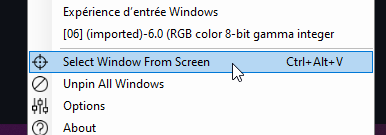
As result, nothing is pinned. But, as from now on, the window name appears in the window list, you can pin from there:
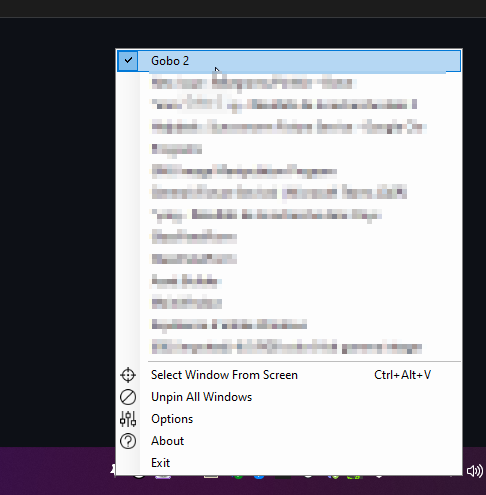

Also having this same issue on Windows 11. Clicking the window from the popup list works to pin it but selecting via the "select window from screen" tool does not. it appears to be happening to only some Window system apps (e.g. settings app, file explorer)
Also not sure if this is intentional or not but Chrome or MS edge windows only pin via the selection tool if you specifically click on the title bar of those windows. If you seemingly select the main content of the window it will not pin (despite hovering it will show that the full windows has been highlighted).

Hey, thanks for letting me know. I currently don't use Windows 11 (yet), so didn't have the chance to check this yet. I'll try to look into this in the future.
