

 BladeMight
Move uibase to WPF/UWP add support HDPI and UI Scaling
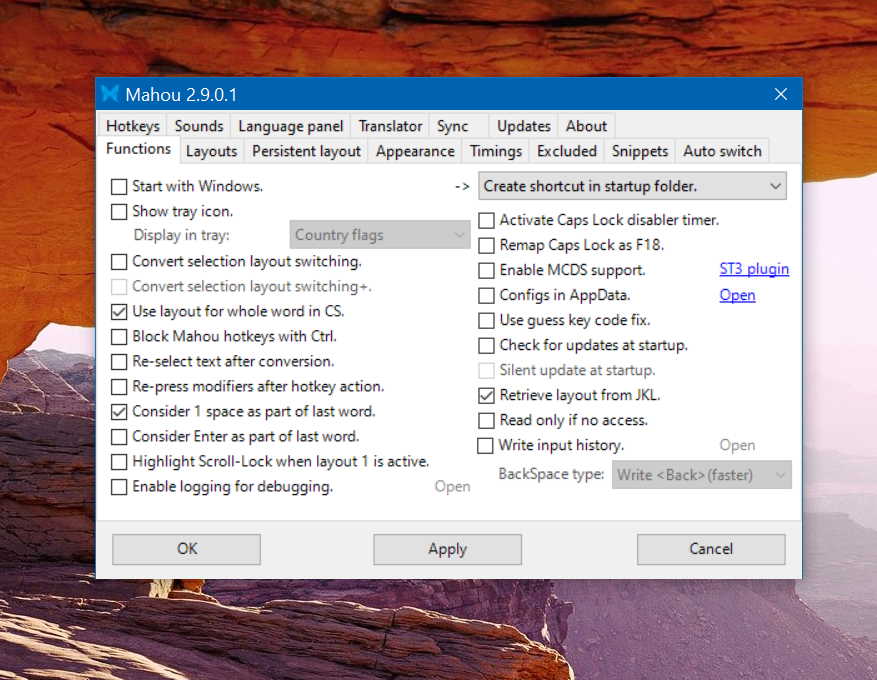
It looks real bad, small and blurry.
If you are dead-set to support XP (WPF fully works starting from Vista, XP SP3 has limited suport) you could implement your own UI scaling then, altho it will be more work.


@Kein Try latest-commit version.
Updating to latest-commit:
- On tab "Updates" set update channel to LatestCommit(Beta), and update as usual(check, download update)
- On webpage: https://github.com/BladeMight/Mahou/releases/tag/latest-commit there are auto-updated builds. (if you unsure which to use, use Release_x86_x64.zip)
@Kein Well I use SharpDevelop for GUI development, and I kinda love how small it compared to enormous Visual Studio these days... I could write everything without visual designer(like I did with the Translator window), but also there are much features that explicitly require a native win32 windows, for example hooks, see so, and similar. And using WPF will bring only "visual" improvements, still I'll have to "keep" WinForms and use it together with WPF...
Still winforms, tho :P
But I disabled hidpi scaling(though for someone my way of doing so may not work, and you'll have to change manually hidpi override to "Application" in Mahou.exe properties), and added my own based on your system's zoom level. E.g. if you have 125% Mahou will increase all its window/elements/fonts by 125%.
@Kein Tried, overall very nice code completion and stuff but they don't have XAML designer, and they say that: that are not going to be addressed in the foreseeable future see vscode#issue60406/xwwro