

 BHoM
BHoM
Physical_Engine: Create.Floor doesn't create openings
Description:
As in header
Steps to reproduce:
See the test file
Expected behaviour:
Should create a floor with opening
Test file(s):

@mikolaj-nazarczuk, I've let myself tidy the test script up a bit.
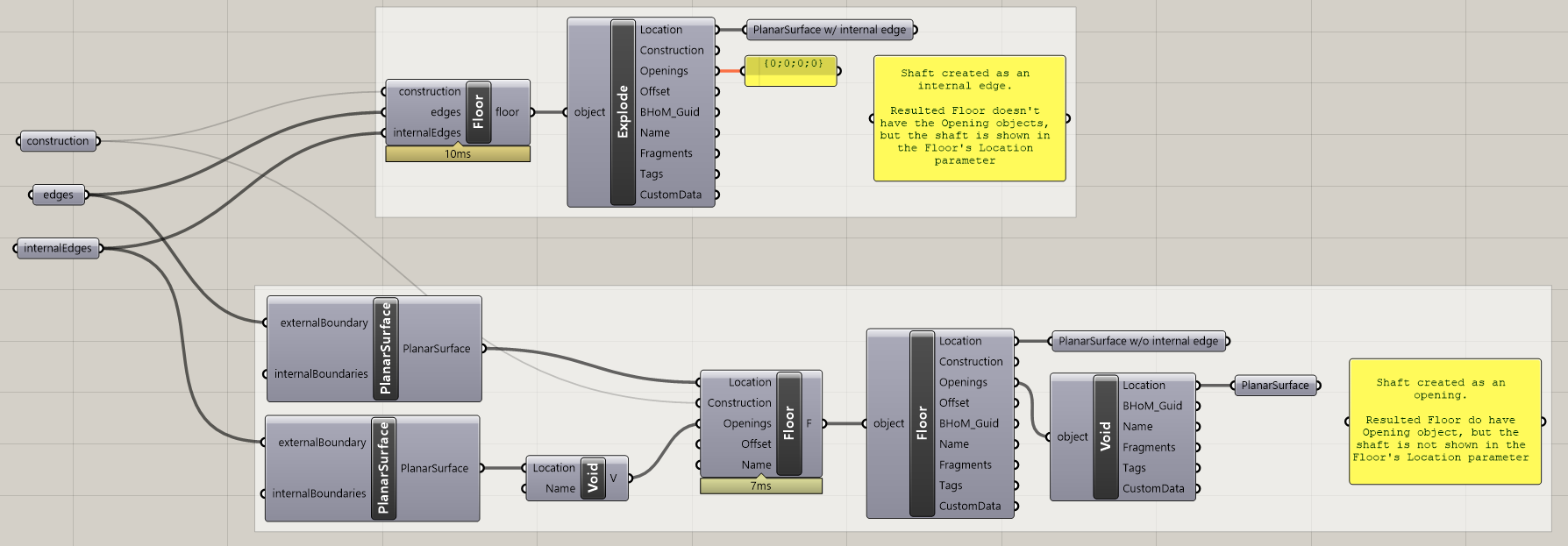
I think it looks more like a bit non-intuitive inconsistence than a bug. @pawelbaran, do you have any view on why it was resolved like that?

Imo best way to create floor using first method (edges/internalEdges) is like this. Not with opening, shaft etc. but editing profile.
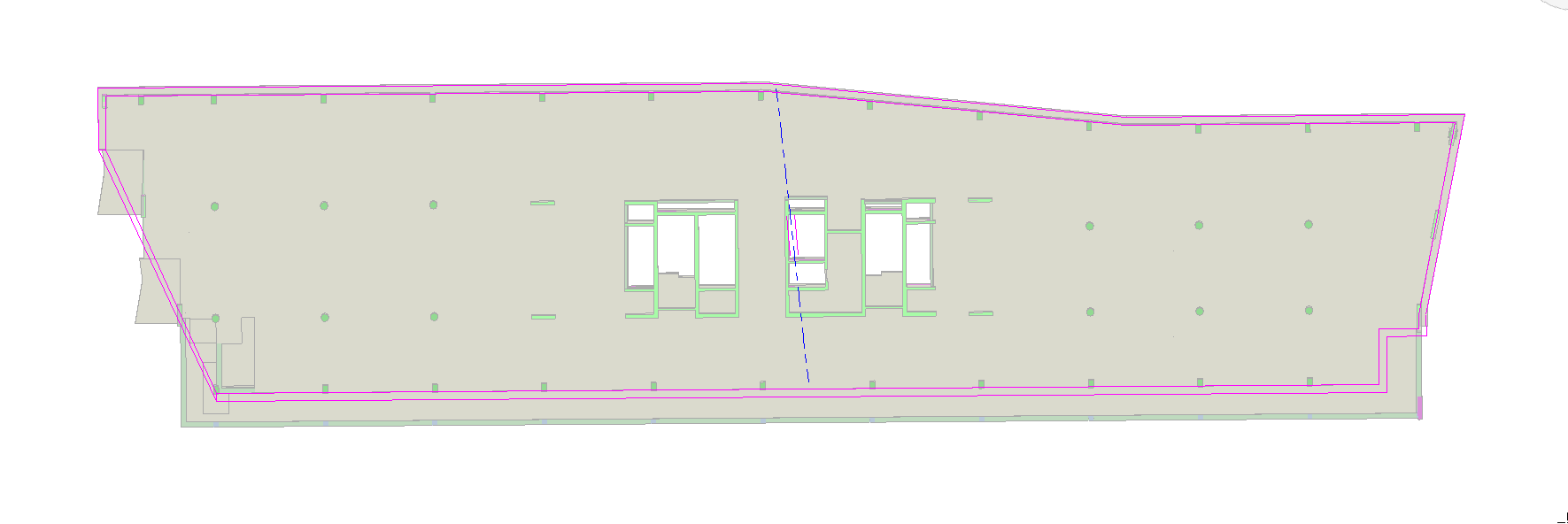
Yeah this looks like a glitch indeed. Not sure if we have a well defined strategy around the Physical panels with regard to openings, particularly Void opening vs hole in the defining surface (@IsakNaslundBh maybe you have a clear vision?).
In Revit converts the above two cases are treated differently:
- a hole in defining surface becomes a hole in the defining outlines
Voidopening gets translated into a hole element in Revit
This actually should be fine because by this means the user can choose what type of holes to create in Revit. On the other hand, I agree this should be first of all mapped out and the Create methods should be unified.

Looking at this issue now, the behaviour seems correct to me. Could you please confirm and close if so, @IsakNaslundBh?
Actually, I will close it now, feel free to reopen if you disagree @IsakNaslundBh