
ninjam-js
 ninjam-js copied to clipboard
 BHSPitMonkey
The Ninjam music collaboration client reimplemented using JavaScript.
Ninjam JS

Music collaboration in the browser!
Overview
NINJAM is a client/server software originally released in 2005 as a way for musicians to collaborate (by jamming!) over the Internet.
Ninjam JS is built using web technologies (JavaScript, HTML, CSS) and acts as a NINJAM client, connecting to servers just like the official C++ client. It can run as a standalone application using Electron, as a Chrome App, or (almost) as a packaged app for Firefox OS.
Development Status
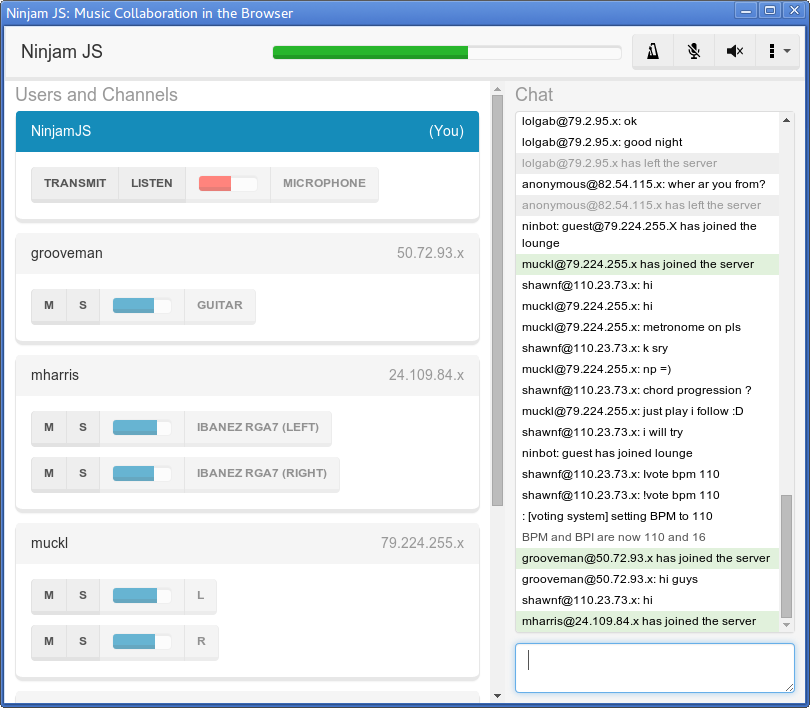
Ninjam JS is still a work in progress. The current code is capable of connecting to servers, sending and receiving chat messages (including votes), listening to audio channels from other users, and transmitting audio.
Download
You can install Ninjam JS using Chrome, Chromium, or Chrome OS by clicking below here:

Or, you can download an installer for Windows, OSX, or Linux from the Releases page.
Screenshots
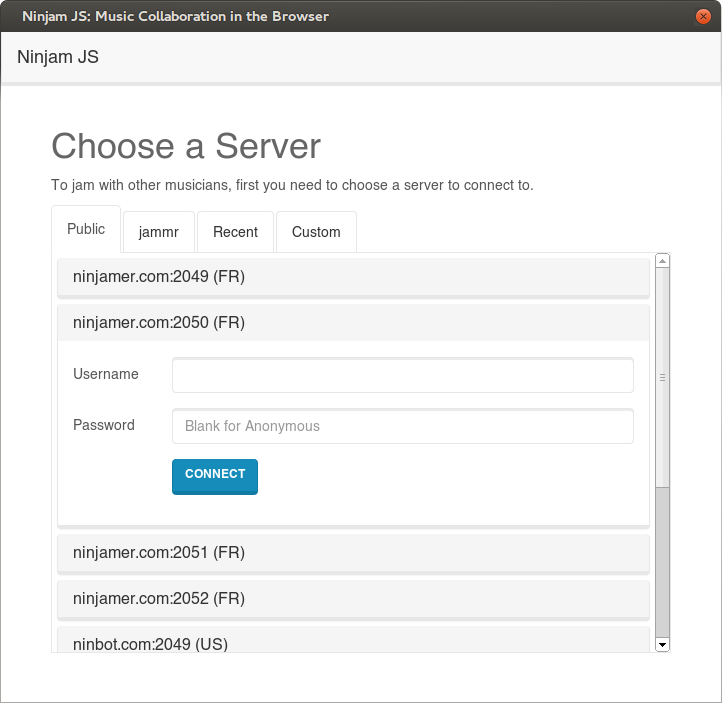
Server browser
Jamming on a server
Development
Setting up dependencies
Run npm install from the project root to install node dependencies. This will
also invoke npm install in the app/ directory automatically.
cd <project_root>
npm install # Install packaging tools
cd app/
npm install # Install app dependencies
Running locally
To build and run the app locally:
cd <project_root>/app/
npm run watch
This starts a process which performs an initial build (populating the app/build/
directory if it isn't already) and continuously watches for changes, rebuilding
individual assets as needed.
To just build the application once without starting the watcher, run npm run make-dist instead.
Once a build has been made, open another terminal and launch the application using Electron:
cd <project_root>
npm start
Noteworthy files/directories
root/
|- package.json: Used for electron-builder packaging, contains packaging scripts
|- build/: Resources used by electron-builder during packaging (icons, etc.)
|- app/:
   |- package.json: Declares app dependencies, contains build scripts
   |- webpack.config.js: Webpack build configuration
   |- build/: Destination for built JS/CSS bundles and copied static assets
   |- src/: React source
   |- static/: Static assets copied as-is into build/ by Webpack
      |- package.json: Declares app metadata used by Electron and electron-builder
Metadata
Owner
 BHSPitMonkey
Metadata
The Ninjam music collaboration client reimplemented using JavaScript.