
BatchExplorer

BatchExplorer copied to clipboard
 Azure
Azure
no pool name displayed in job edit
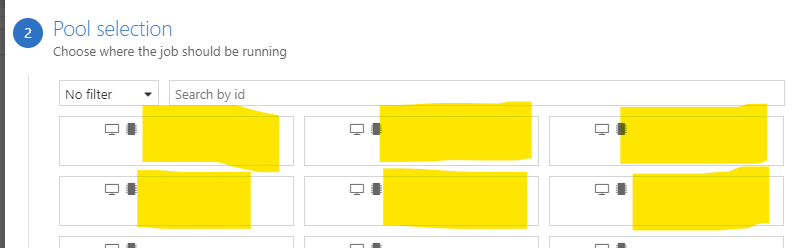
Describe the bug Since the 2.4.0 the Pool selection list from Job edition does not display the name of the pool.
To Reproduce Steps to reproduce the behavior:
- Go to Job list
- Click on an existing job
- Click on disable in button bar - Wait until the job status go from "disabling" to "disabled"
- Click on "Edit" in the button bar
- Scroll to "2. Pool selection"
- See the list of existing job displayed without name
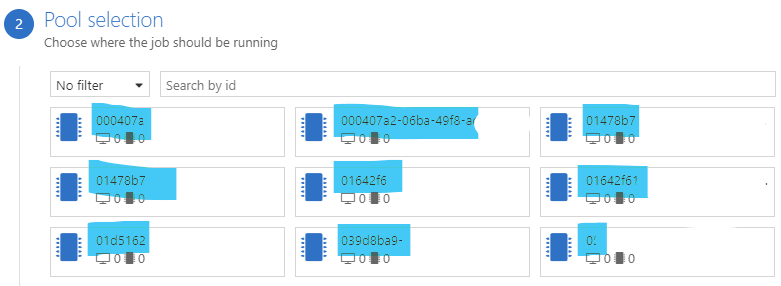
Expected behavior In 2.3.1-stable.378 we had the full name of pools displayed properly
Screenshots
 Whereas in 2.3.1 we had:
Logs(Click profile > View Logs > app.log, client.log) app.log.2020-06-02.txt
Version (please complete the following information):
- OS: Windows
- Version 10.1809


Just to confirm that the issue is still present with the Version 2.11.0-stable.541