

 Azure
Azure
Update ReversingLabs solution to v2.0.1
Required items, please complete
Change(s):
- Updates workbook "ReversingLabs-CapabilitiesOverview": update KQL queries in workbook to match playbook names as deployed by solution; update guide text
Reason for Change(s):
- Typo in workbook query would prevent data from being properly displayed
Version Updated:
- N/A
Testing Completed:
- Yes
Checked that the validations are passing and have addressed any issues that are present:
- Yes

@AaronHoffmannRL : Please increment the version of the workbook in workbookmetadata.json(\Tools\Create-Azure-Sentinel-Solution\V2\WorkbookMetadata) file.
Workbook looks fine
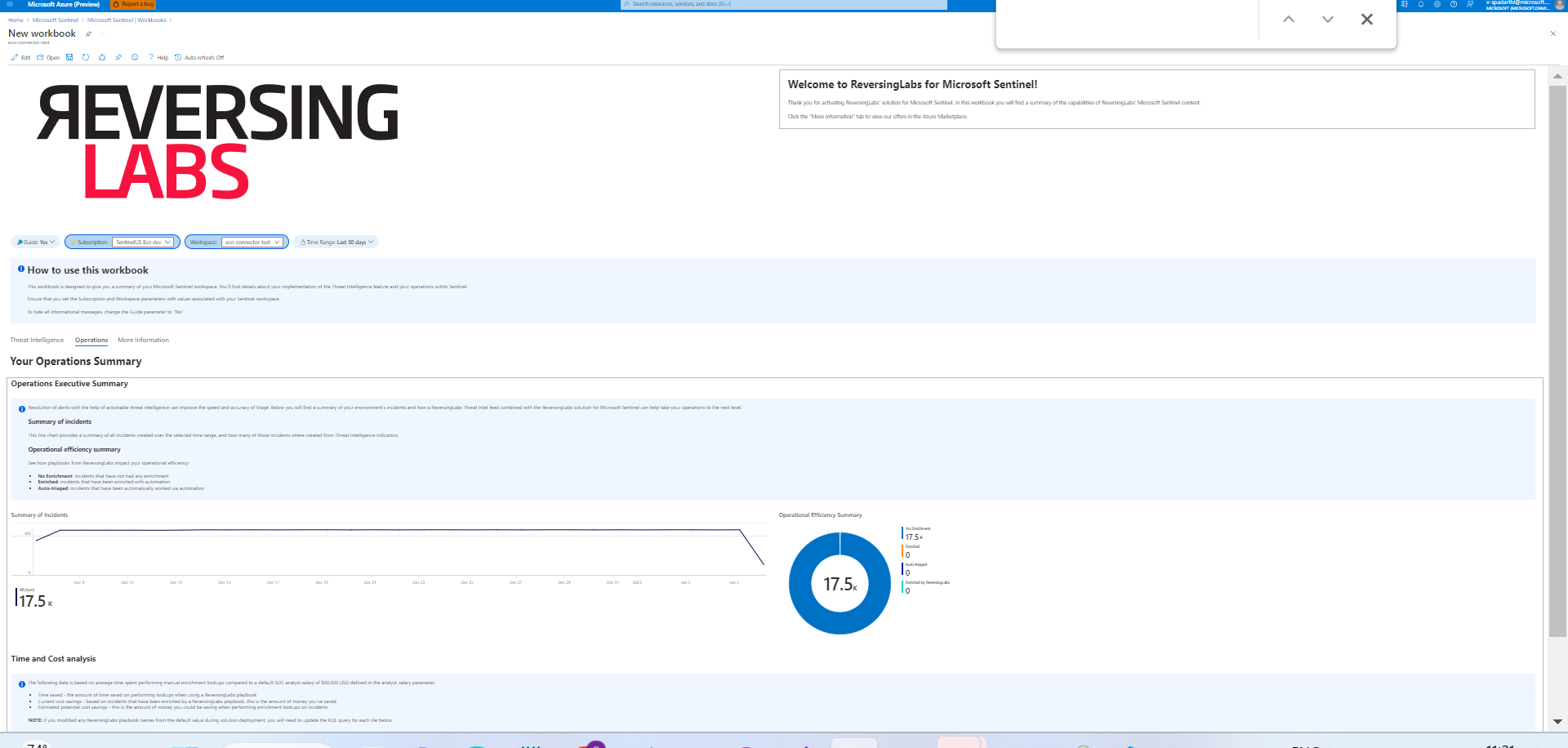 Once done the above change we will proceed to approve.

Hi @AaronHoffmannRL, Thanks for making the requested changes will review and share the feedback. Thanks

Hi @AaronHoffmannRL, I will review the changes today and share the feedback. Thanks
@v-mchatla any updates?
Hi @AaronHoffmannRL, Sorry for the delay. I have reviewed the content everything looks good except the filenames for the preview images. Please be consistent with the filename conventions - the dark theme filename should contain the word "black" and the light theme image should contain the word "white". You can refer the existing filename conventions from here. Thanks
@v-mchatla thanks for the updates - I've updated the image files as requested
Hi @AaronHoffmannRL, Sorry for multiple requests, I just found that logo file is missing under Images folder please follow this structure (Workbooks/Images/Logo) to add your logo file. No need to update anything in the metadata file for this. Thanks