

 Azure-Samples
"No account or login hint was passed to the AcquireTokenSilent" exception would throw if call GetAccessTokenForUserAsync before call graph api
Please provide us with the following information:
This issue is for a: (mark with an x)
- [x] bug report -> please search issues before submitting
- [ ] feature request
- [ ] documentation issue or request
- [ ] regression (a behavior that used to work and stopped in a new release)
Minimal steps to reproduce
- git clone https://github.com/Azure-Samples/active-directory-dotnet-native-aspnetcore-v2.git
- Follow the ReadMe to setup environment
- Call GetAccessTokenForUserAsync function in
public async void Post([FromBody] TodoItem todo)ofTodoListController.cs file
        [HttpPost]
        public async void Post([FromBody] TodoItem todo)
        {
            HttpContext.VerifyUserHasAnyAcceptedScope(scopeRequiredByApi);
            string owner = User.FindFirst(ClaimTypes.NameIdentifier)?.Value;
#if ENABLE_OBO
            // This is a synchronous call, so that the clients know, when they call Get, that the
            // call to the downstream API (Microsoft Graph) has completed.
            try
            {
                var scopes = new string[] { "user.read" };
                var token = await _tokenAcquisition.GetAccessTokenForUserAsync(scopes);
                User user = _graphServiceClient.Me.Request().GetAsync().GetAwaiter().GetResult();
                string title = string.IsNullOrWhiteSpace(user.UserPrincipalName) ? todo.Title : $"{todo.Title} ({user.UserPrincipalName})";
                TodoStore.Add(new TodoItem { Owner = owner, Title = title });
            }
            catch (MsalException ex)
            {
                HttpContext.Response.ContentType = "text/plain";
                HttpContext.Response.StatusCode = (int)HttpStatusCode.Unauthorized;
                await HttpContext.Response.WriteAsync("An authentication error occurred while acquiring a token for downstream API\n" + ex.ErrorCode + "\n" + ex.Message);
            }
            catch (Exception ex)
            {
                if (ex.InnerException is MicrosoftIdentityWebChallengeUserException challengeException)
                {
                    await _tokenAcquisition.ReplyForbiddenWithWwwAuthenticateHeaderAsync(_graphOptions.Value.Scopes.Split(' '),
                        challengeException.MsalUiRequiredException);
                }
                else
                {
                    HttpContext.Response.ContentType = "text/plain";
                    HttpContext.Response.StatusCode = (int)HttpStatusCode.BadRequest;
                    await HttpContext.Response.WriteAsync("An error occurred while calling the downstream API\n" + ex.Message);
                }
            }
#endif
        }
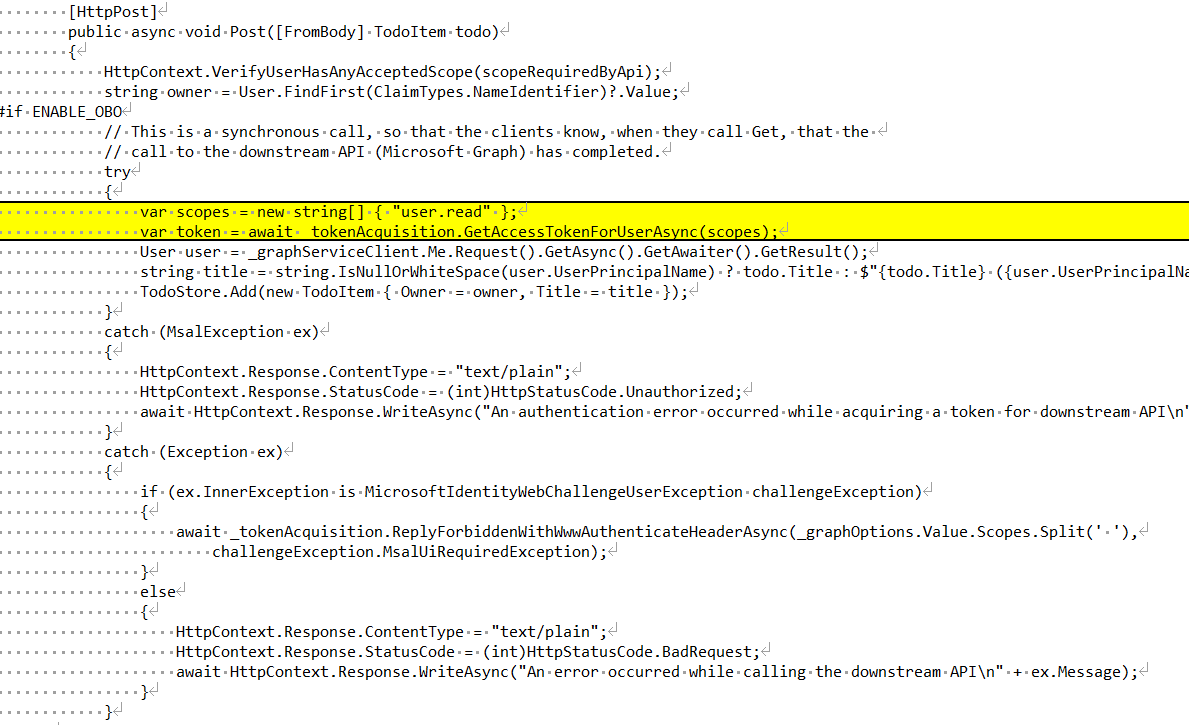
- Then getGraph call would throw exception:
No account or login hint was passed to the AcquireTokenSilent call.
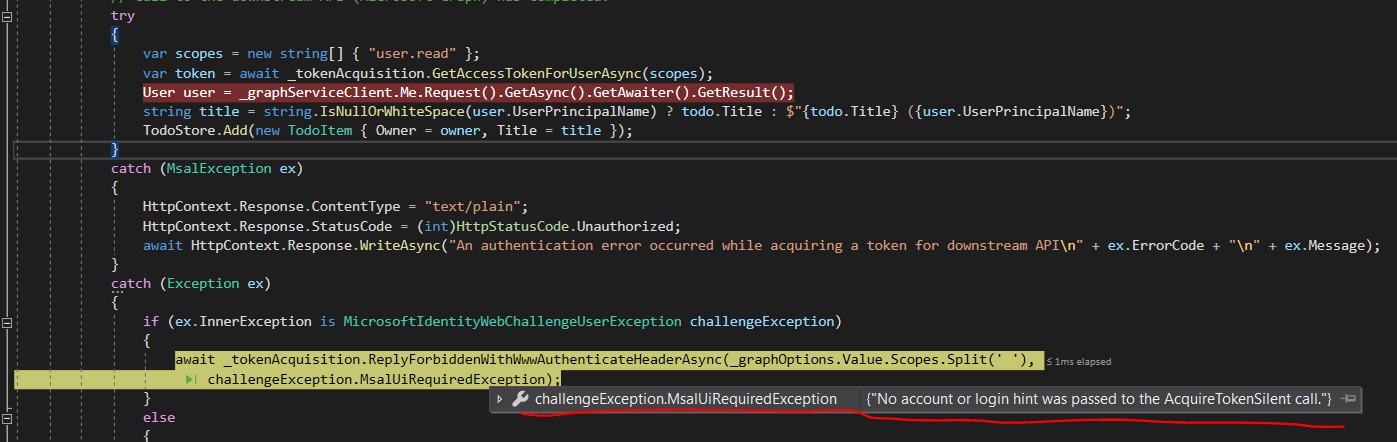
OS and Version?
Windows 10.

@SLdragon : which of the sub folders are you using? I don't see this behavior? How did you register the application? With which account did you sign-in in the client?

Hi, @jmprieur , this one "2. Web API now calls Microsoft Graph", the code can be found here: https://github.com/Azure-Samples/active-directory-dotnet-native-aspnetcore-v2/blob/master/2.%20Web%20API%20now%20calls%20Microsoft%20Graph/TodoListService/Controllers/TodoListController.cs#L60
I follow the ReadMe to setup the environment, and using a Office365 DEV account to sign-in and test the project
@SLdragon : can you please try to use the scripts. Then you could compare the manifests

Hi, @jennyf19 , sorry for the late, today I tried the script, but it shows an error:
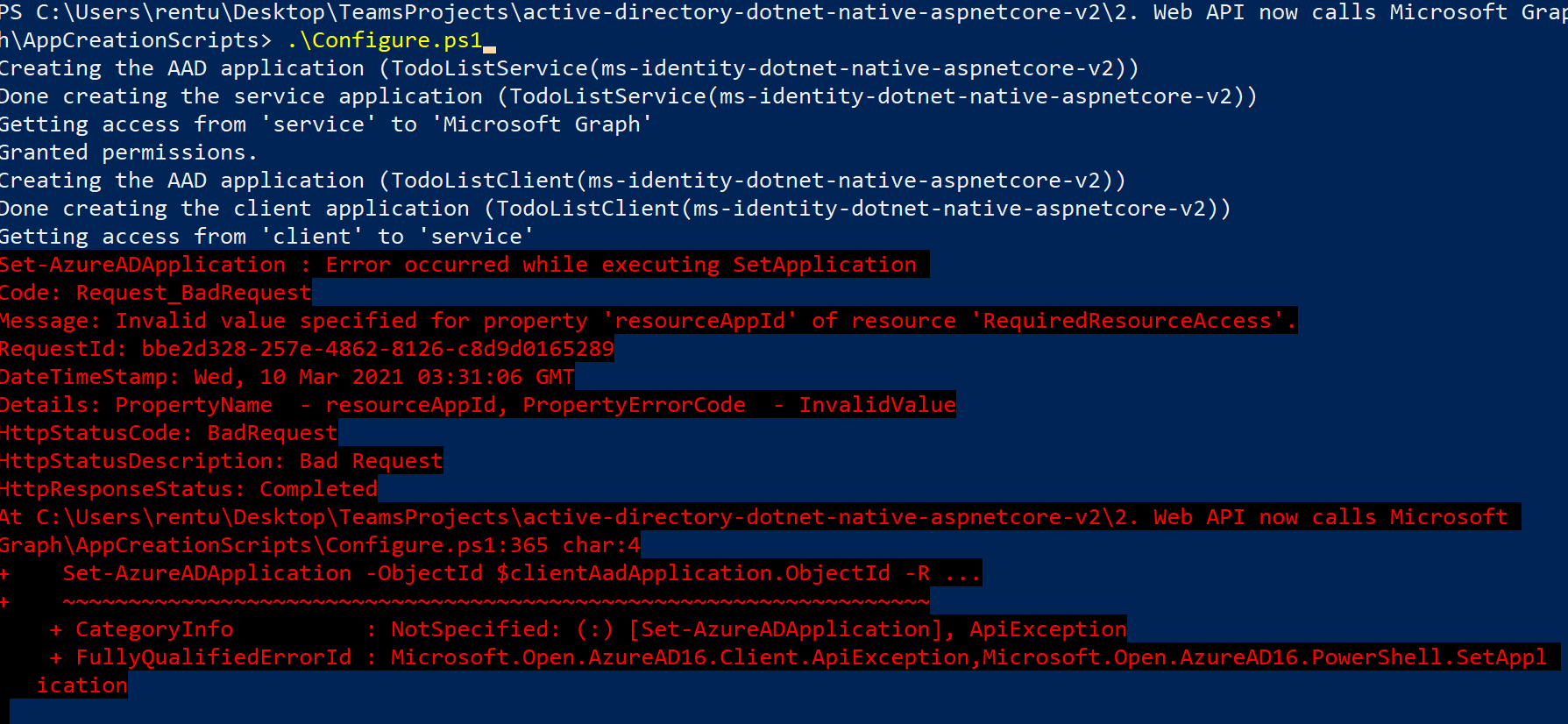
Set-AzureADApplication : Error occurred while executing SetApplication Code: Request_BadRequest Message: Invalid value specified for property 'resourceAppId' of resource 'RequiredResourceAccess'. RequestId: bbe2d328-257e-4862-8126-c8d9d0165289 DateTimeStamp: Wed, 10 Mar 2021 03:31:06 GMT Details: PropertyName - resourceAppId, PropertyErrorCode - InvalidValue HttpStatusCode: BadRequest HttpStatusDescription: Bad Request HttpResponseStatus: Completed At C:\Users\rentu\Desktop\TeamsProjects\active-directory-dotnet-native-aspnetcore-v2\2. Web API now calls Microsoft Graph\AppCreationScripts\Configure.ps1:365 char:4 Set-AzureADApplication -ObjectId $clientAadApplication.ObjectId -R ... ~~~~~~~~~~~~~~~~~~~~~~~~~~~~~~~~~~~~~~~~~~~~~~~~~~~~~~~~~~~~~~~~~~ CategoryInfo : NotSpecified: (:) [Set-AzureADApplication], ApiException FullyQualifiedErrorId : Microsoft.Open.AzureAD16.Client.ApiException,Microsoft.Open.AzureAD16.PowerShell.SetApplication
Tried multiple times to use script to create AAD, only first time using office dev365 account works fine.
And I also tested the issued mentioned above, the error still happen.
Summary:
- Tested project: https://github.com/Azure-Samples/active-directory-dotnet-native-aspnetcore-v2/blob/master/2.%20Web%20API%20now%20calls%20Microsoft%20Graph
- Use AppCreationScripts to create AAD
- Update code in this file: https://github.com/Azure-Samples/active-directory-dotnet-native-aspnetcore-v2/blob/master/2.%20Web%20API%20now%20calls%20Microsoft%20Graph/TodoListService/Controllers/TodoListController.cs#L60
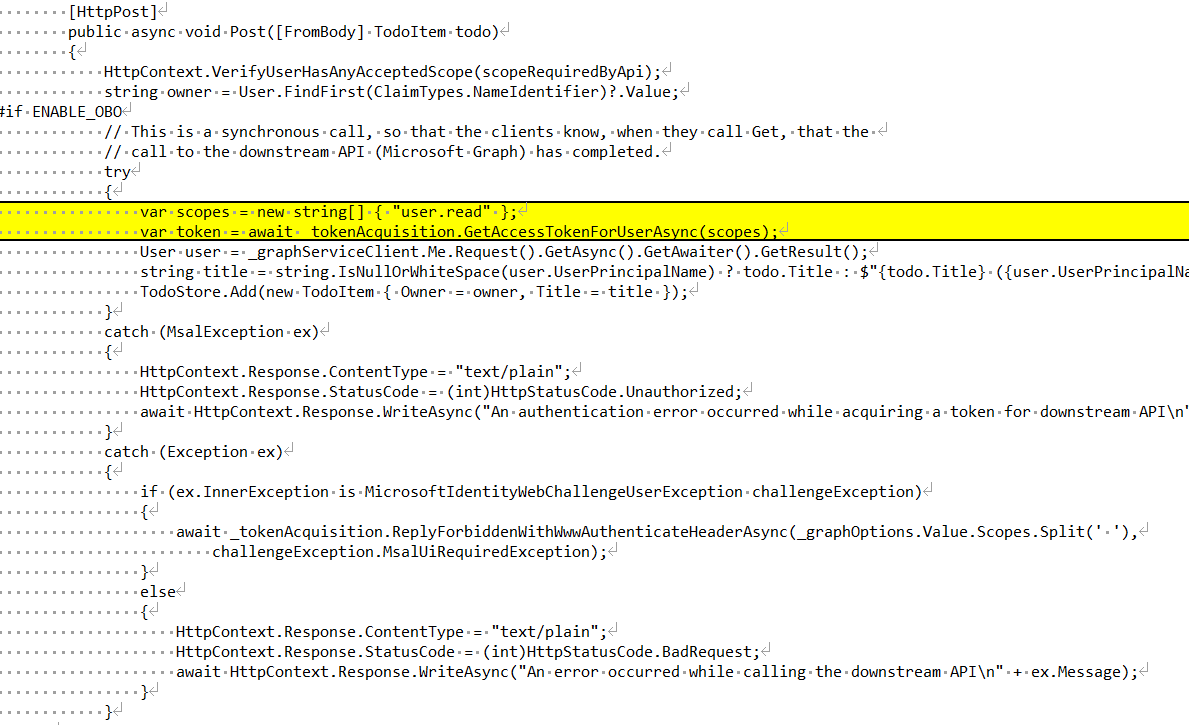
- Then getGraph call would throw exception:
No account or login hint was passed to the AcquireTokenSilent call.
@SLdragon If you already ran the script, you'd want to use the CleanUp.ps1 script first (in the same folder).
Does your tenant have issuer validation? Would it be a free tenant with more than 10 applications?
Seems the script is not work for "@microsoft.com" account. It will show some permission error when run CleanUp.ps1:
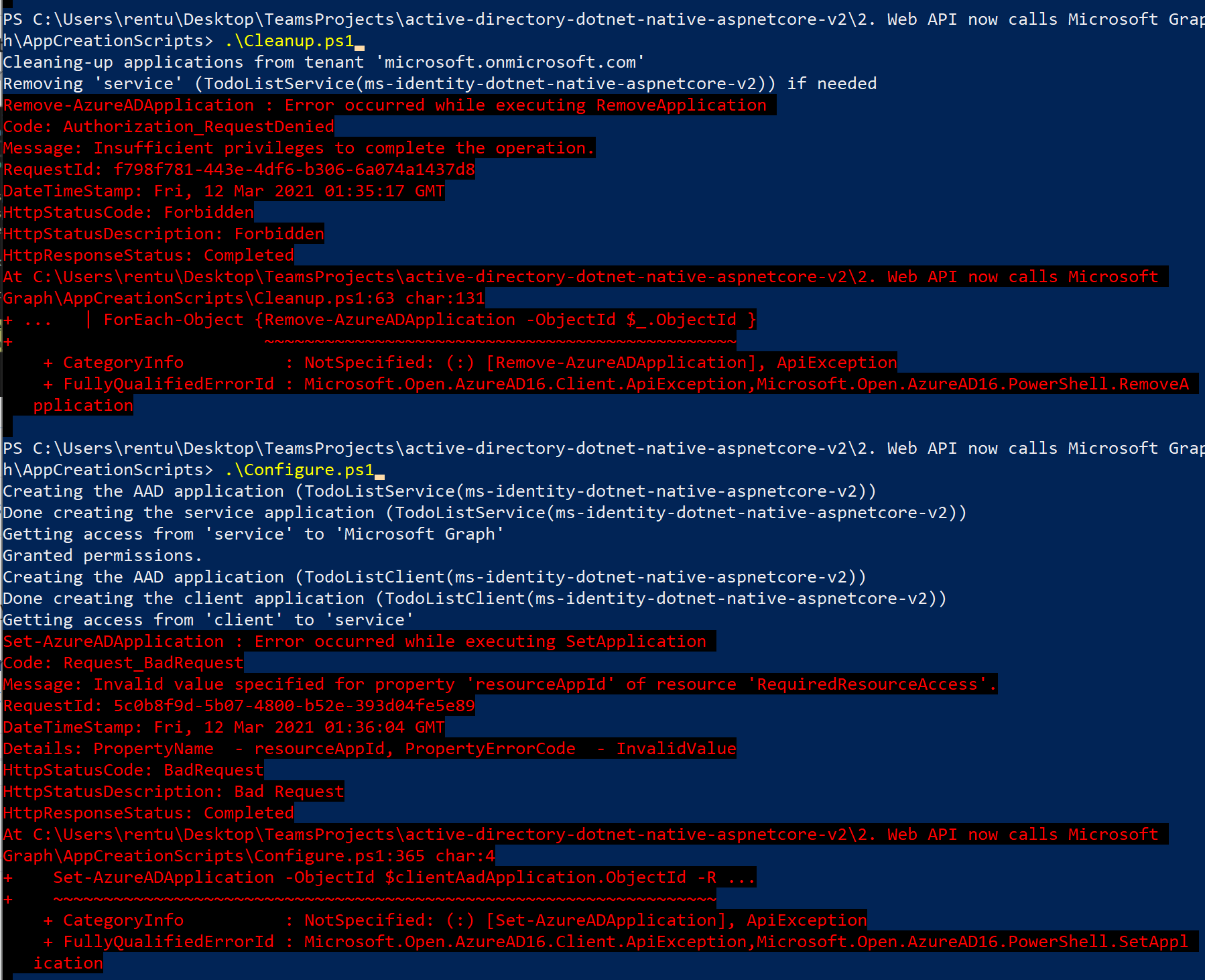
Now office dev365 account can run PowerShell script without error
@SLdragon we have restricted rights in the microsoft tenant. Users cannot consent to scopes (other than user.read), in particular, you won't be able to grant access to your own API.
Are you using the microsoft.com tenant for testing? if you are, please use another tenant. If this is to build an internal tool please contact me directly.
Thank you @jmprieur, now office dev 365 account works fine!
And for the "No account or login hint was passed to the AcquireTokenSilent call" Exception, do you have any insights?
@SLdragon:
- Do you have the authorize attribute on your controller?
- how is the token used to call the web API?
