

 Automattic
Edin: Incorrect instructions to use Page Templates
Quick summary
The instructions to use Page Templates in incorrect in the getting started guide of theme Edin.
It says:
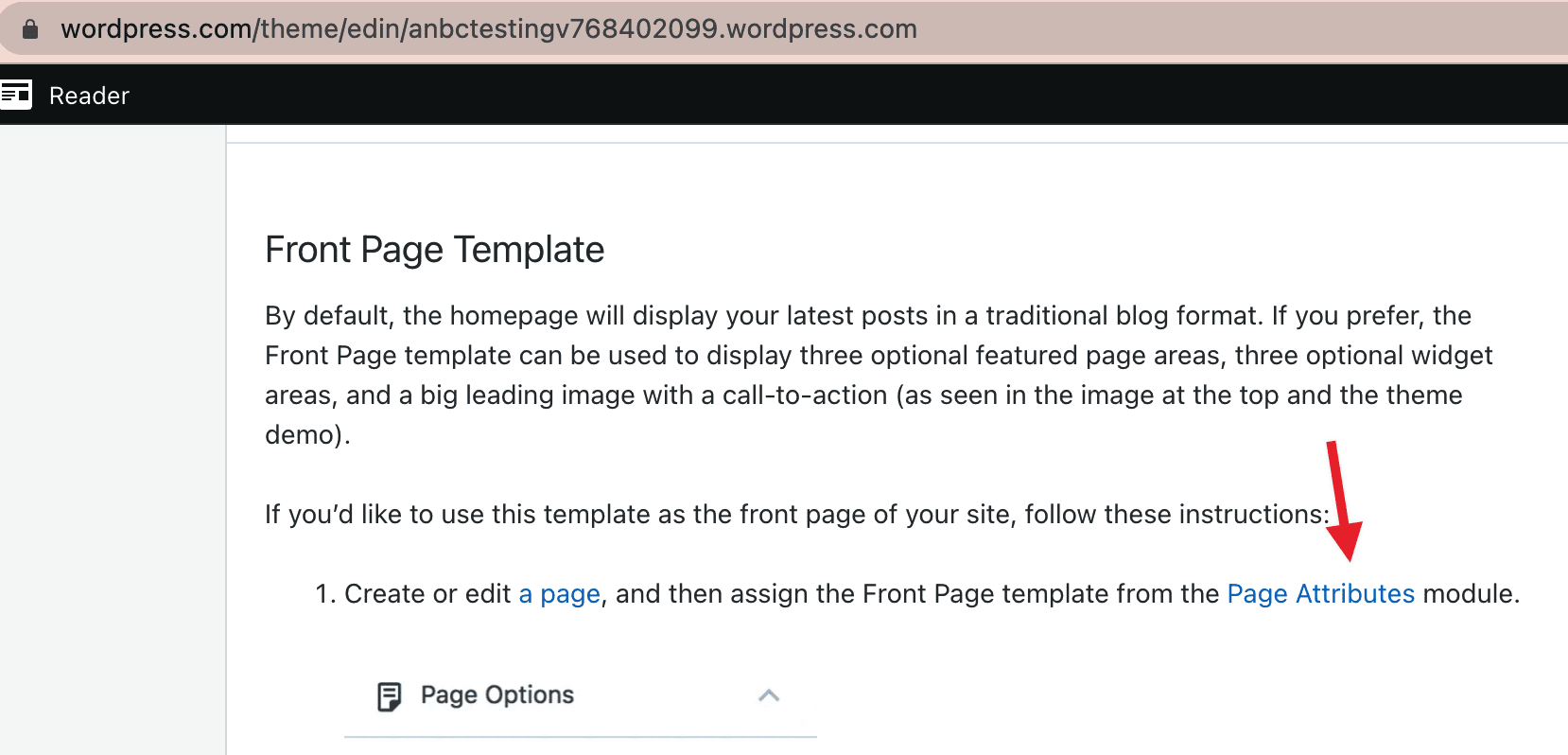
Create or edit a page, and then assign the Front Page template from the Page Attributes module.
The Template section is not under Page Attributes.
Steps to reproduce
- Go to https://wordpress.com/theme/edin/
- Check the instructions to set Front Page Template.
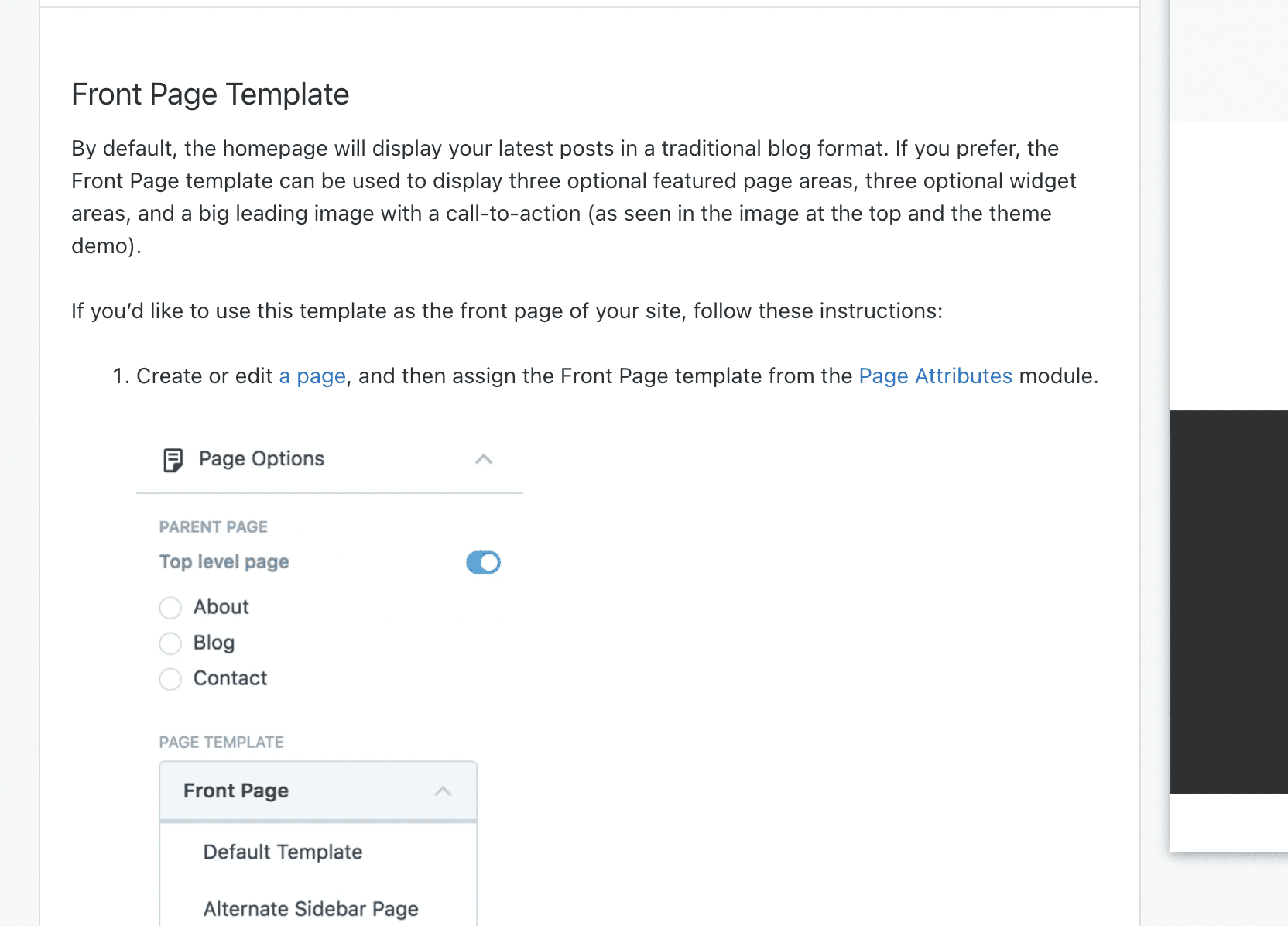
This is incorrect information.
What you expected to happen
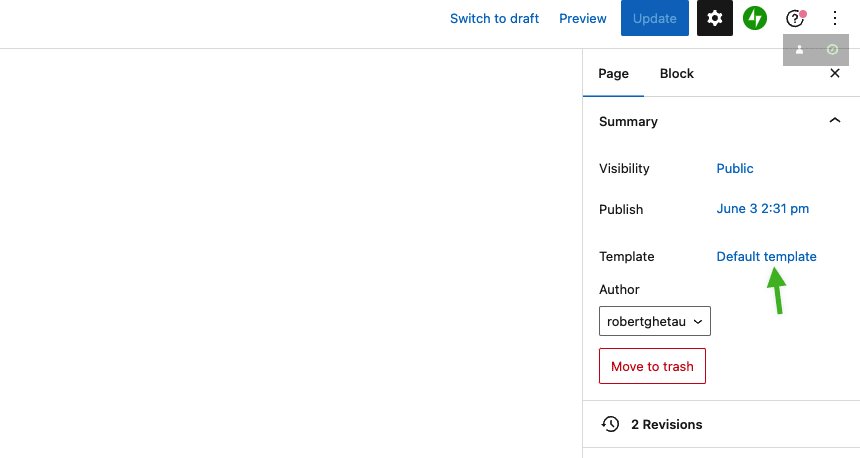
The template is selected from the Template section. It is not under Page Attributes.
What actually happened
The guide is incorrect. It asks to check under Page Attributes.
Context
User interaction: 5319452-zd-woothemes
Simple, Atomic or both?
Simple, Atomic
Theme-specific issue?
Edin
Browser, operating system and other notes
No response
Reproducibility
Consistent
Severity
No response
Available workarounds?
There is no user impact
Workaround details
No response

📌 HOUSEKEEPING
- Labels ✅
- Priority ✅
- Updated main description of report - No
📌 FINDINGS/SCREENSHOTS/VIDEO
Users use to be able to make changes to the Page attribute module before FSE.
Since FSE was launched, this has been updated to the Templates from the Site Editor so this would need to be updated
📌 ACTIONS
- Marked as Triaged for Quality Squad review

It strikes me that we may have many Classic themes for where this is changed. I'm putting this back in 'To be triaged' Could the next PA please check a range of Classic themes which have Page Templates - to see if the setup instructions are accurate?

Now it needs to be done from here:
One potential way to target them is by using the Full width template and the Classic themes tags:
https://wordpress.com/themes/filter/classic-theme+full-width-template/
