sensei
 sensei copied to clipboard
Published
20 hours ago •
 Automattic
Automattic
Email header displays when clicking site title in email preview
Steps to Reproduce
- Enable the Course theme.
- Open the Sensei Email template in the site editor.
- Click on the Site Title block and enable the Make title link to home block setting.
- Save your changes.
- Preview a Sensei email.
- Click on the site title.
What I Expected
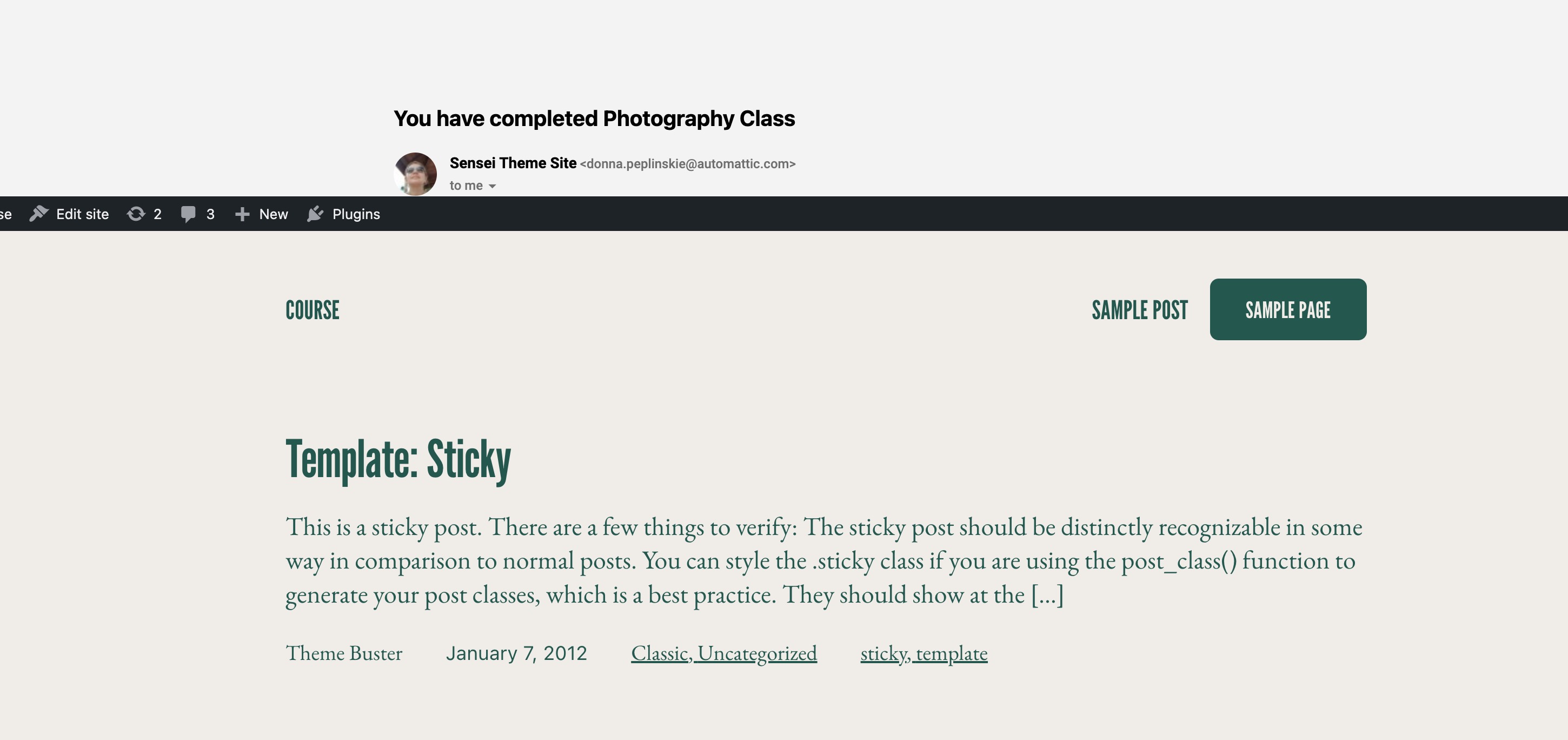
The header to not be displayed.
What Happened Instead
The header is displayed followed by the content.
Screenshot / Video